Hillnote for your knowledge
Everything you know, in one place you own.
Most of what you learn ends up scattered across apps you'll abandon. Hillnote gives it one home — plain markdown on your own disk, linked like a wiki, that grows richer the longer you use it and travels with you everywhere.
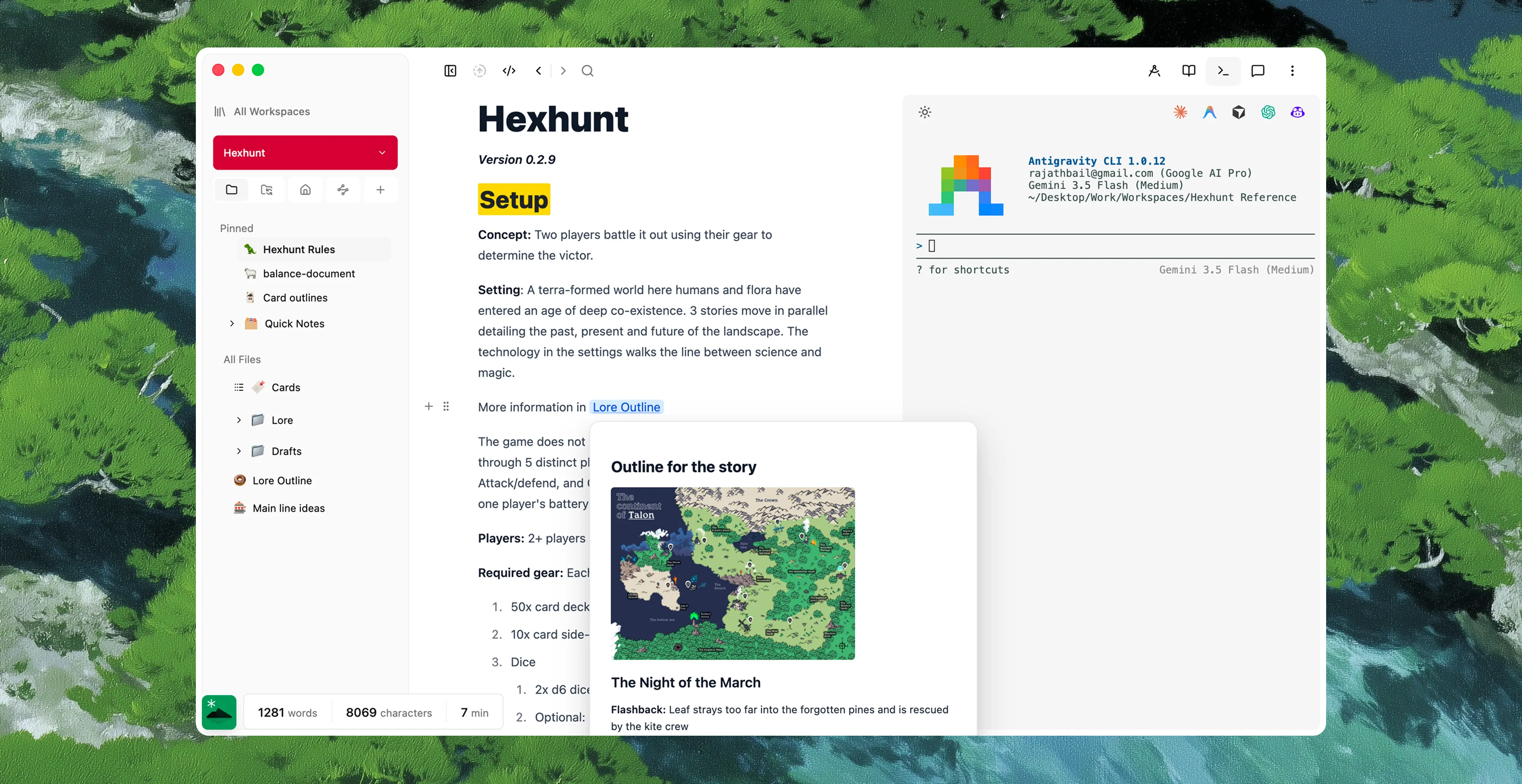
One base, every kind of knowledge.
A note, a database of sources, a map of ideas, an imported PDF — all the same plain markdown, all in one folder you own. The more it holds, the more it's worth.
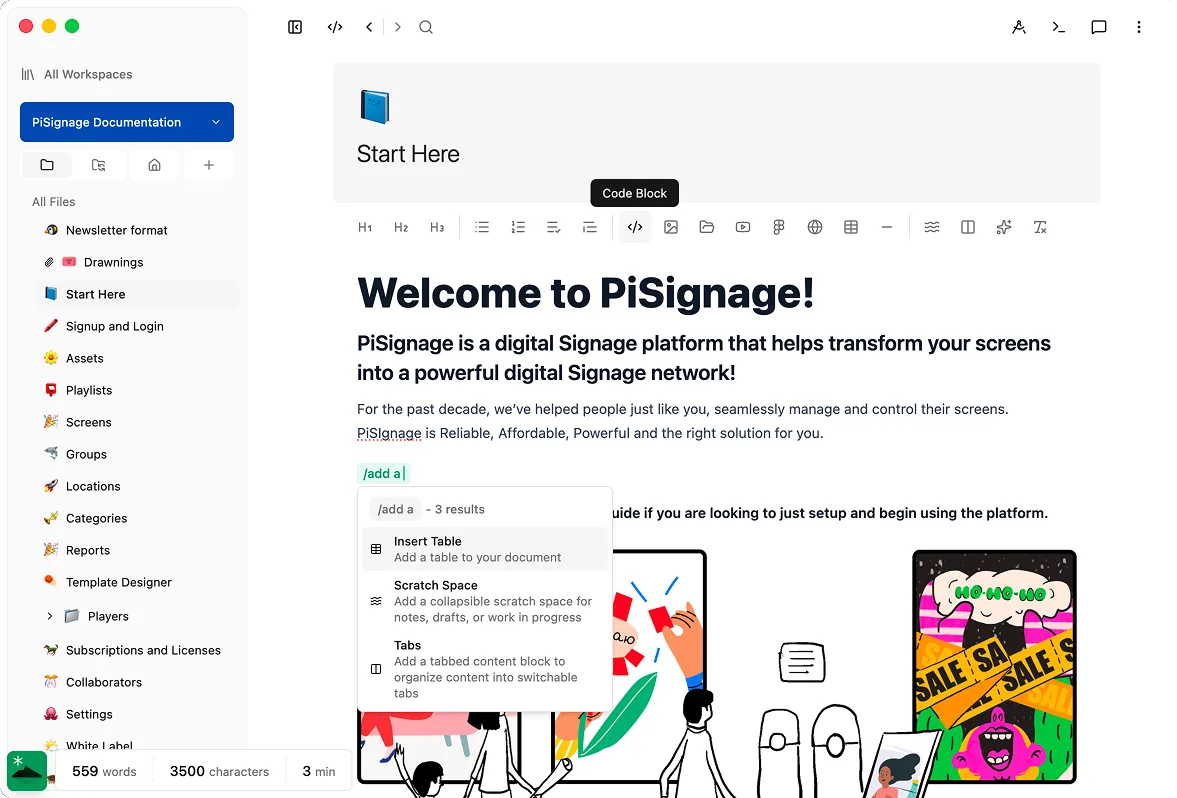
Documents
Rich markdown — headings, tables, code, math, embeds — all plain text underneath.
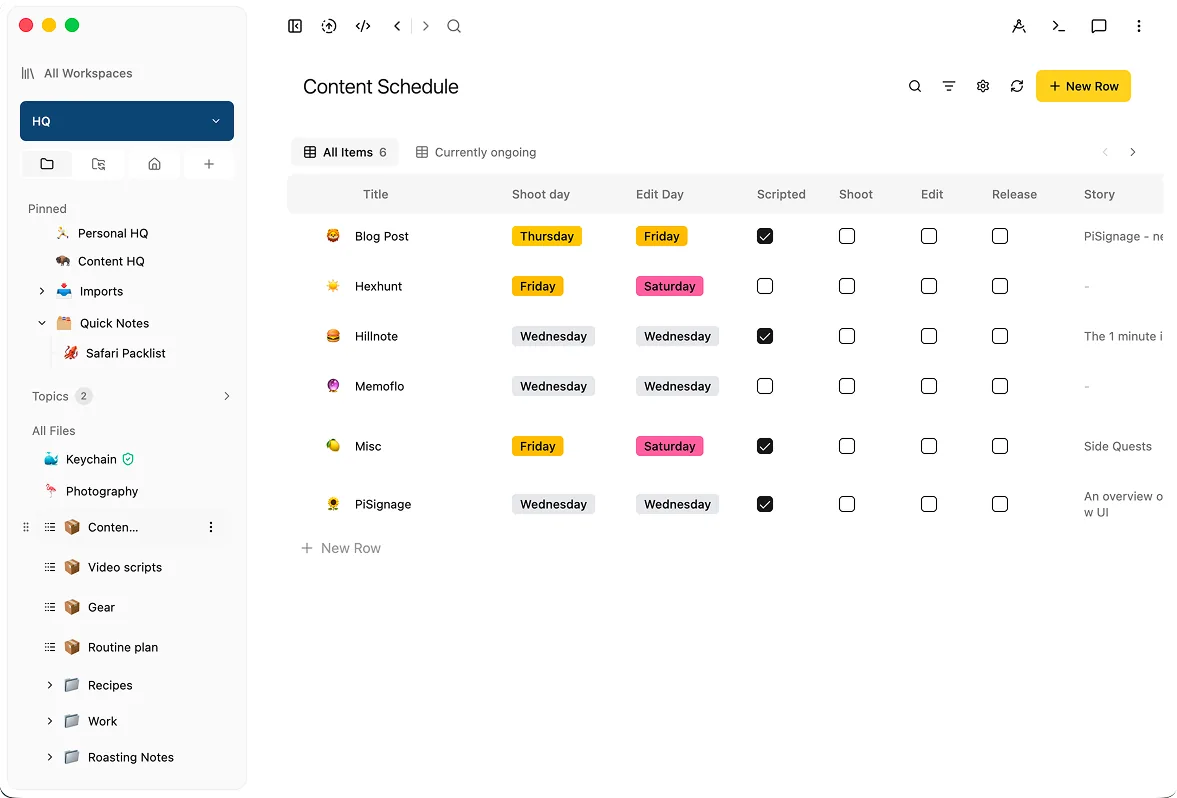
Databases
Promote a folder of notes into a sortable, filterable table with typed properties.
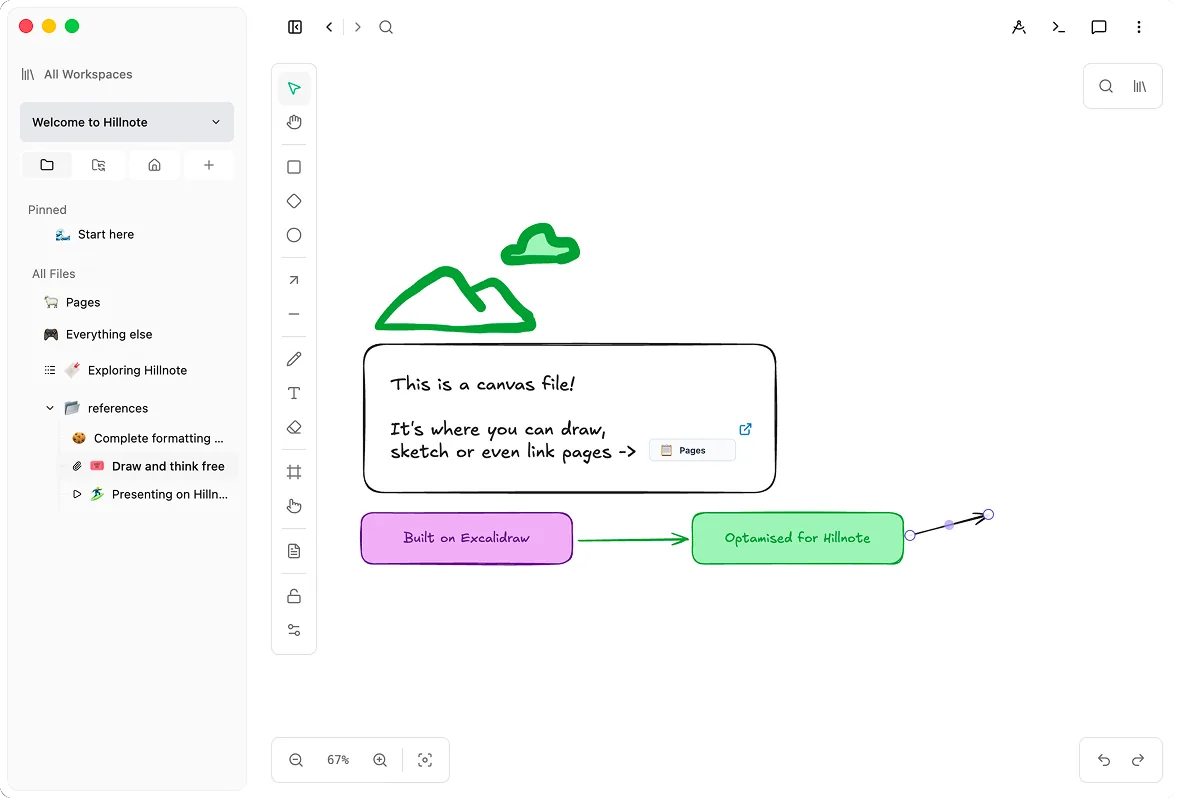
Canvas & maps
Lay ideas out spatially and draw the connections a linear list can't show.
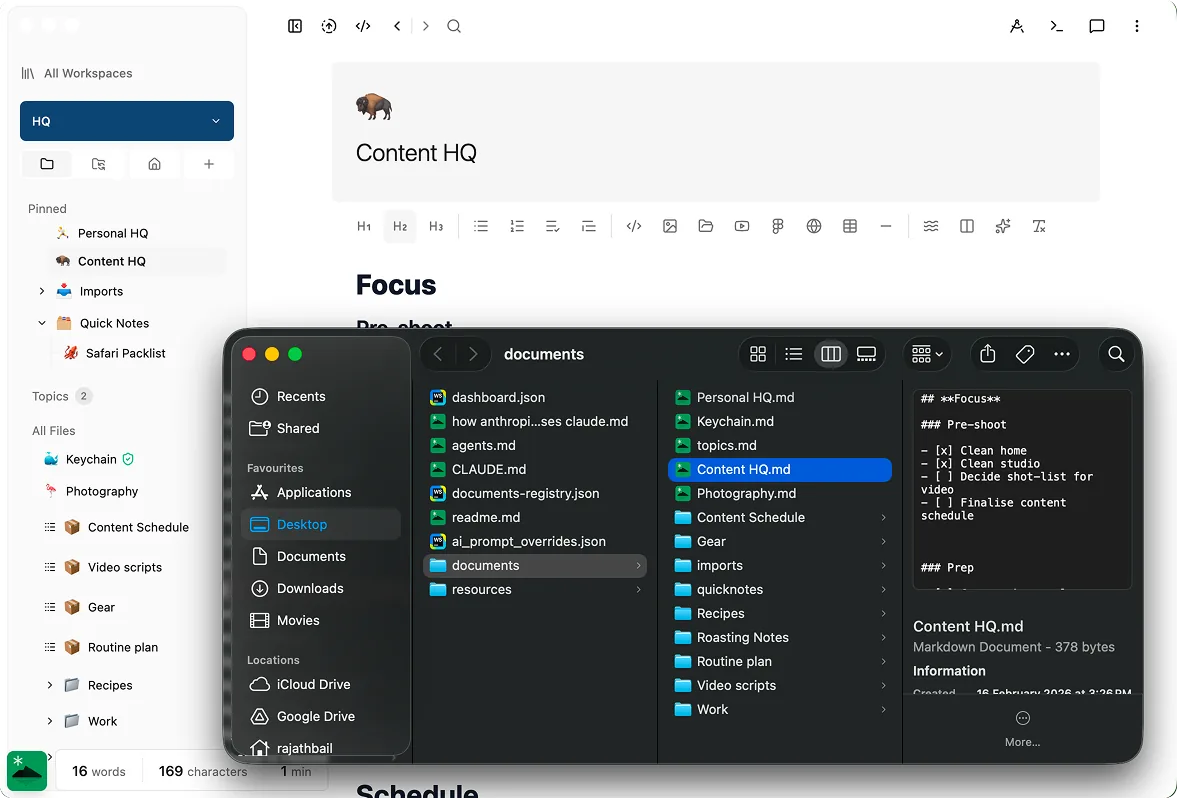
Everything on disk
Each note is a real file in a folder you choose — open it in Finder, git, or any editor.
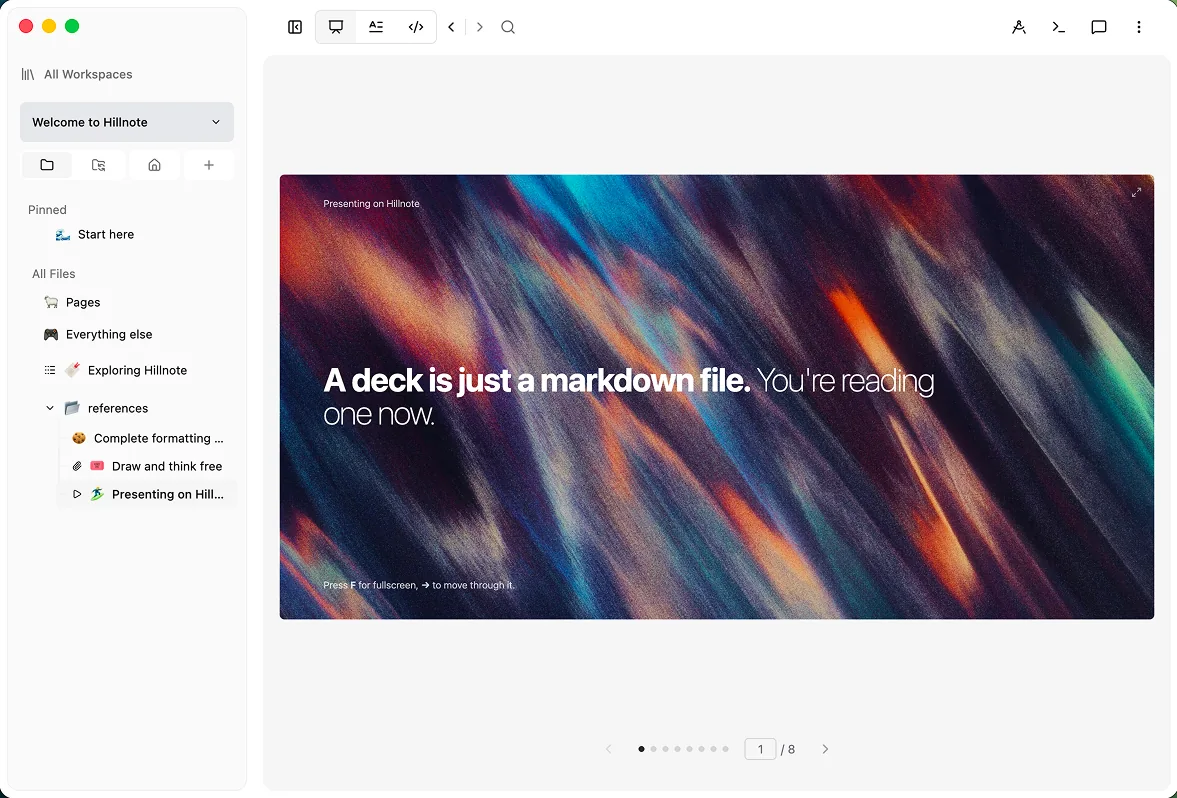
Slides
Turn any document into a deck to teach a topic back to yourself or anyone else.
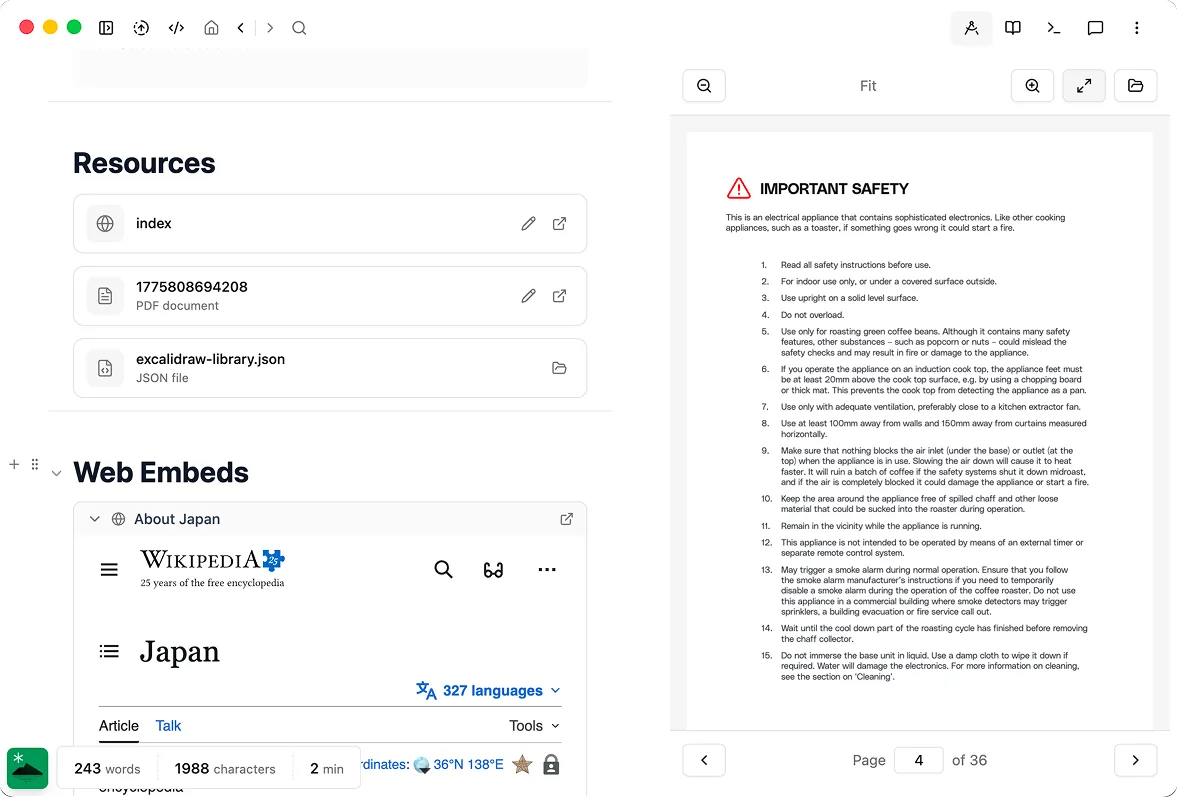
Imported sources
Pull in PDFs, DOCX, and web pages as clean markdown, so old notes join the same base.
Connect the dots, then see the whole web.
Type [[brackets]] to link any two documents and a graph of your thinking takes shape — follow it in any direction, and let two-way backlinks resurface the connection you'd have forgotten. The structure of what you know emerges as you write, instead of being a chore you do up front.
Built to grow with what you know.
Links & graph view
Connect documents with [[brackets]] and navigate the graph instead of a folder tree.
Automatic backlinks
Every link is two-way, so each note shows everything that points at it — surfaced for you.
Instant offline search
Full-text search runs locally over every document and works with no connection at all.
The same knowledge base your AI works in.
Because every note is a real markdown file, Claude, Cursor, and any MCP client read and cite your knowledge directly — through a built-in local server on your desk, or the cloud endpoint at hillnote.com/mcp from anywhere. Ask a question across years of notes and get an answer grounded in your own words, not the open web.
Knowledge your agents can read.
Your base is plain files with an MCP server in front of it, so the tools you already use can read, cite, and extend it directly.




And carry it in the cloud you already use.
Keep your base in a synced drive and it streams to every device — your agents read and write the same files straight from there, no second copy drifting out of step.


Share a corner of it as living documentation.
When knowledge is worth passing on, publish any workspace as a doc, wiki, or site with its own domain — the same markdown, now reachable on the open web. Edit the source and the published version keeps up, so your documentation never drifts out of date.

 Download for Mac
Everything you need to get started.
- Core editor on desktop and mobile
- Local AI via Ollama and Apple Intelligence
- Limited premium model use
- 100MB of synced storage
- Collaboration on synced workspaces
Annual plan only
Publish, automate, and bring your own keys.
- Everything in Free
- 1GB of synced storage
- Publish a workspace as a doc, blog, or site
- Up to 3 routines
- Bring your own API key
Billed monthly
For power users who lean on frontier AI daily.
- Everything in Plus
- 10GB of synced storage
- Publish up to 6 workspaces
- Custom domain mapping
- Up to 5 routines
- 20× the premium model credits of Free and Plus
Knowledge questions, answered
Where is my knowledge base stored?
In a folder on your own disk, as plain markdown — one file per document. You can open it in any editor, back it up, version it with git, or read it on your phone. Nothing is locked in a proprietary store, so it outlives any one app, including ours.
How do links, backlinks, and the graph work?
Type [[document name]] to link to any other note. Links are two-way, so each document shows the backlinks pointing at it, and a graph view lets you navigate the whole web of connections instead of digging through folders.
When should I use a database instead of notes?
When a subject grows past prose — a reading list, a set of sources, a collection of entities you want to sort and filter. A Hillnote database is still plain markdown underneath, so it lives in the same base and stays just as portable.
Can agents read my knowledge base?
Yes. Since every note is plain markdown in a real folder, Claude, Cursor, and any MCP client can read, cite, and edit it directly — through a built-in local server on your machine, or the cloud endpoint at hillnote.com/mcp for agents working remotely.
Can I take my knowledge base with me?
It travels on every device. The same workspace opens on Mac, Windows, iOS, and Android, and full-text search runs locally and offline on each. Turn on sync to keep them in step, or leave it off and each device keeps its own private copy.