
Pair with Dropbox
Keep your workspace in Dropbox.
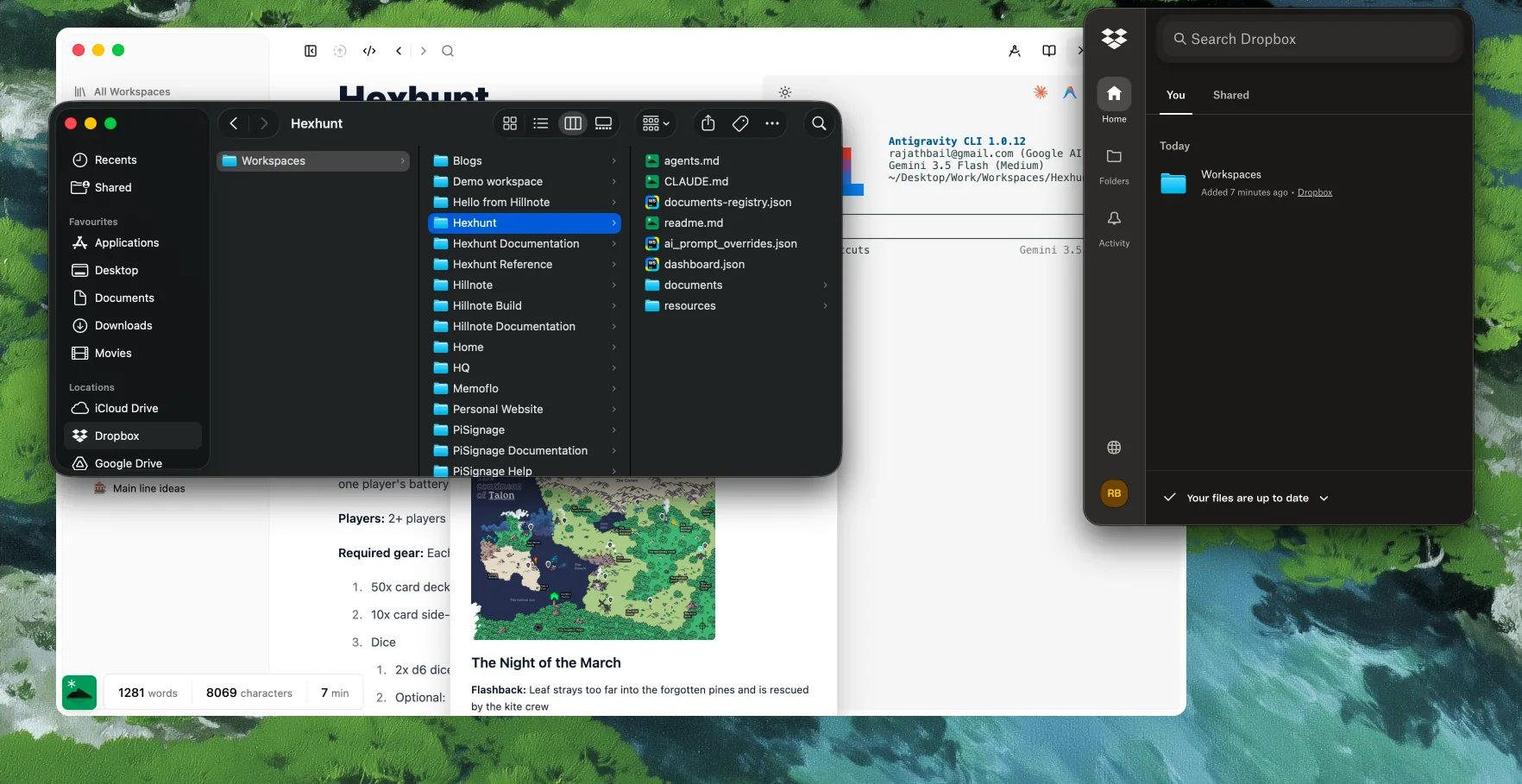
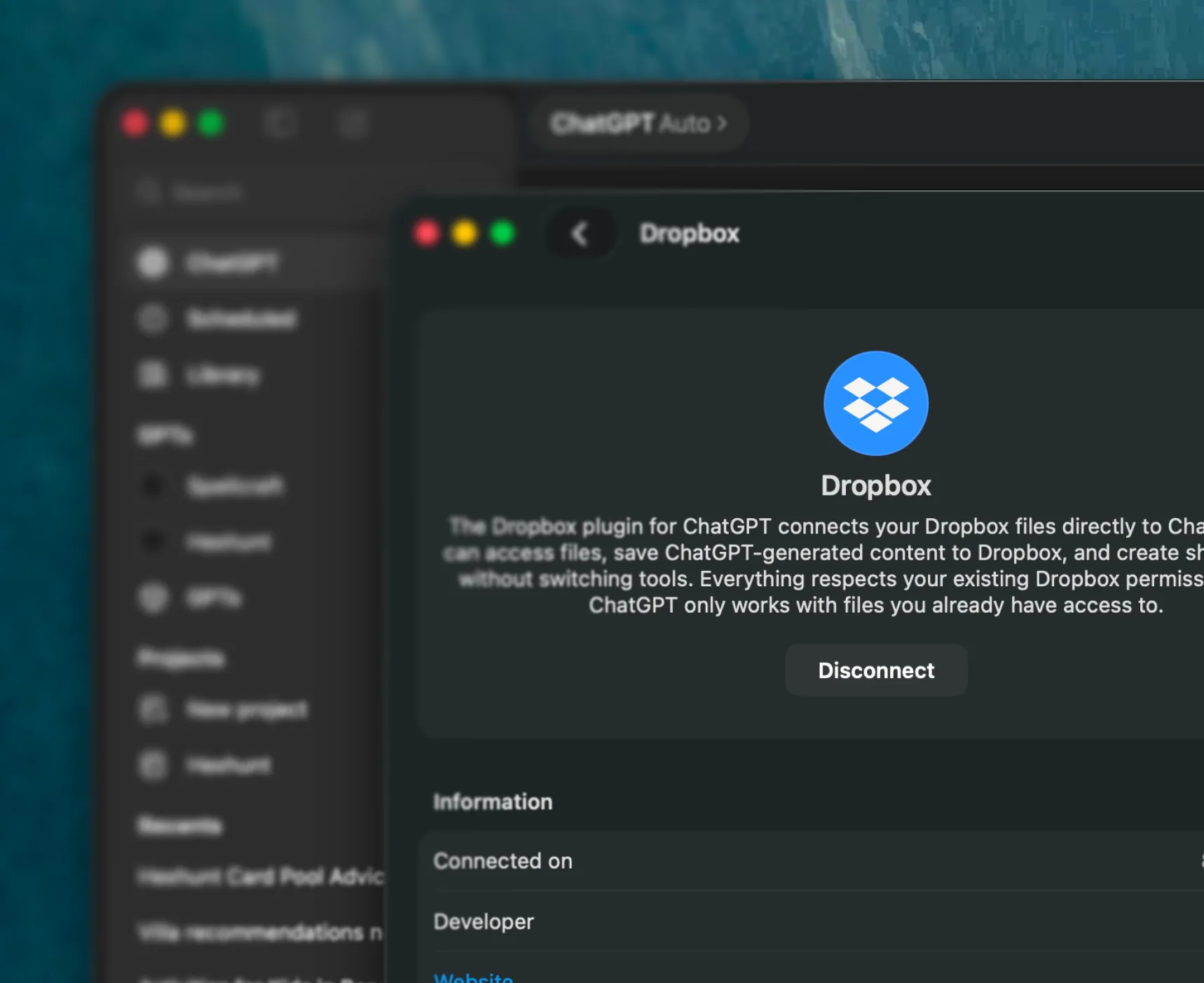
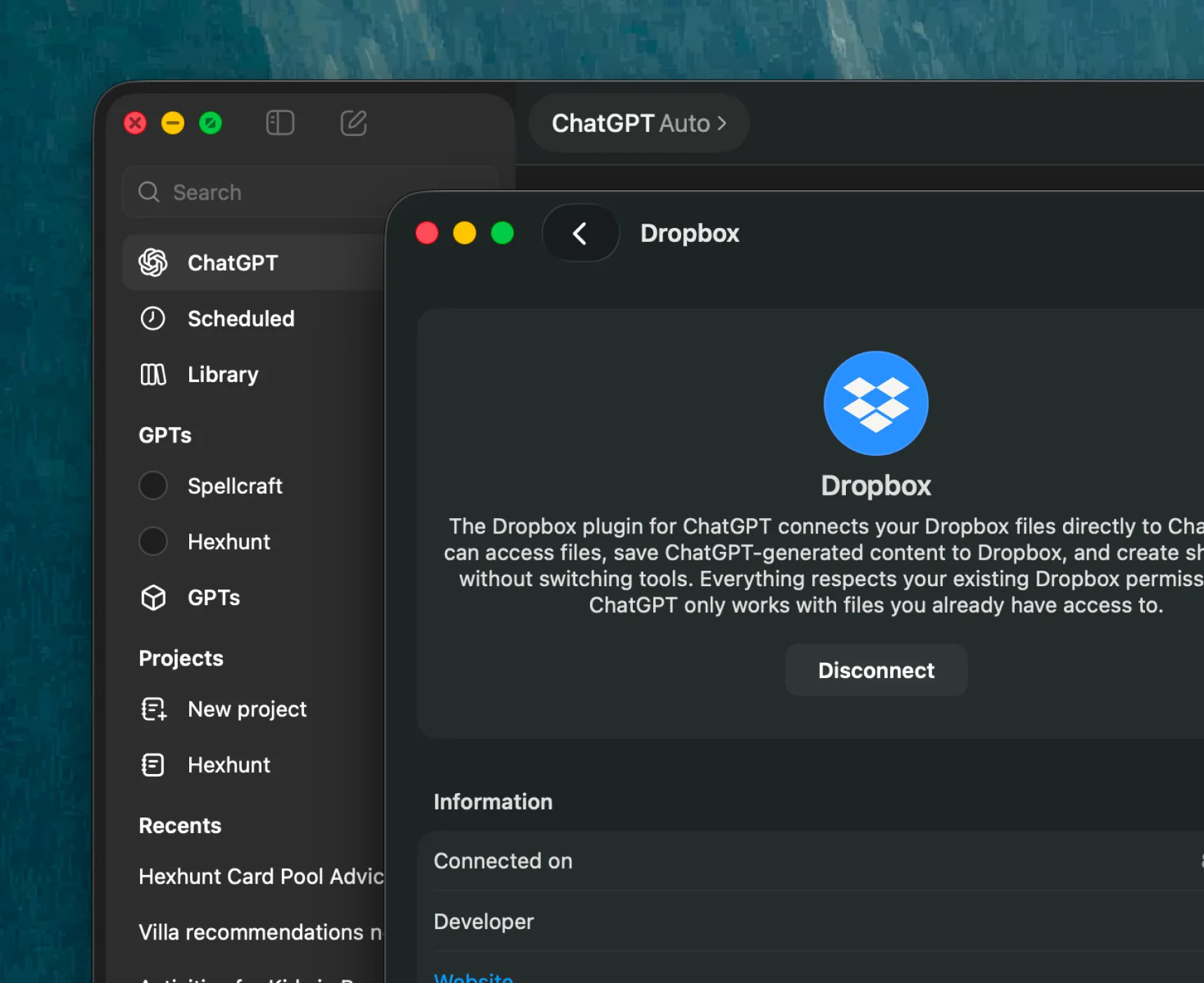
A Hillnote workspace is just a folder of plain markdown — so keep it in your Dropbox folder and it syncs to every device, no Hillnote cloud required. Hillnote watches the folder and reconciles edits that arrive from elsewhere, and your notes stay reachable by everything else that works with Dropbox.
Everywhere Dropbox already is.
Keep the workspace in your Dropbox folder and it follows you to every device you're signed into — the desktop app streams files online-only to save space, or keeps them available offline. The same files, kept in step by a service you already trust.
Edits from outside, handled.
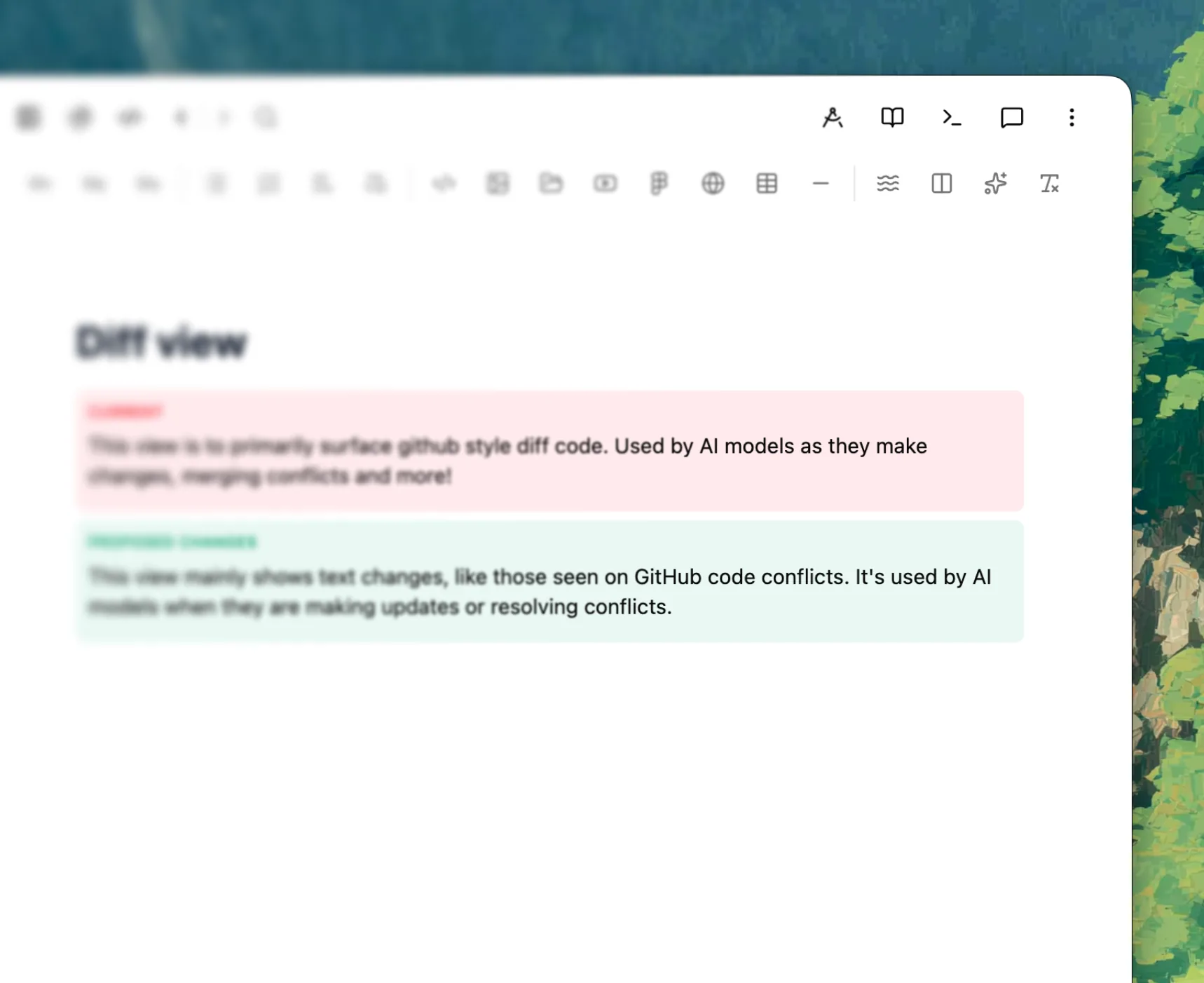
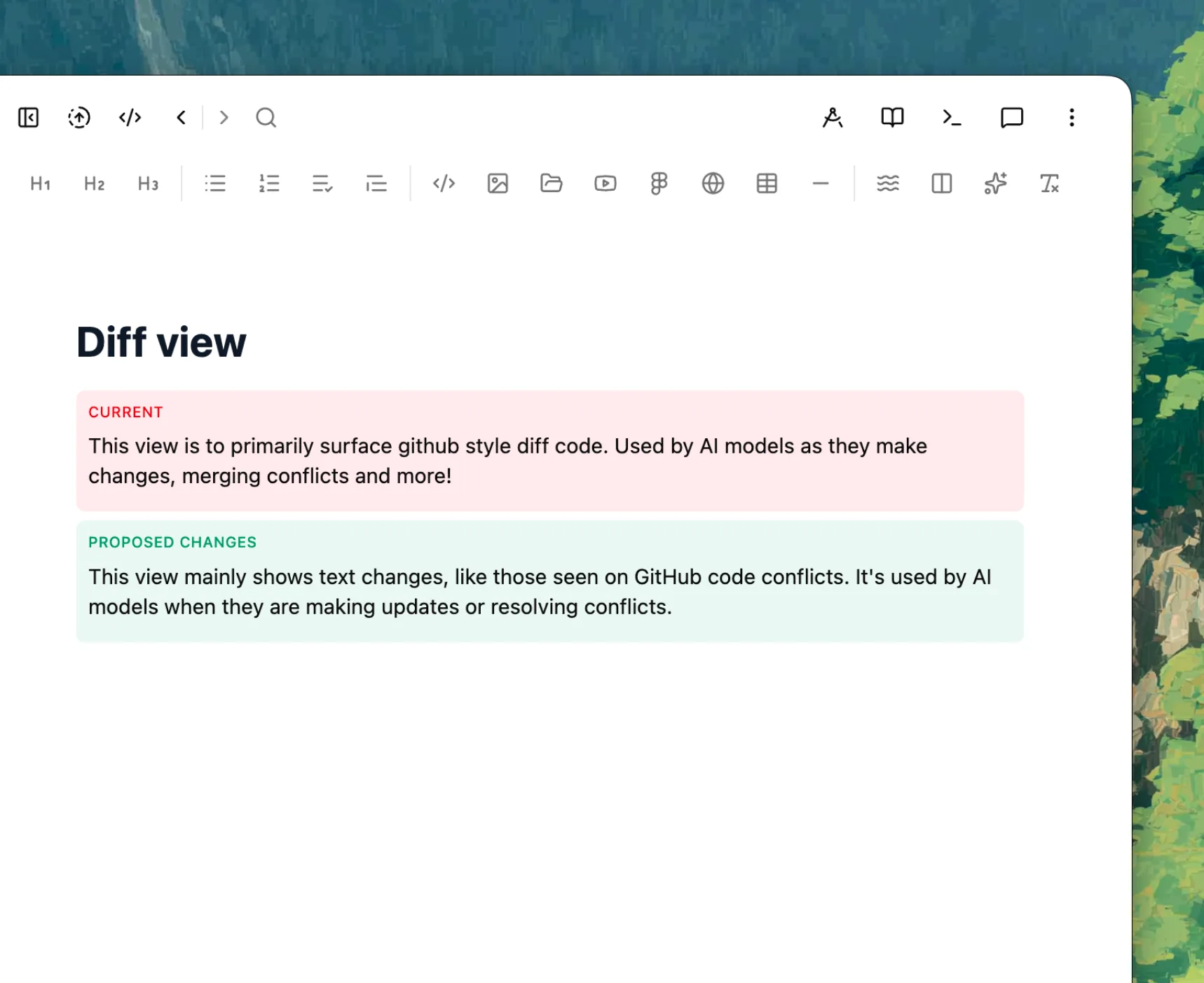
When Dropbox lands a change from another device — or another app or agent edits a file — Hillnote notices in the background. If you're not mid-edit it quietly reloads; if you are, it keeps both with git-style conflict markers you resolve inline. A change synced in by Dropbox never clobbers what you're writing.
How Hillnote stays in step with your Dropbox.

Watches the folder
A file watcher notices the moment Dropbox lands a change from another device, app, or agent.

Silent reload when idle
No unsaved edits? The new version just reloads in place, like an editor refreshing a file that changed on disk.
Conflict markers mid-edit
Editing when a change arrives? Hillnote keeps both with git-style markers and lets you resolve inline — never a silent overwrite.

Online-only, handled
Dropbox can keep files online-only to save space; Hillnote reads them with a timeout and, if one isn't downloaded yet, prompts you to make the workspace available offline so reads stay instant.

Backup & history, free
Dropbox keeps an off-machine copy and its own version history of the workspace as a side effect.
Still plain markdown
It's a folder of files — open it in any editor or move it out of Dropbox whenever you like.
Reachable by everything that works with Dropbox.
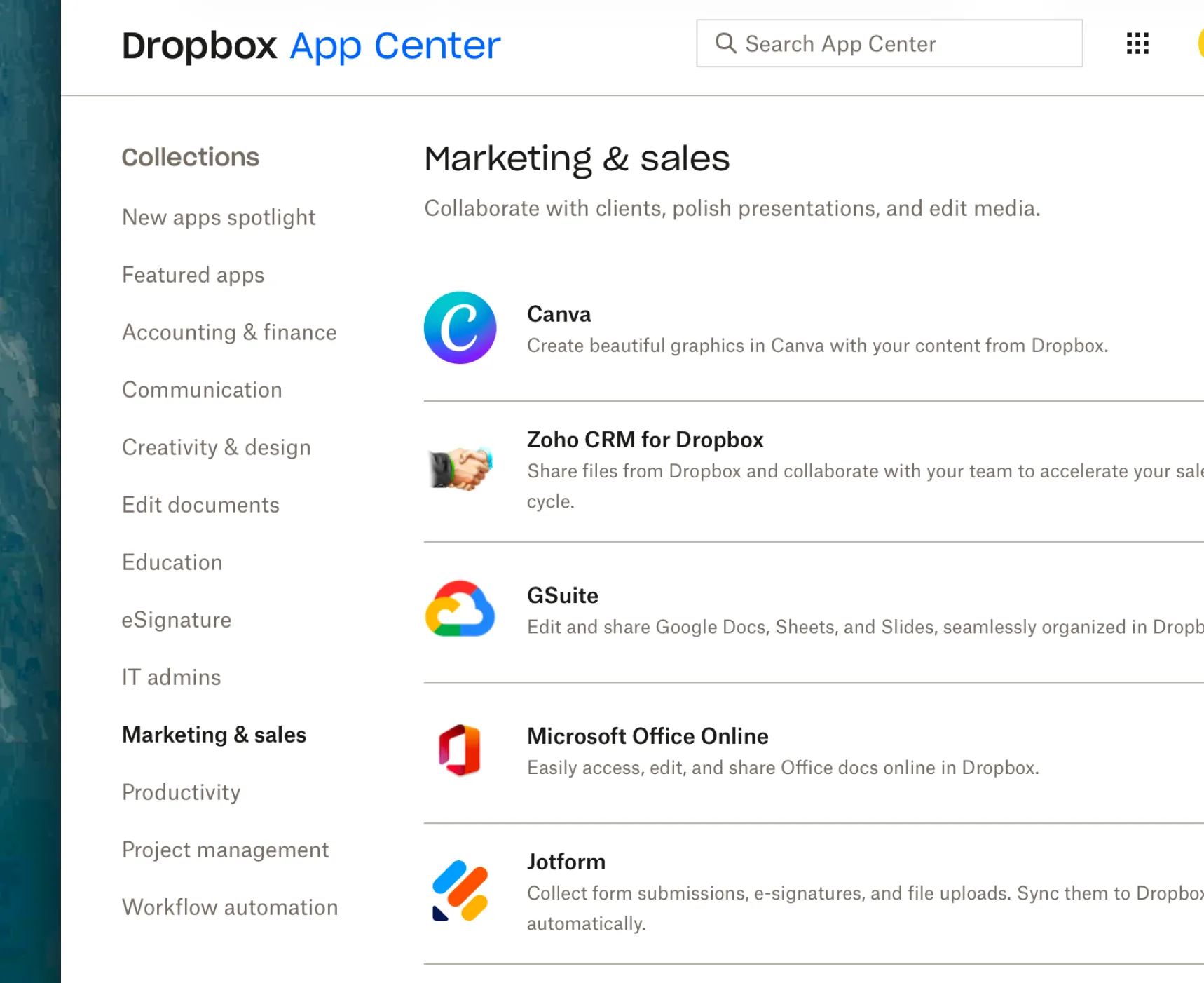
Because it's plain files in your Dropbox, your notes plug into the rest of the Dropbox ecosystem. Dropbox's own AI — Dash and Dropbox AI — can search and summarize your files, markdown included, as it rolls out; a beta Dropbox MCP server lets AI tools reach your content; and the App Center wires in 100+ apps from Google Workspace to Slack. Since Dropbox syncs the folder to your disk, the agents you pair with Hillnote work on it like any local project.
Your notes work with everything else, too.
Because the workspace is plain files in your Dropbox, the agents you pair with Hillnote read and edit it like any local folder — and Dropbox's own AI can reach it in the cloud.




 Download for Mac
Dropbox questions, answered
How do I keep a workspace in Dropbox?
Install the Dropbox desktop app, put the workspace folder inside your Dropbox folder, and open it in Hillnote from that path. It syncs to every device you're signed into — keep it available offline if you want the whole workspace local.
Does Hillnote notice changes made outside the app?
Yes — that's the point. Hillnote watches the workspace folder, so when Dropbox syncs in a change from another device (or another app or agent edits a file), it reconciles: a silent reload if you're not mid-edit, or git-style conflict markers to resolve inline if you are. Your words are never quietly replaced.
What about online-only files?
Dropbox can keep files online-only to save space. Hillnote reads them on demand and, if one isn't downloaded yet, lets you know and prompts you to make the workspace available offline so reads stay instant instead of stalling.
Do I still need Hillnote's own sync?
No. Letting Dropbox carry the folder between devices is an alternative to Hillnote's built-in cloud sync — use whichever you prefer, and keep some workspaces local-only if you like.
What else can work with my notes in Dropbox?
Plenty, because they're just files. Dropbox Dash and Dropbox AI can search and summarize your files — markdown included — as they roll out, the App Center's 100+ integrations and a beta Dropbox MCP server connect more tools, and the agents you pair with Hillnote — Claude, ChatGPT, Cursor, Gemini — work the folder like any local project.
Is it really just files?
Completely. It stays plain markdown in a folder, so you can move it out of Dropbox, open it in another editor, or hand it to an agent at any time — no lock-in.