Local-first • Encrypted sync • Password-protected notes
Your work lives on your own machine as plain markdown. Nothing leaves your device until you turn on sync — and when you do, it's encrypted on the way and at rest. For anything sensitive, add a password and the note becomes end-to-end encrypted: only you hold the key.
Local files and sync is turned off by default.
Every document is plain markdown in a folder you pick. Sync is off until you switch it on, so by default nothing is uploaded anywhere — your notes simply sit on your disk, readable by Finder, git, and any tool you already trust. Local-first isn't a mode you opt into; it's where you start.
Encrypted the moment it travels.
When you enable sync, every transfer runs over HTTPS and your files are encrypted at rest in cloud storage with AES-256. Each workspace is isolated to your account, and access is gated by authentication and role checks — only you and the collaborators you invite can reach it.
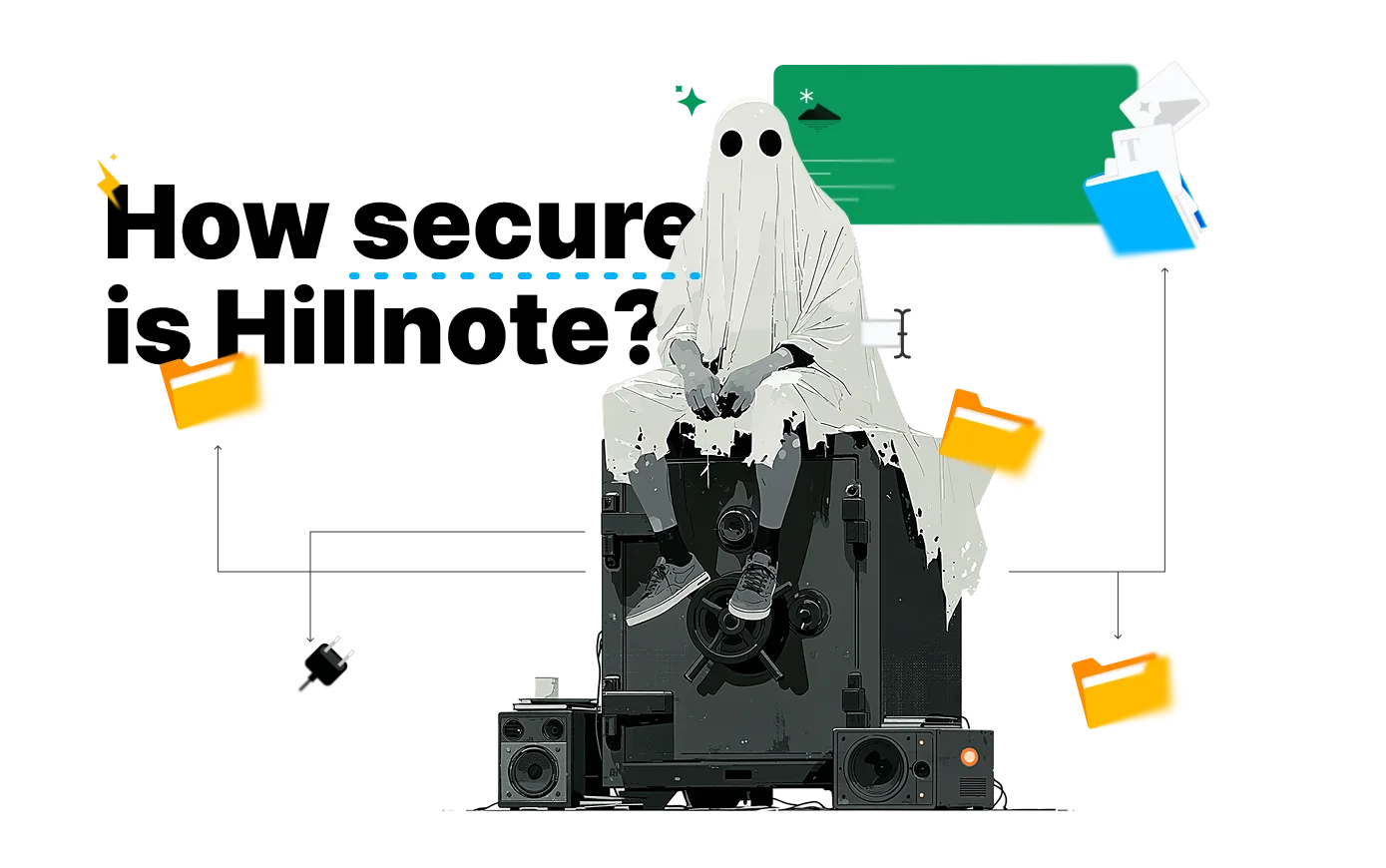
How Hillnote protects your work
On your device by default
Plain markdown in a folder you choose. Sync is opt-in, so your notes stay local until you decide otherwise.
Encrypted when it travels
Turn on sync and everything moves over HTTPS and rests encrypted with AES-256, scoped to your account.
Yours to take anywhere
Open formats and a folder you own — export, back up, or walk away at any time. Nothing is locked in a proprietary store.
Password-protect a note, and even we can't read it.
Add a password to any note and Hillnote encrypts it with AES-256-GCM using a key derived from your password on your own device. The key never reaches our servers — we only ever store the encrypted envelope. That's true end-to-end encryption: forget the password and not even we can recover it.
The details that keep your account safe.
Tokens encrypted on-device
Your sign-in token is stored encrypted with AES-256-GCM, sealed to your installation — not left sitting in plain text.

Per-account isolation
Synced workspaces are partitioned by account and guarded by authentication and role checks on every request.

Local AI when you want it
Run on-device models through Ollama and Apple Intelligence. Frontier models only ever see a note when you choose one.


 Download for Mac
Security questions, answered
Is my data end-to-end encrypted?
When you sync, your data is encrypted in transit (HTTPS) and at rest (AES-256) — the same protection mainstream note apps offer. For full end-to-end encryption, password-protect the note: it's encrypted on your device with a key only you hold, and we store nothing but the ciphertext.
Can Hillnote read my notes?
Notes you sync without a password are readable by the service so features like search, AI, and publishing can work on them — like Notion, Evernote, and similar apps. Notes you password-protect are not: we only ever see the encrypted envelope and cannot decrypt it.
What happens if I never turn on sync?
Nothing leaves your device. Sync is opt-in. Until you enable it, your workspace is just files on your own disk — no account required to write, edit, or use local AI.
Where exactly are my files stored?
In a regular folder on your machine that you choose — one plain-markdown file per document. Open it in Finder, back it up with Time Machine, version it with git, or point an agent at it. Nothing is hidden in a proprietary database.
Is AI processing done locally?
You choose. Apple Intelligence and any Ollama model you install run entirely on your device. Frontier models like Claude or GPT only receive a note's context when you explicitly pick one for a task.
How is my sign-in protected on this device?
Your authentication token is stored encrypted with AES-256-GCM, using a key tied to your specific installation — so it isn't readable as plain text even on the same machine.