macOS & Windows • Free forever • Works offline
The workspace for deep, focused work. Everything you're thinking through in open formats and in one place. Reach for local AI without ever leaving your desk.
 Download for Mac
 Download for Windows
Room to think deep and wide.
Open as many documents as the problem needs, lay them out side by side, and keep the whole shape of your thinking in view. Multiple windows, a workspace that holds thousands of files, and shortcuts for everything — the desk you spread out on when the work gets real.
One workspace, every format.
Documents, databases, boards, calendars, slides, and canvases — each one a markdown file you own, all living in the same folder.
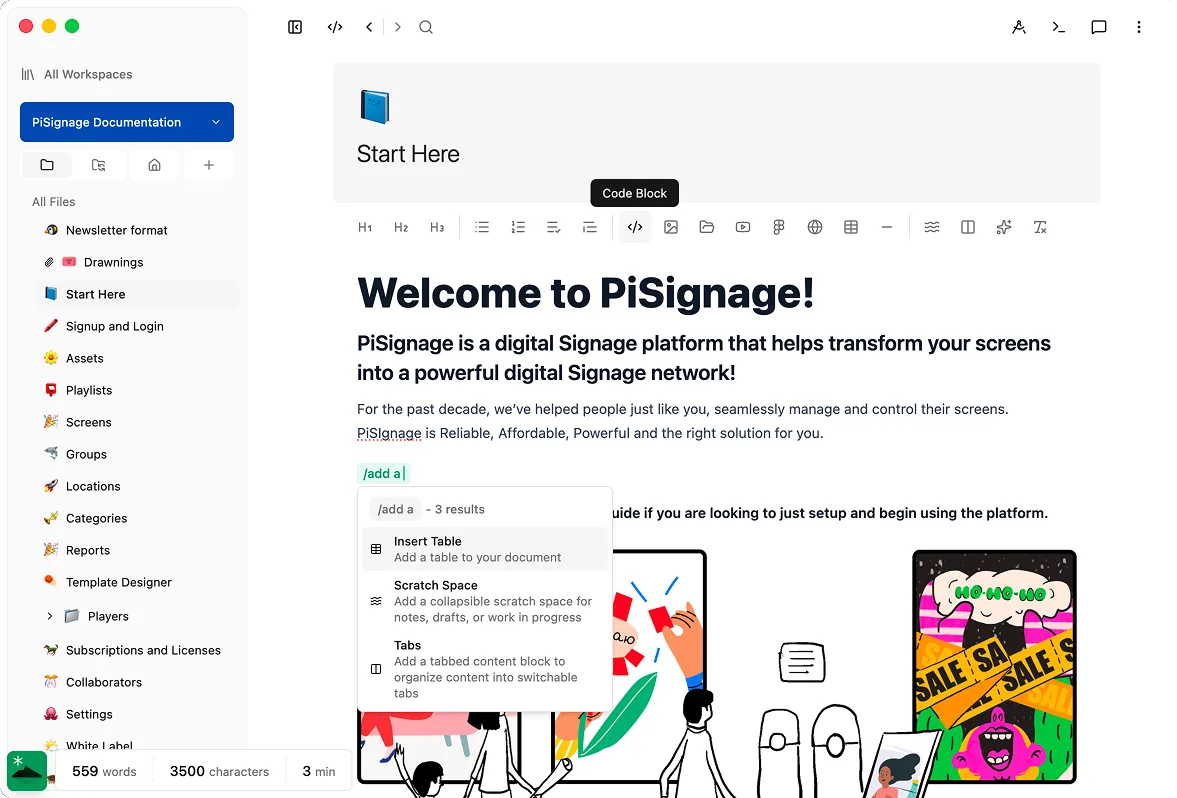
Documents
A full rich-text editor — headings, tables, code, math, and embeds, all on plain markdown.
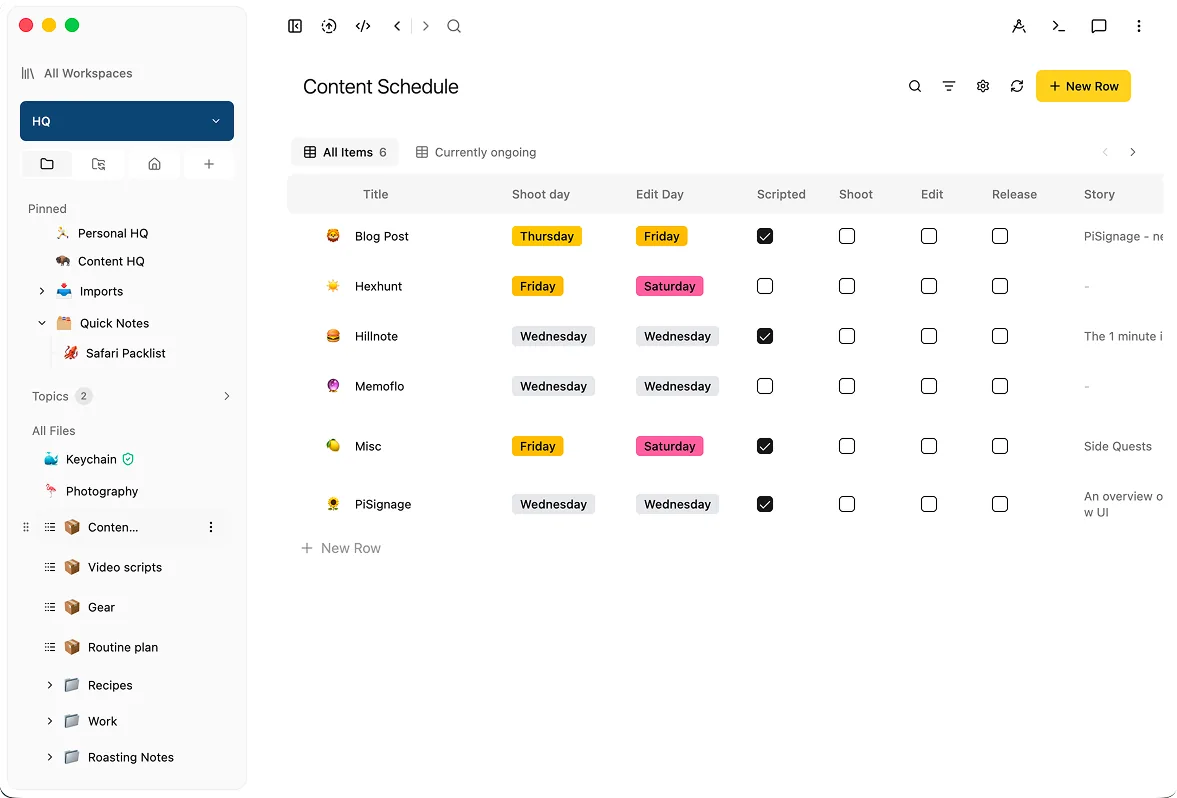
Databases
Turn a folder of notes into a sortable, filterable table with typed properties.
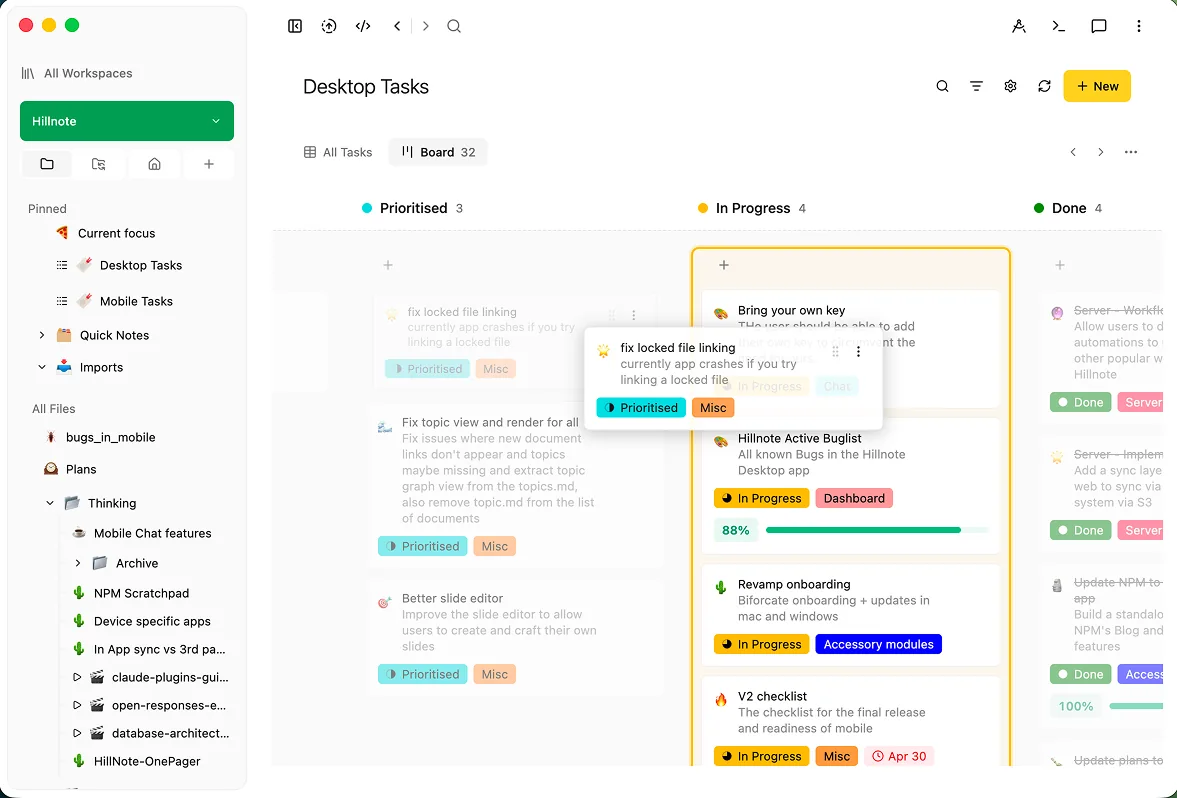
Kanban boards
Drag the same records across columns to plan and track work visually.
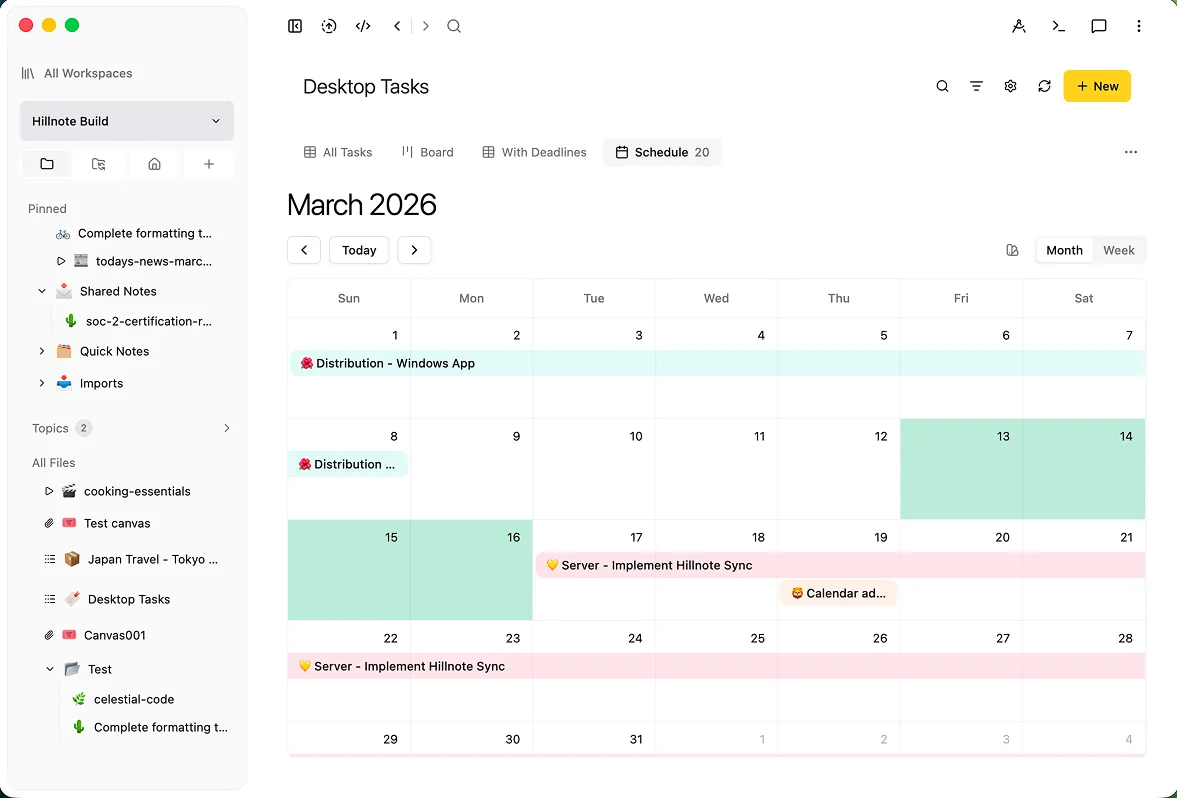
Calendar & schedule
See anything with a date laid out on a month or week view, right beside your notes.
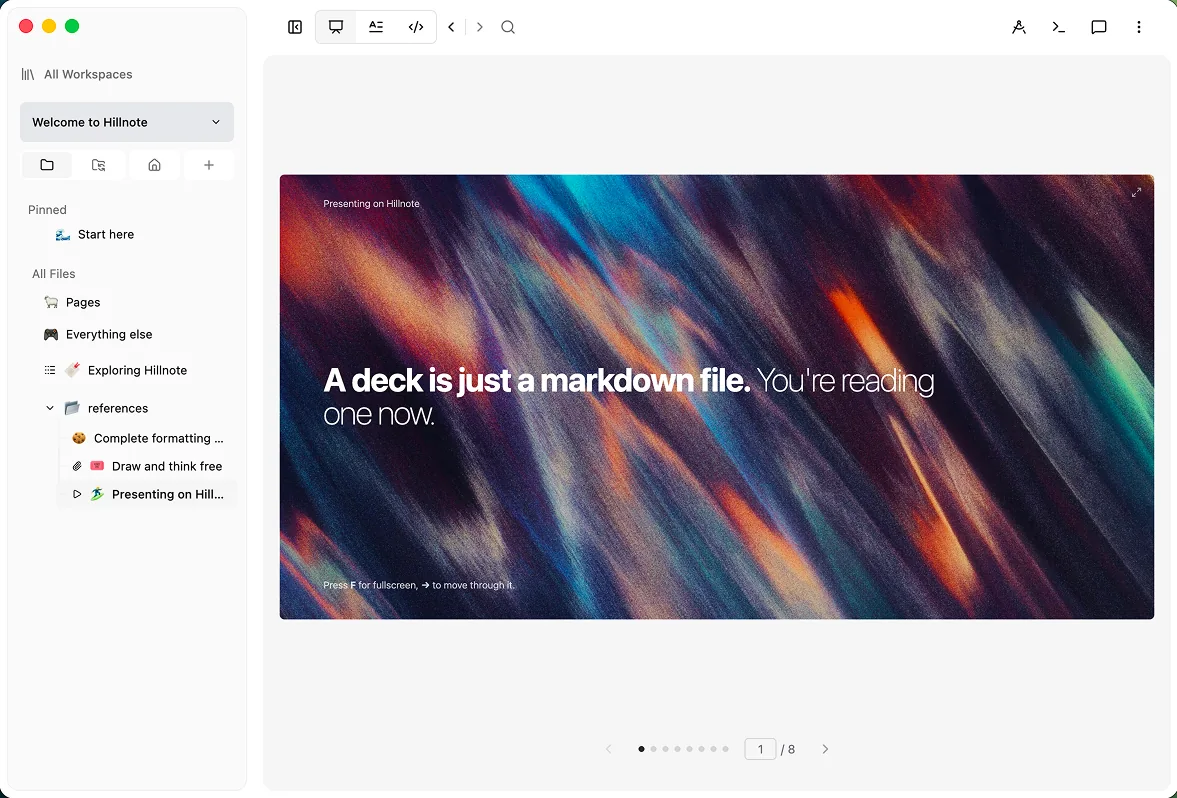
Slides
Write a deck the way you write a doc — every slide is just a markdown section.
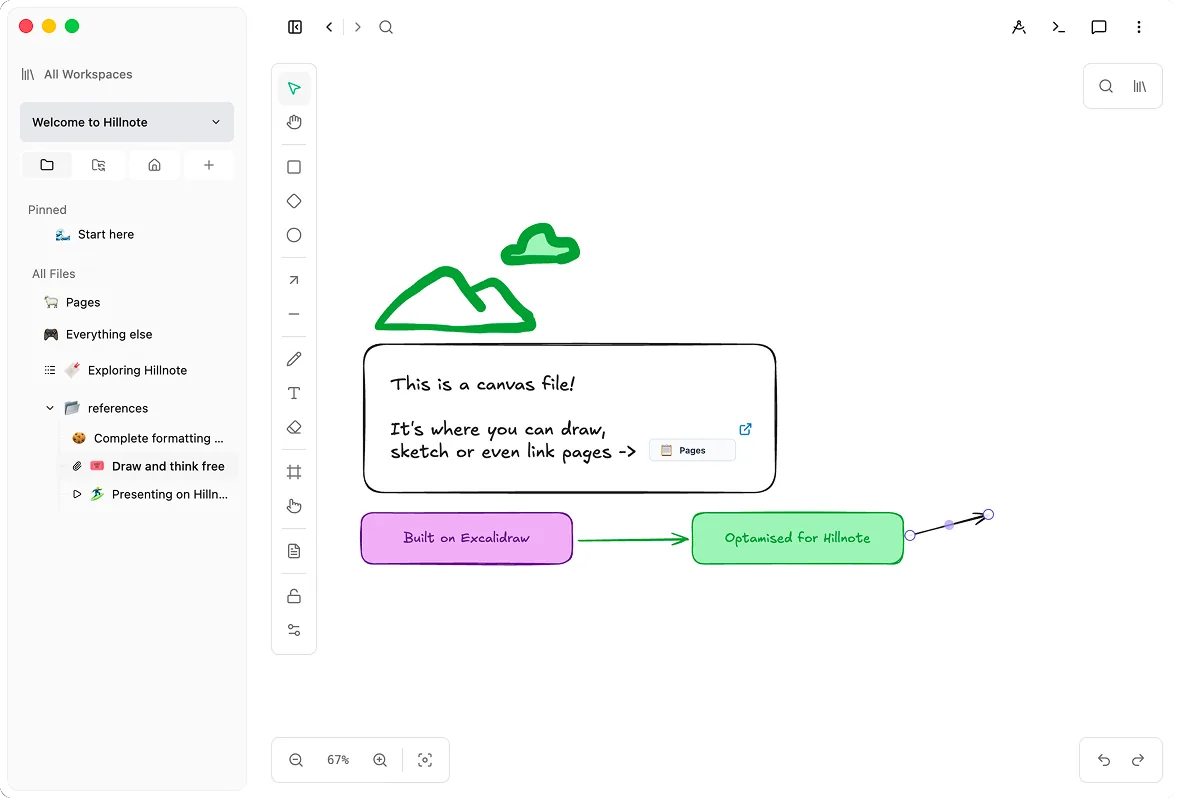
Canvas
An infinite Excalidraw board to sketch, diagram, and link documents together.
Catch the thought without losing your place.
A global hotkey drops a capture window over whatever you're doing, and the menu-bar icon keeps a scratchpad and your recent files a click away. Jot it down, get back to work — nothing breaks your flow.
Made for focused work
Open many documents at once, lay them out across windows, and keep a big problem in view. A workspace that stays out of the way so you can stay in the work.
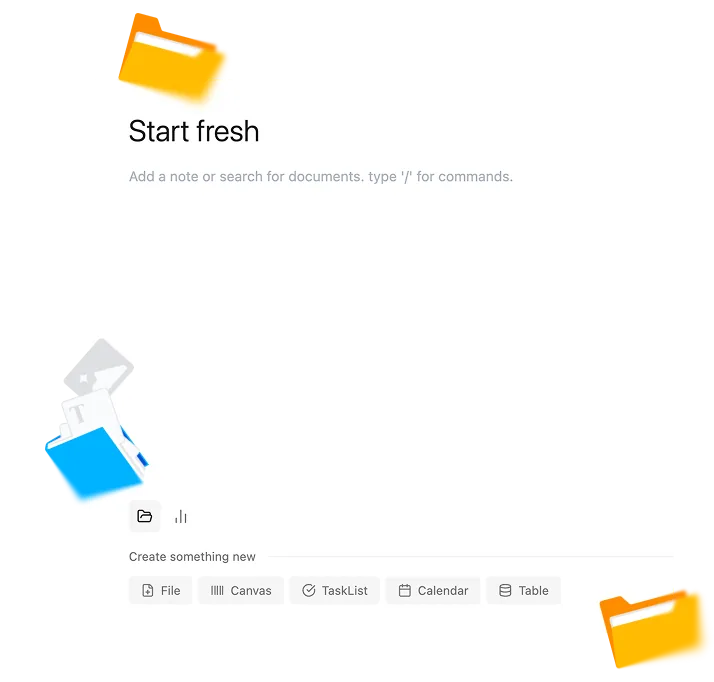
See the workspace
Everything on your disk
Pick any folder and Hillnote writes plain markdown straight into it — readable by Finder, git, and every other tool you already run.
See how files work
AI without the cloud
Apple Intelligence and Ollama run inference locally. On a plane, in a tunnel, behind a firewall — the assistant keeps working.
Explore local AI
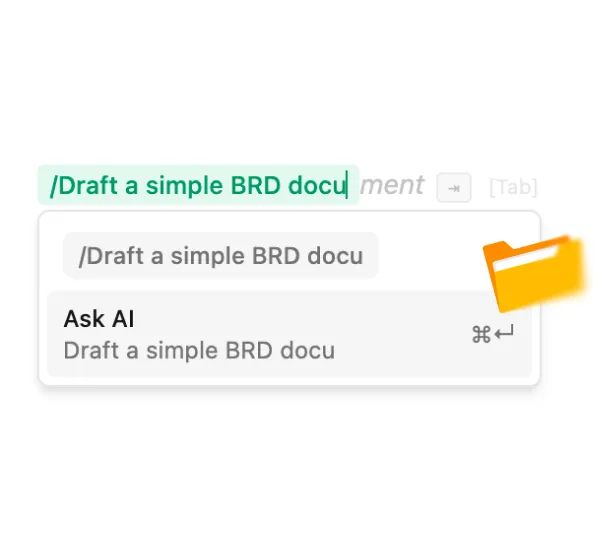
A thinking partner that stays at your desk.
Apple Intelligence and any Ollama model you've pulled run right on your own machine for rephrasing, summaries, and inline edits — quick help that's always there, online or not. Auto-mode reaches for a frontier model only when you ask. Small thoughts stay home; big ones get the right tool.
Made for the rest of your toolchain.

Built-in CLI
Drive your workspace from the terminal — open, search, and pipe documents, or run an agent loop right inside Hillnote. If it works in the terminal, it works in Hillnote.
Local & Cloud MCP servers
A STDIO MCP server ships in the app, with a hosted cloud MCP server at hillnote.com/mcp, so Claude Code, Cowork, and Codex connect to your files with zero setup.

Open formats
Markdown in, markdown out. Import from PDF, DOCX, and HTML; export anything as plain files you fully own. Hillnote files work on any tool that speaks markdown.
Your work lives in a folder you can open anywhere.
Every document is plain markdown in a directory you choose. Point Finder, VS Code, git, Time Machine, or Claude Code at it — they all see exactly what Hillnote sees. Nothing to export, nothing to migrate, nothing locked away if you ever walk away.
Pairs with everything else on your desk.
Your workspace is plain markdown in a folder, with a local MCP server in front of it. So the agents, editors, and drives you already use can read and write it directly — no export, no copy, no lock-in.





The full desktop app, no account required.
- Complete editor for macOS and Windows
- On-device AI via Ollama and Apple Intelligence
- Unlimited local documents and workspaces
- Built-in CLI and local MCP server
- Limited premium model use

Billed yearly
Add sync, publishing, and your own API keys.
- Everything in Free
- Sync your desktop workspace to mobile
- 1GB of synced storage
- Publish a workspace as a doc, blog, or site
- Up to 3 routines
- Bring your own API key

Billed yearly
For desktops that lean on frontier AI all day.
- Everything in Plus
- 10GB of synced storage
- Publish up to 6 workspaces
- Up to 5 routines
- 30× premium model usage vs other plans
Desktop questions, answered
What are the system requirements?
Hillnote runs on macOS (Apple Silicon and Intel) and Windows 10/11, and works great on a normal laptop. Local AI runs faster with more RAM and a GPU, but everything else just works.
Do I need an account to use the desktop app?
No. Download it, point it at a folder, and start writing. An account only comes into play if you later turn on sync, publishing, or frontier-model usage.
How much works without an internet connection?
All of the core app: the editor, every document type, and local AI through Ollama and Apple Intelligence. Sync, frontier models, and publishing are the only features that reach the network, and only when you enable them.
Where exactly are my files saved?
In a regular folder on your disk that you choose during setup — one markdown file per document. You can open that folder in Finder, back it up with Time Machine, version it with git, or hand it to an agent like Claude Code. Hillnote never hides your data in a proprietary store.
Which AI runs locally versus in the cloud?
Apple Intelligence and any Ollama model you've installed run entirely on your machine for inline edits, rephrasing, and quick tasks. Auto-mode hands off to Claude, GPT, and other frontier models only when a task needs them — and Plus and Pro let you supply your own API keys.
Does it update itself?
Yes. The desktop app checks for new releases and updates in place, so you stay current without re-downloading. You can always grab a specific build from the releases page if you prefer.