iOS & Android • Free forever • Works offline
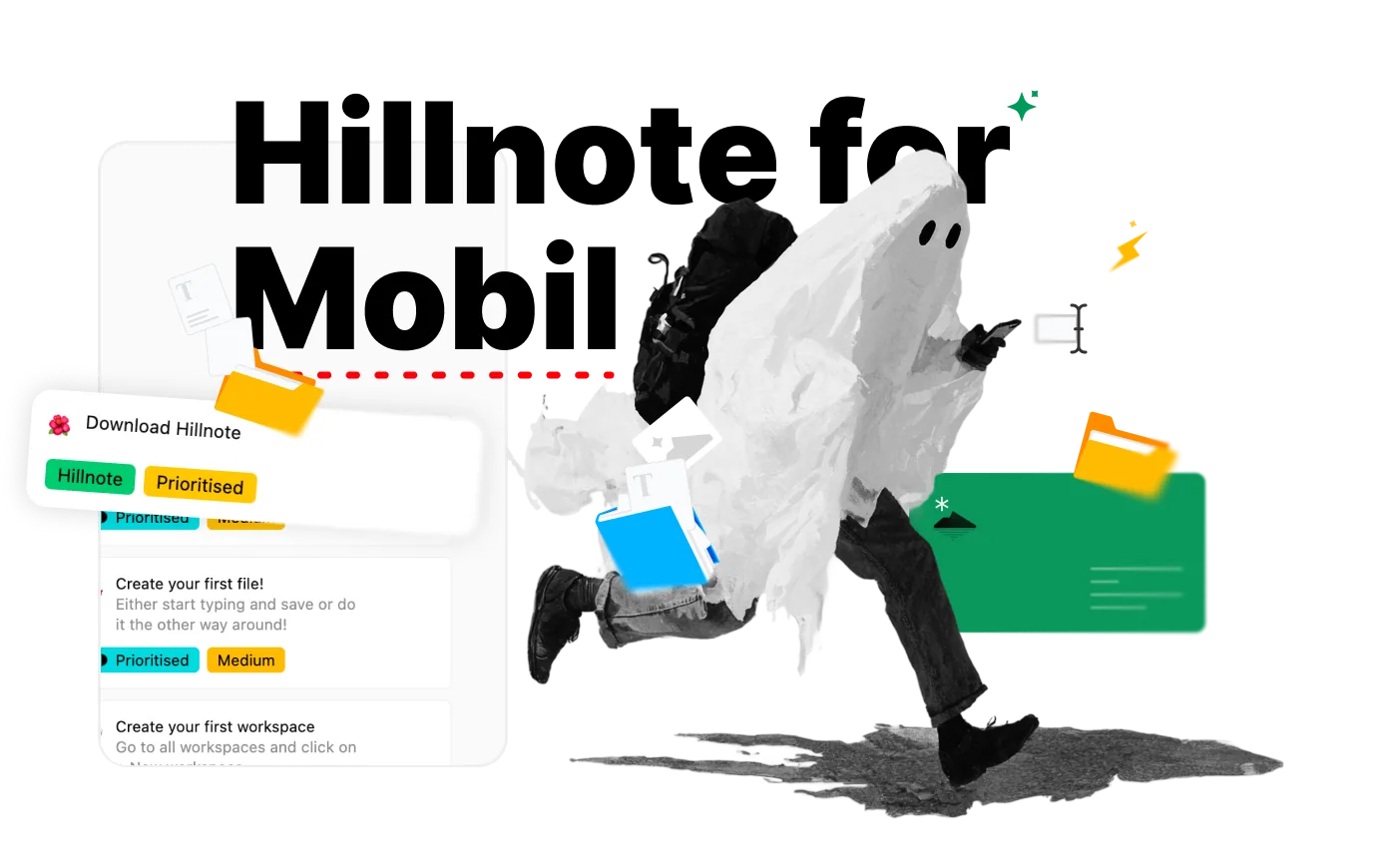
Thinking doesn't wait until you're back at your desk. Hillnote puts your whole workspace in your pocket — write in real markdown, run your own tools, and sort it out later. Capture the thought the moment it lands.
 Download for iOS
 Download for Android
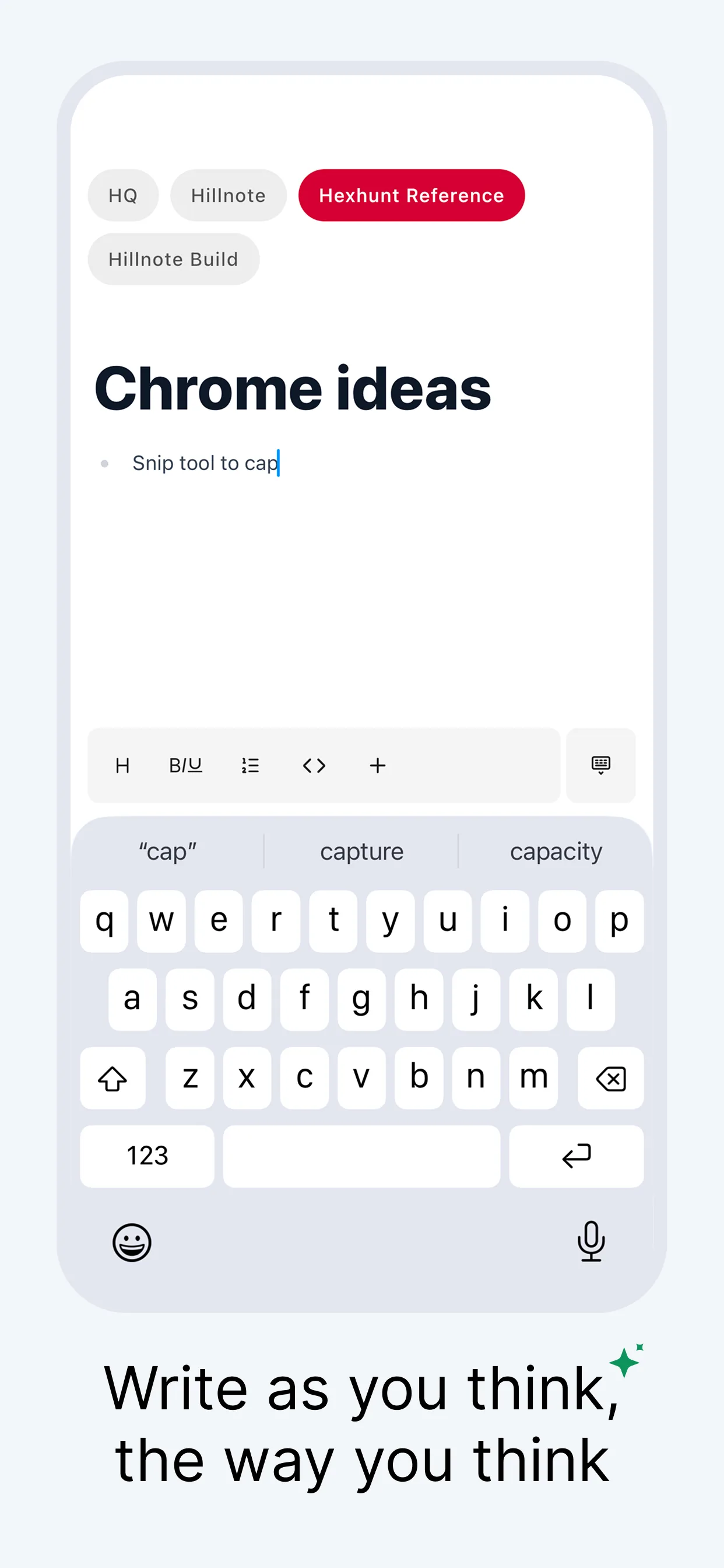
Write the way you think, the moment it lands.
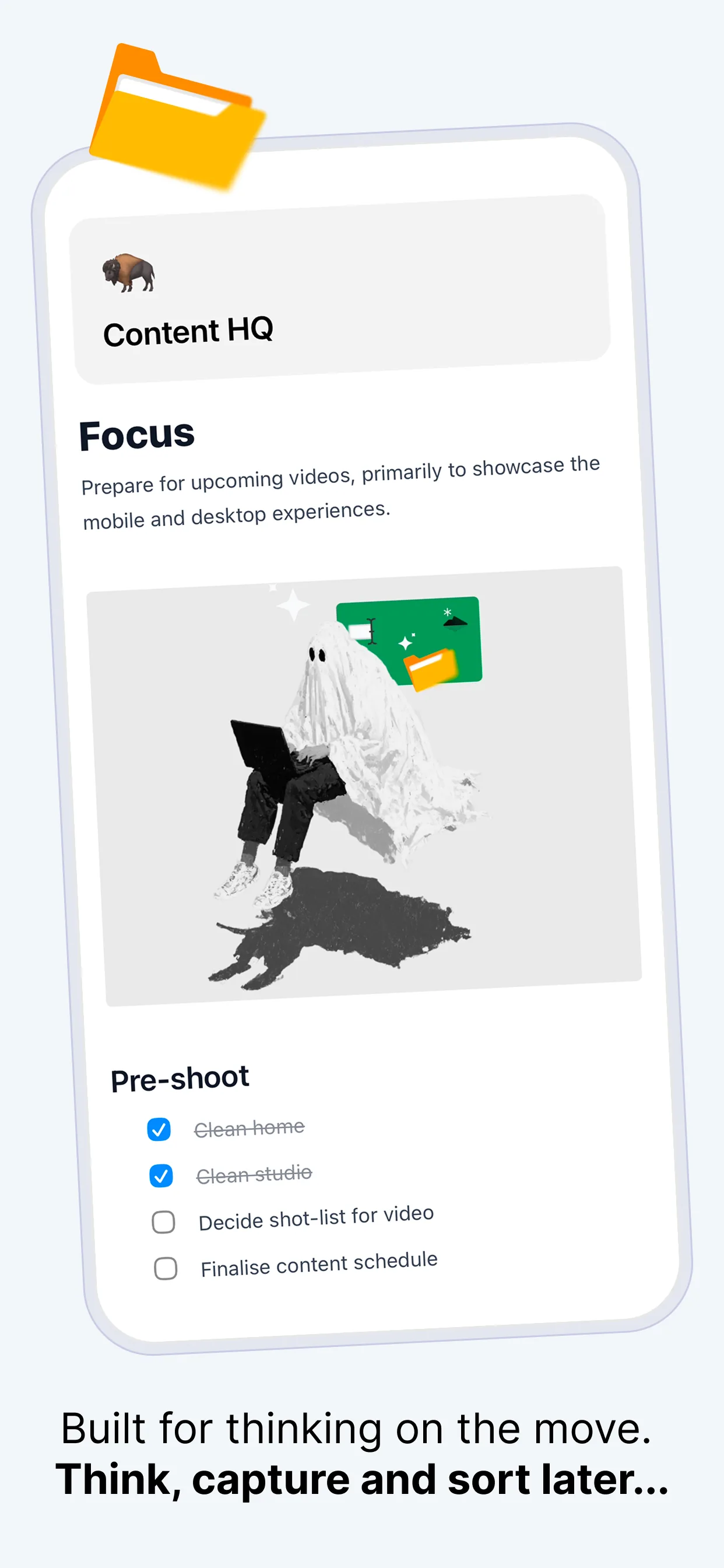
A real markdown editor, not a notes box — with a toolbar that sits above the keyboard so headings, lists, links, and code are one tap away. Drop in a thought, tick off a task, or draft a doc in the minutes between everything else. It's the same file you'll open on your desktop later.
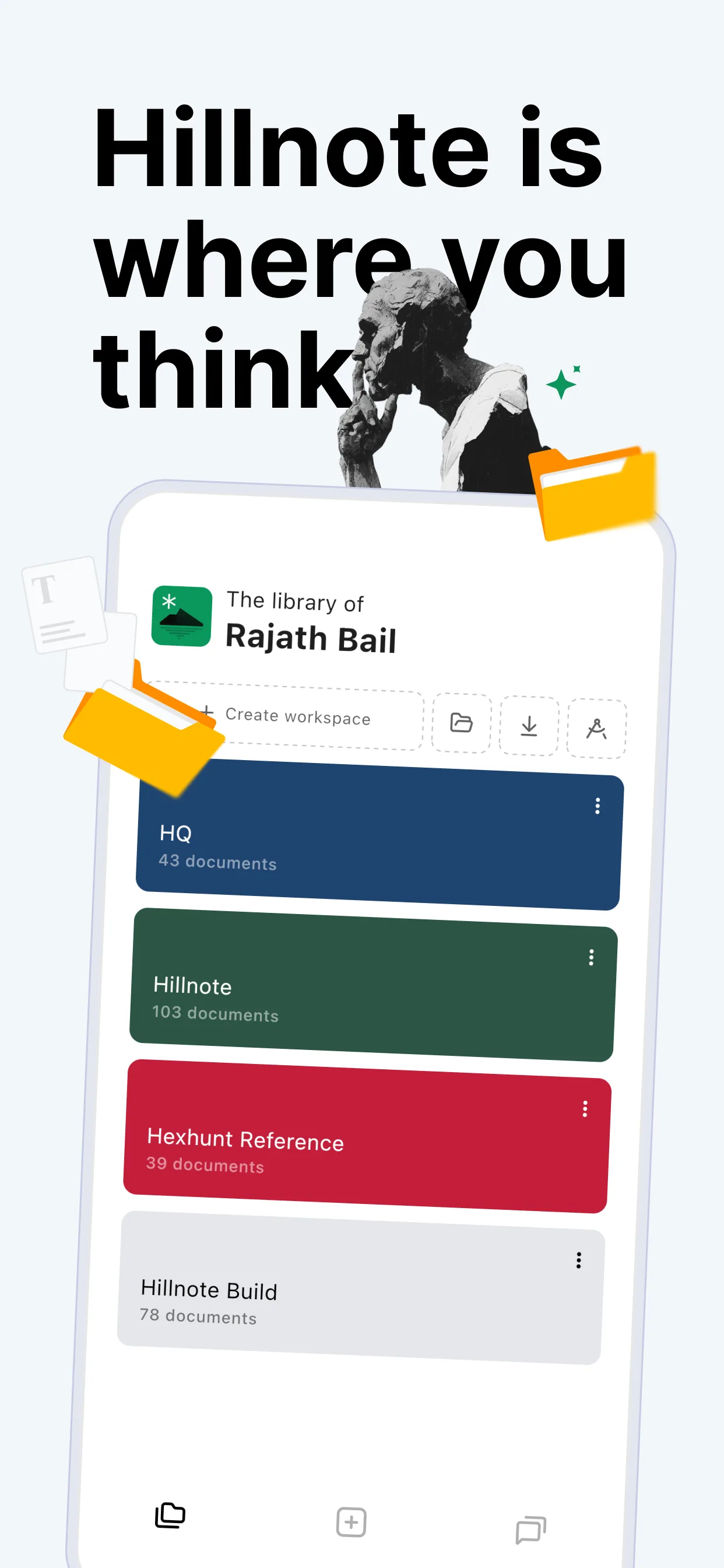
Your whole workspace, in your pocket.
The same library, documents, tasks, tools, and chat you have on your desktop — redrawn for a phone and ready the instant you pull it out. Swipe through.
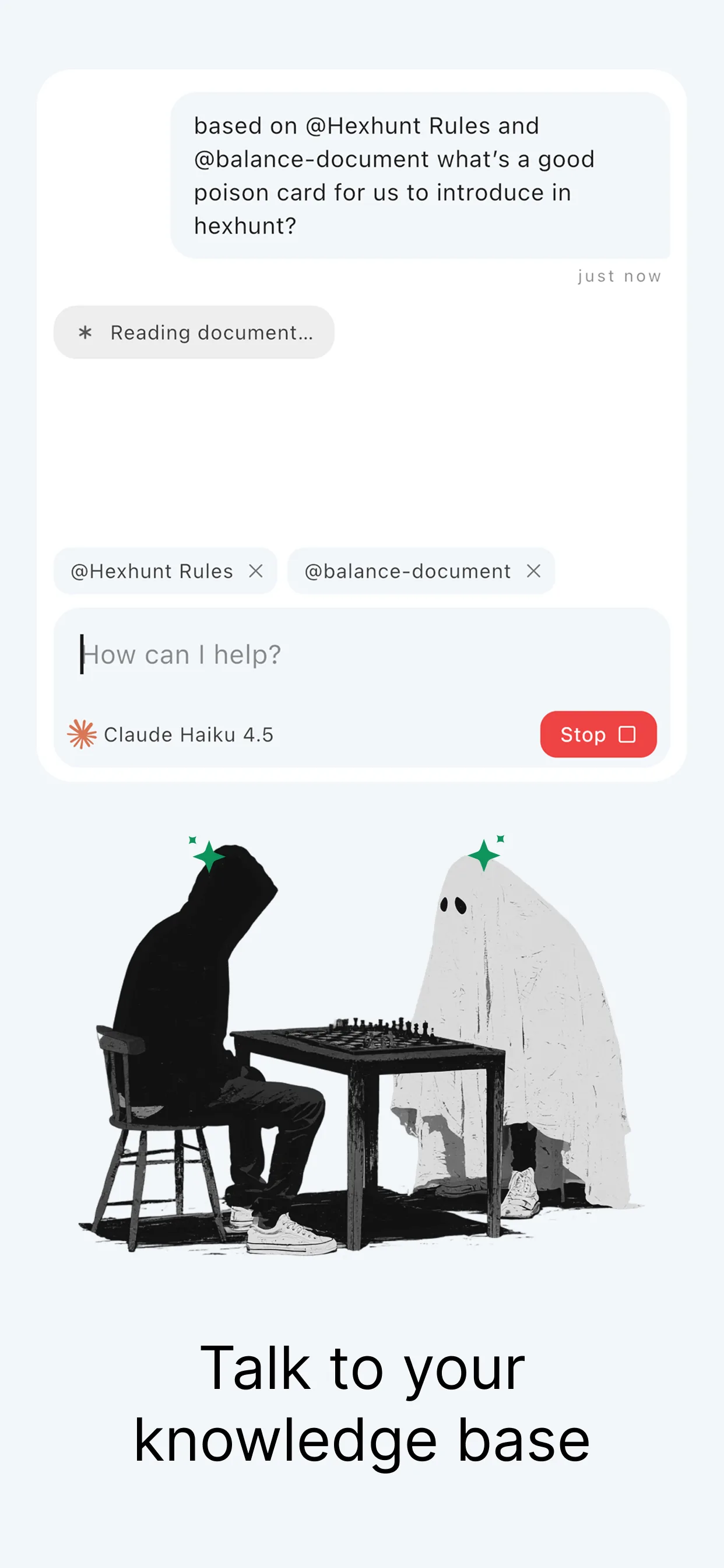
Talk to your knowledge base — and keep it on your phone.
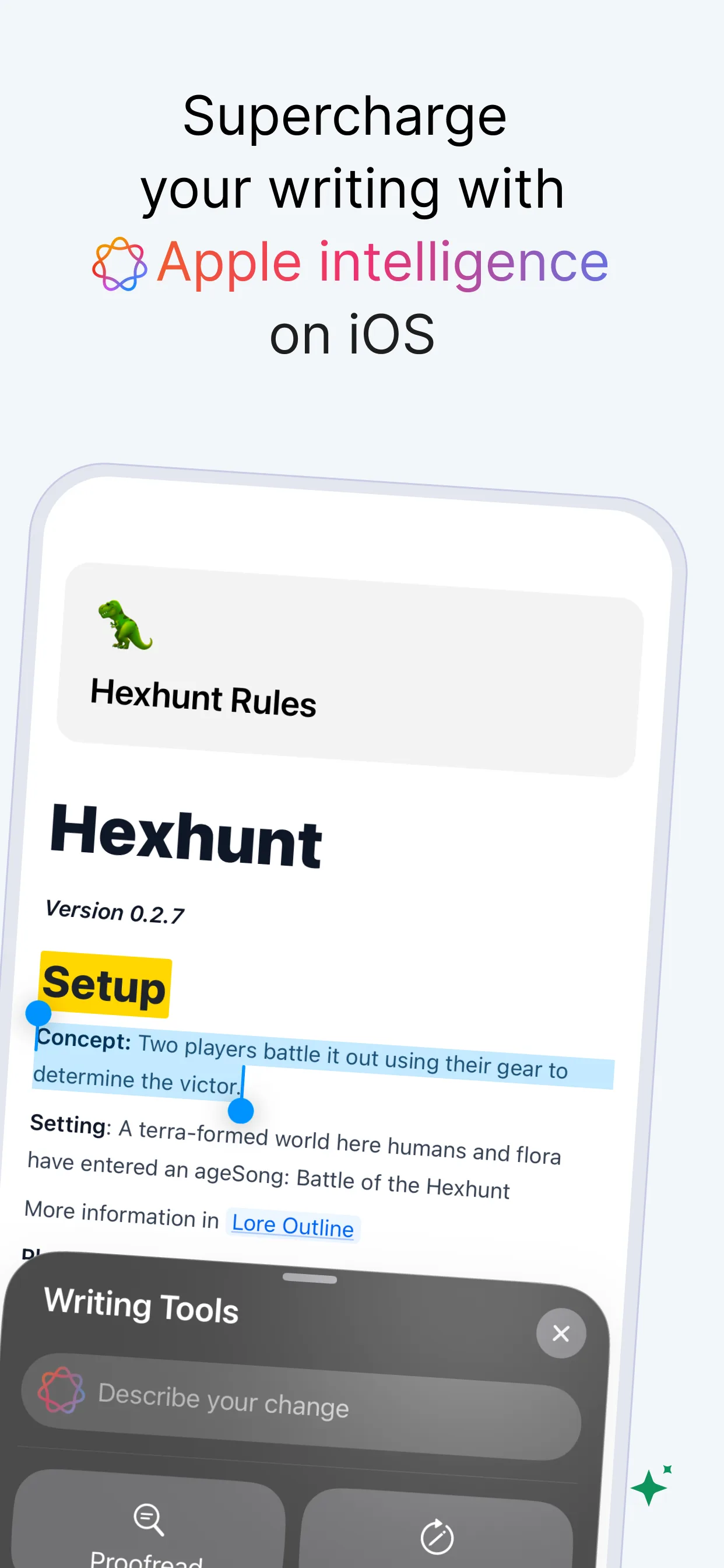
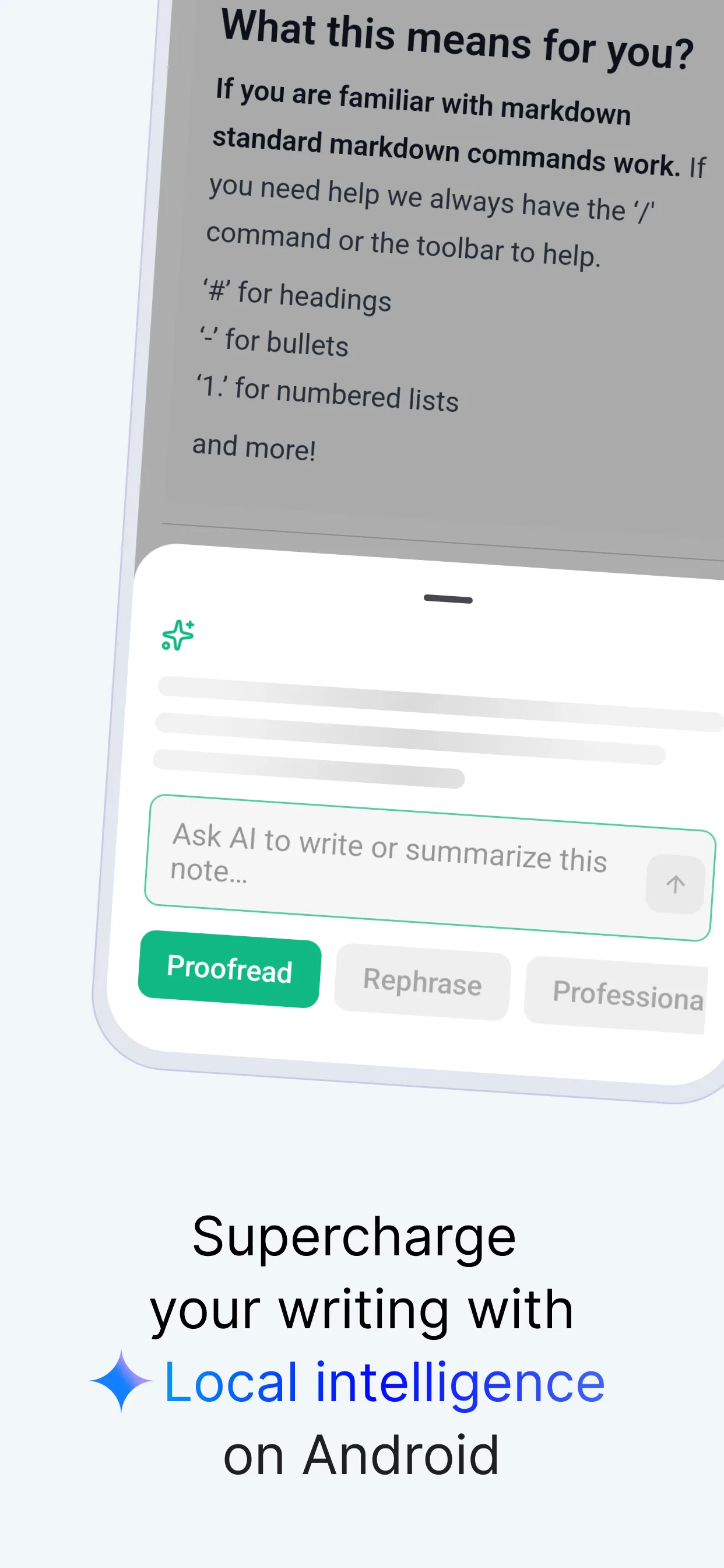
On-device intelligence — Apple Intelligence on iOS, Gemini Nano on Android — handles proofreading, rewriting, and quick edits right on your phone, no signal needed. Open a chat, @-mention the documents you care about, and ask across them — on-device for small things, a frontier model like Claude only when you ask and you're online. Your notes stay yours.
Built for the phone you already carry.

On-device AI built in
Proofread, rewrite, and reshape a paragraph on-device — Apple Intelligence on iOS, Gemini Nano on Android. No account, no signal, no data leaving your phone.

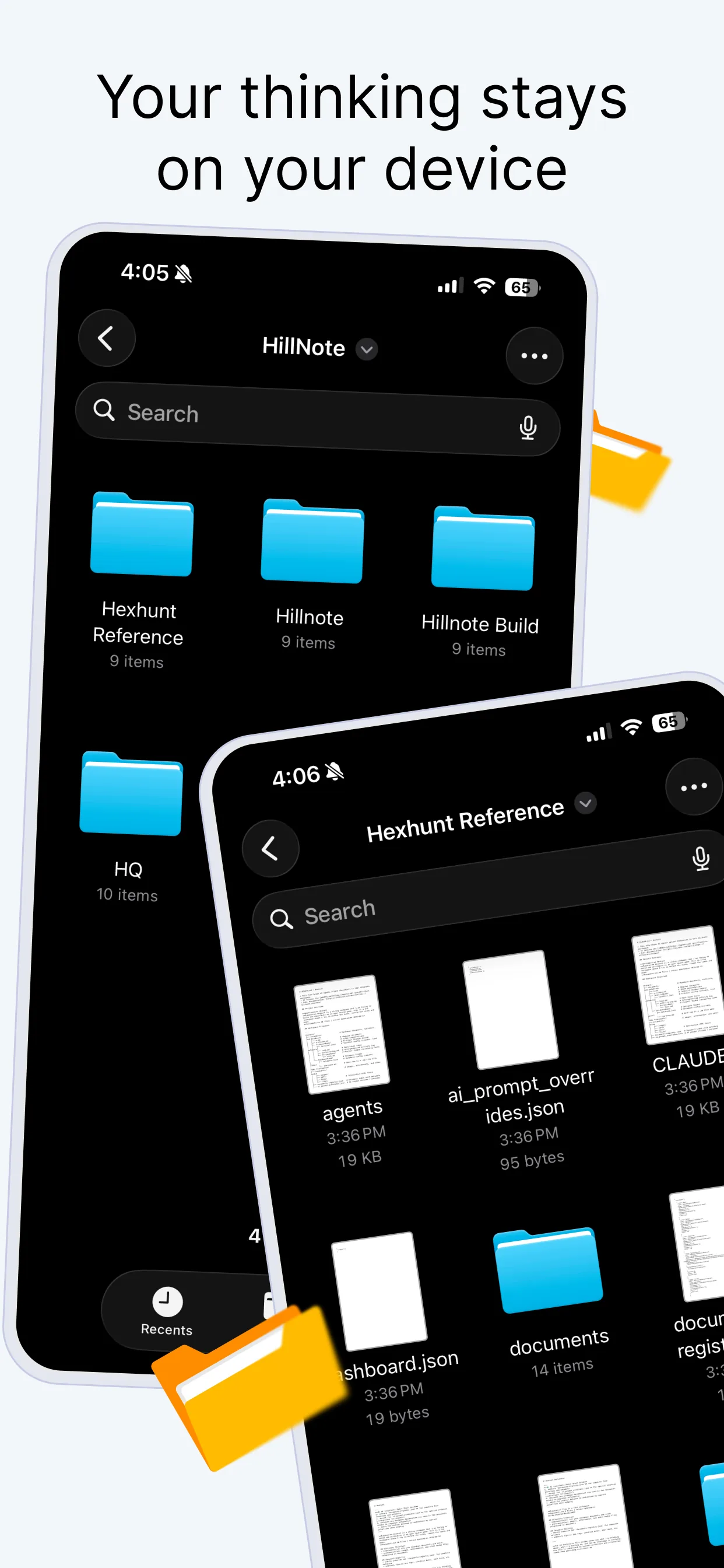
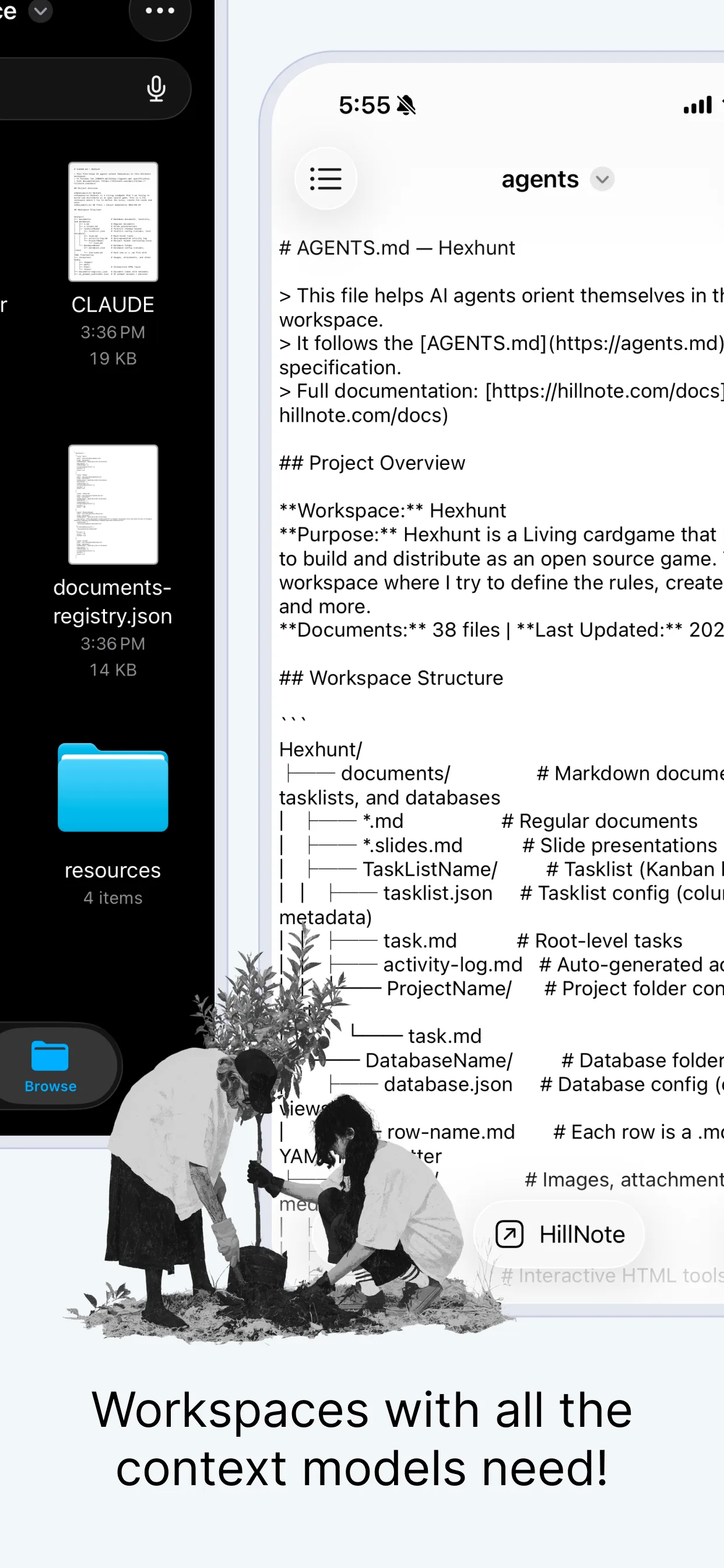
Lives in the Files app
Your workspace is a normal folder of markdown and JSON on the device, so any app that reads files can see exactly what Hillnote sees.
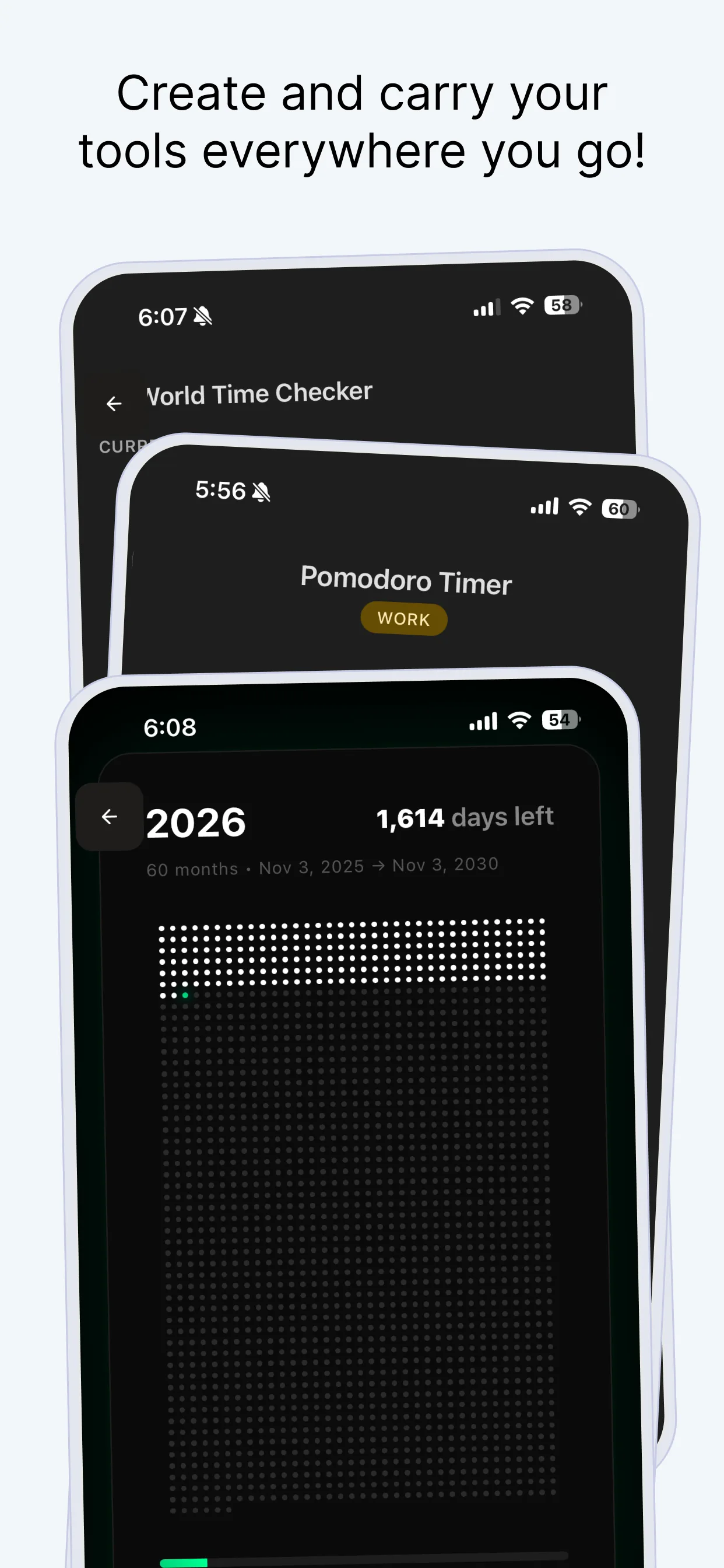
Carry your own tools
Pomodoro timers, world clocks, year-progress trackers — build small HTML tools once and they travel with your workspace everywhere.
Hand your workspace to the agents you already use.
Every workspace is plain markdown with an AGENTS.md that orients a model the moment it connects. Wire Hillnote into Claude, ChatGPT, or a local Ollama model through MCP connectors, and they read and write the same files you do — straight from the phone in your hand, no copy-paste in sight.
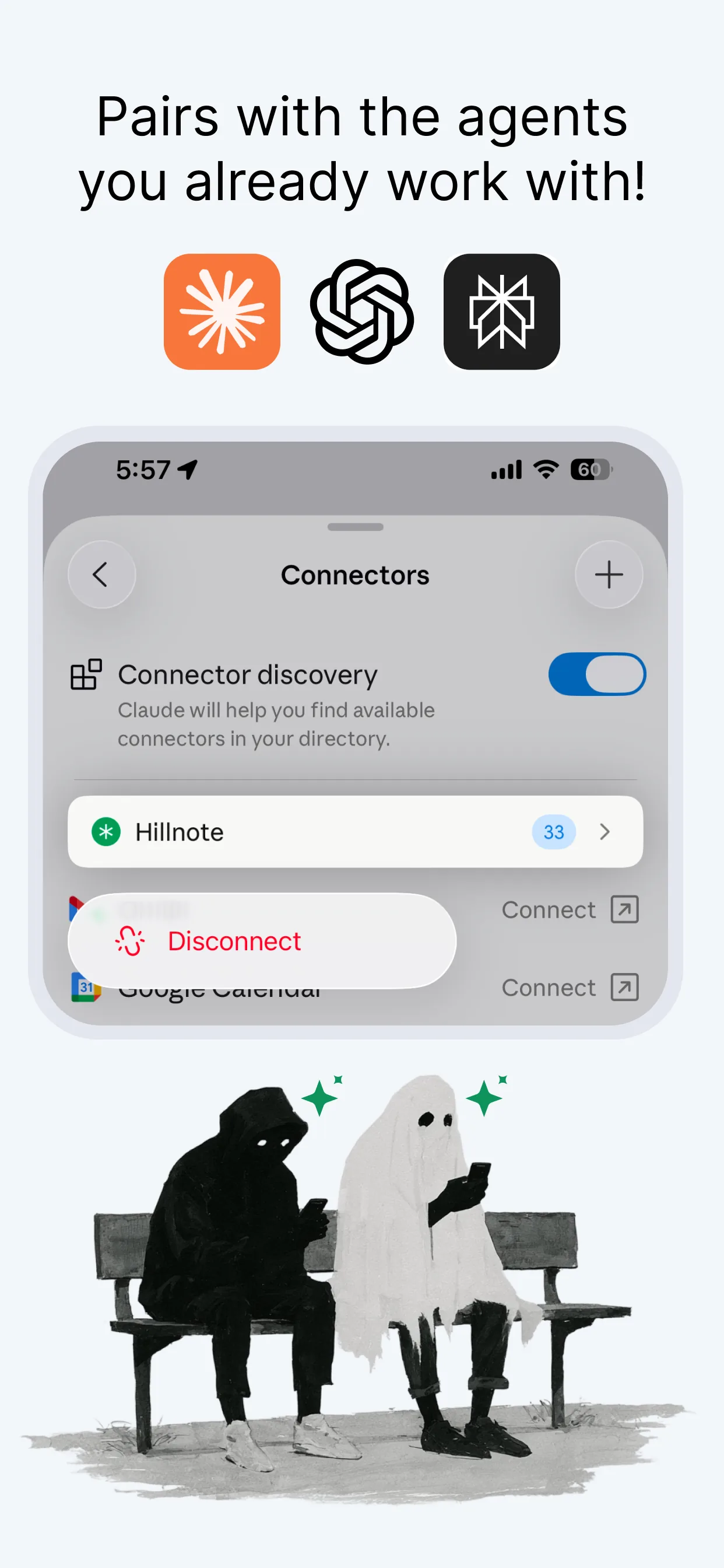
Pairs with the agents you already work with.
Your workspace is plain markdown with an MCP connector in front of it. So the agents you already use can read and write it directly from your phone — no export, no copy-paste, no lock-in.





The full mobile app, no account required.
- Complete markdown editor for iOS and Android
- On-device AI via Apple Intelligence & Gemini Nano
- Unlimited local documents and workspaces
- Knowledge-base chat and custom tools
- Limited premium model use

Billed yearly
Add sync, publishing, and your own API keys.
- Everything in Free
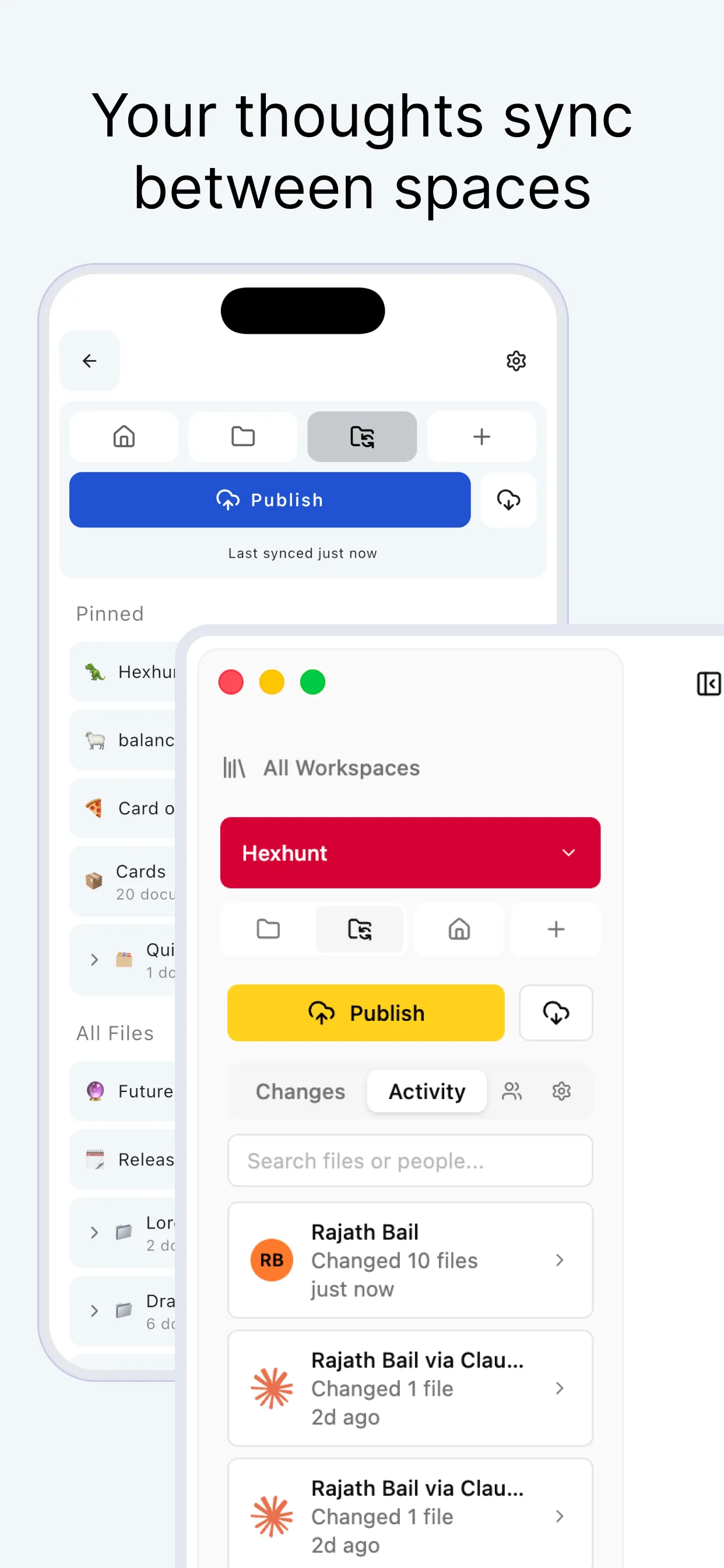
- Sync your phone with desktop and other devices
- 1GB of synced storage
- Publish a workspace as a doc, blog, or site
- Up to 3 routines
- Bring your own API key

Billed yearly
For phones that lean on frontier AI all day.
- Everything in Plus
- 10GB of synced storage
- Publish up to 6 workspaces
- Up to 5 routines
- 30× premium model usage vs other plans
Mobile questions, answered
Which devices does the mobile app support?
Hillnote for mobile runs natively on iOS and Android. The same workspace also syncs to the macOS and Windows desktop apps when you want it everywhere.
Is mobile a stripped-down version of the desktop app?
No. You get the real markdown editor, your full workspace library, knowledge-base chat, custom tools, and on-device AI — the same files, redrawn for a phone. It's a peer to the desktop app, not a note-catcher.
Does the mobile app work without signal?
Yes. The editor, every document, and on-device AI — Apple Intelligence on iOS, Gemini Nano on Android — all work fully offline. Sync, frontier models, and publishing are the only features that reach the network, and only when you enable them.
Where are my notes stored on mobile?
On your device, as plain markdown in a real folder you can open in the Files app — the same format every other Hillnote app uses. Turn on sync and a copy is kept in your synced storage so it reaches your other devices; turn it off and your notes never leave the phone.
Which AI runs on my phone versus in the cloud?
On-device models run locally for proofreading, rewriting, and inline edits — Apple Intelligence on iOS and Gemini Nano on Android. Knowledge-base chat and Auto-mode hand off to Claude, GPT, and other frontier models only when a task needs them and you're online — and Plus and Pro let you bring your own API keys.
Can other AI agents work with my mobile workspace?
Yes. Each workspace ships with an AGENTS.md that orients a model the moment it connects, and MCP connectors let Claude, ChatGPT, and local Ollama models read and write the same files — right from your phone.