57 words • 76 tokens • 1 minute read
The writing tool that thinks alongside you.
Hillnote is where you craft your thoughts in notes, drawings, databases and plans — powered by AI that runs on your device (even when you're offline). Designed for humans. Structured for agents. Built on markdown. Stored on your machine. Craft your thoughts in notes, drawings, databases and plans.•AI that runs on your device — even offline•Designed for humans, structured for agents•Built on markdown, stored on your machineHillnote is where you think. — and where thinking takes shape.
 Download for Mac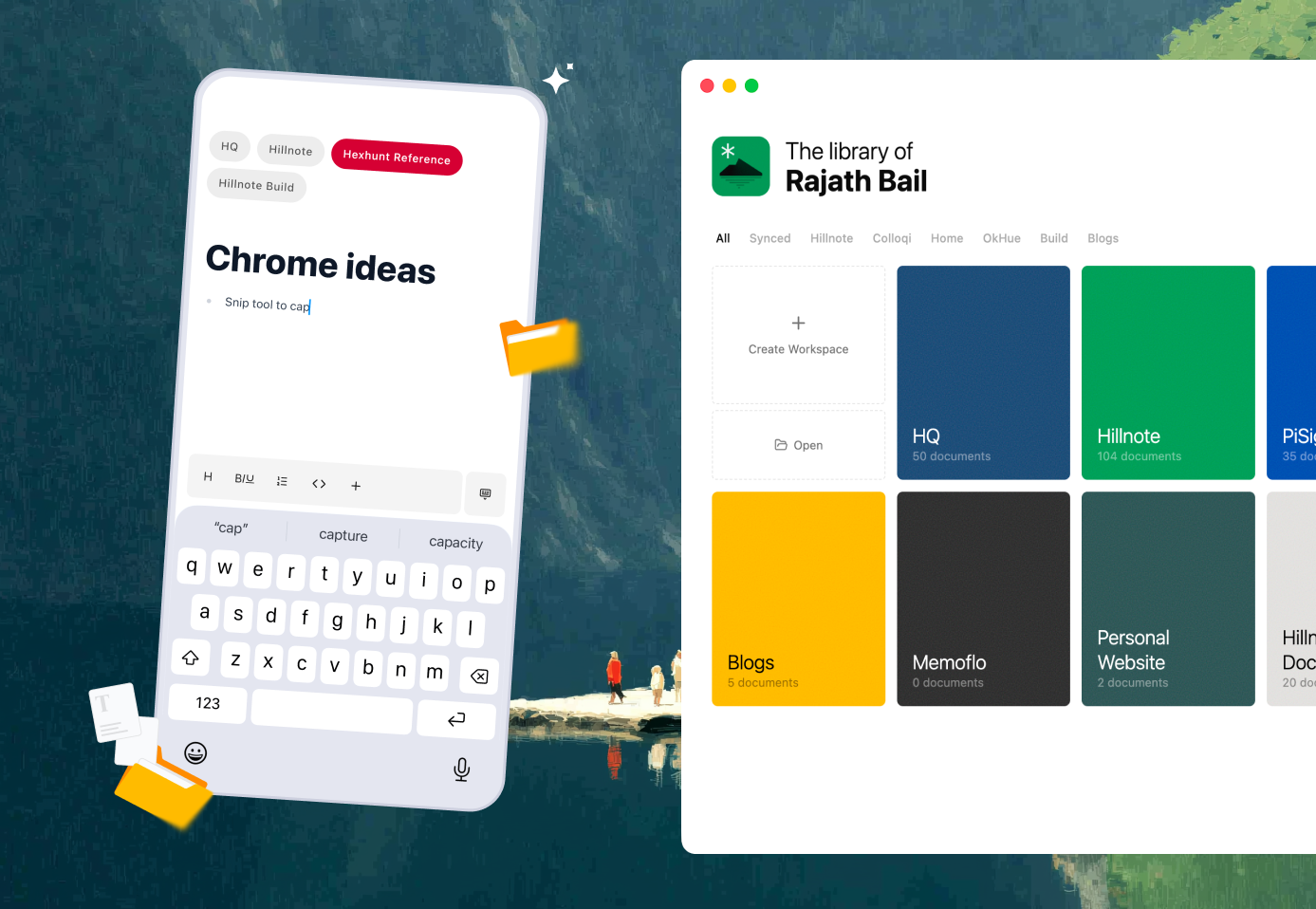
127 words • 189 tokens • 1 minute read
Why Hillnote?
For every type of thought
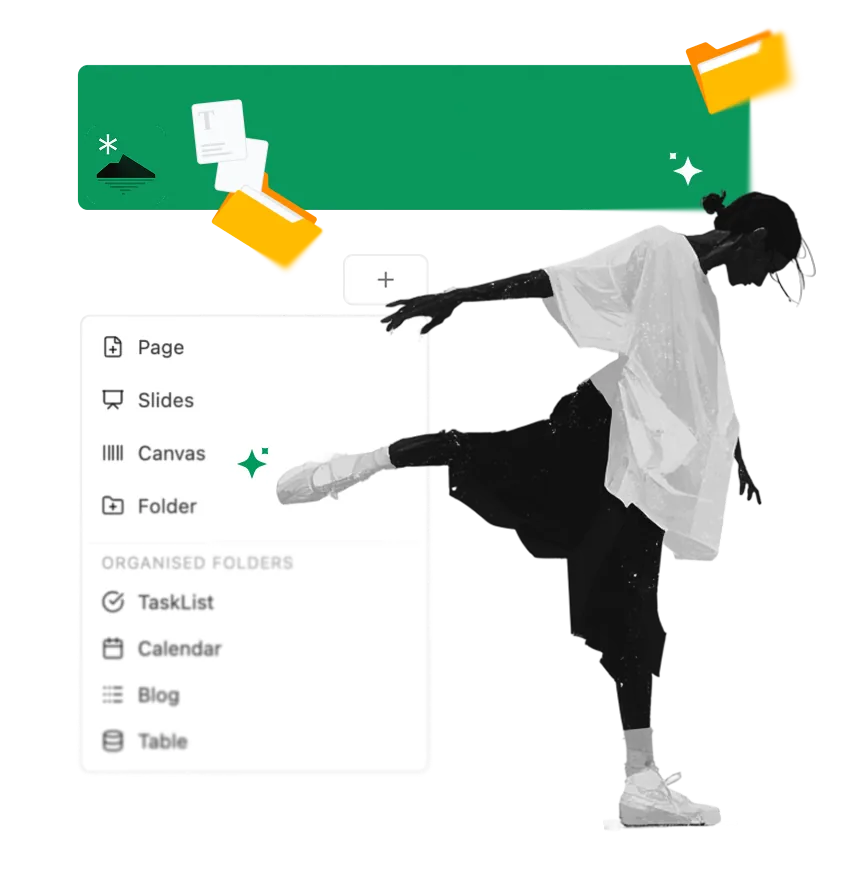
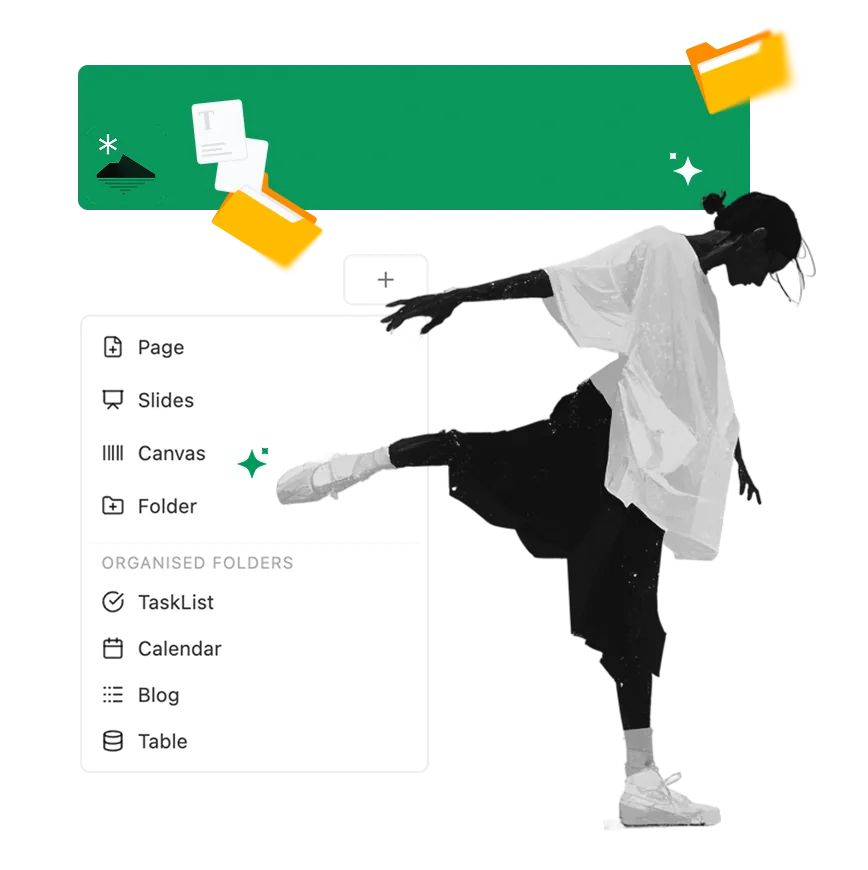
Documents, databases, kanban, canvas, slides, and automations — all built on markdown, all in one place.
Files that you own and see
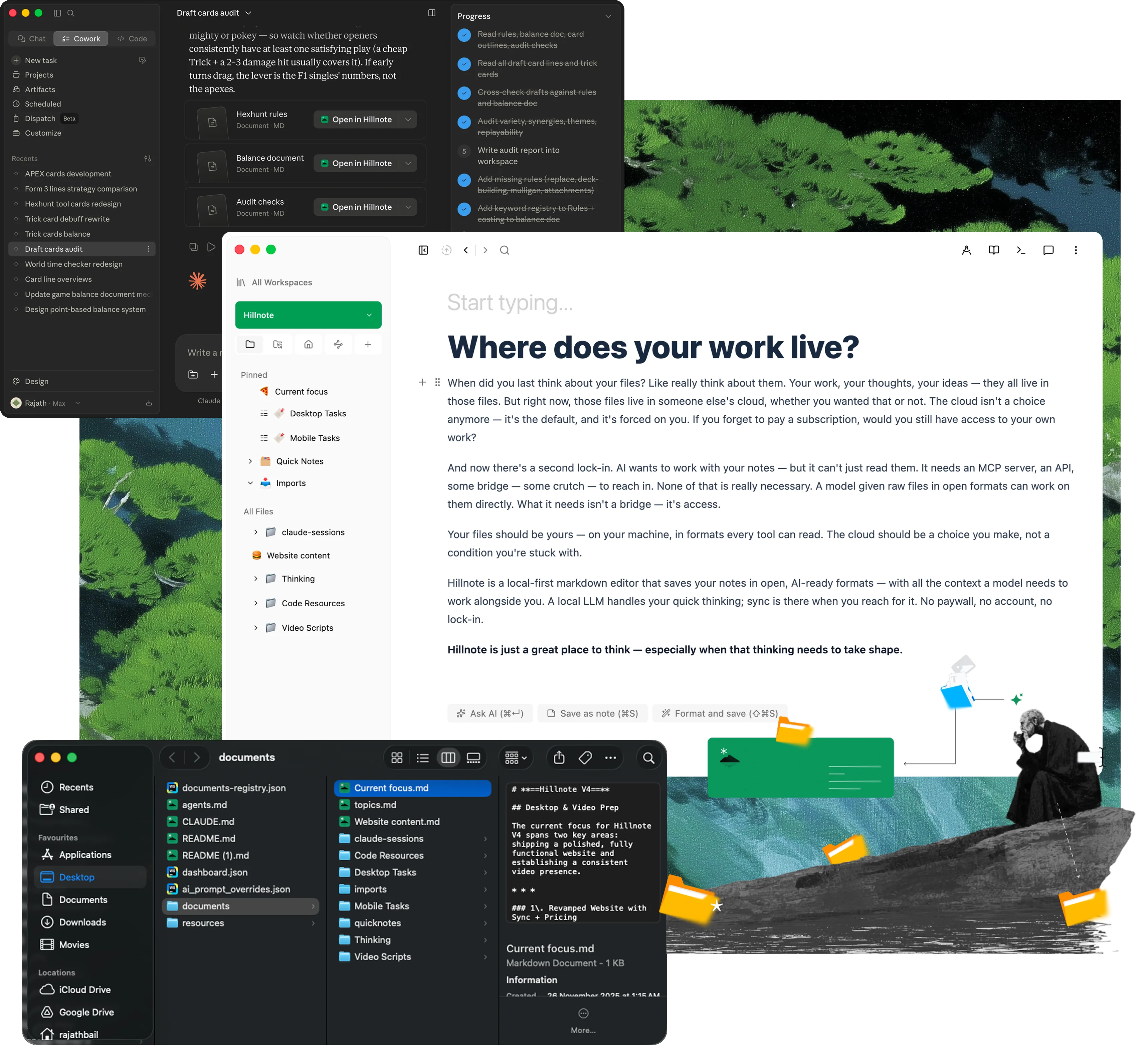
Every file lives on your disk as plain markdown. No rented database, no lock-in — your work stays yours, even without us.


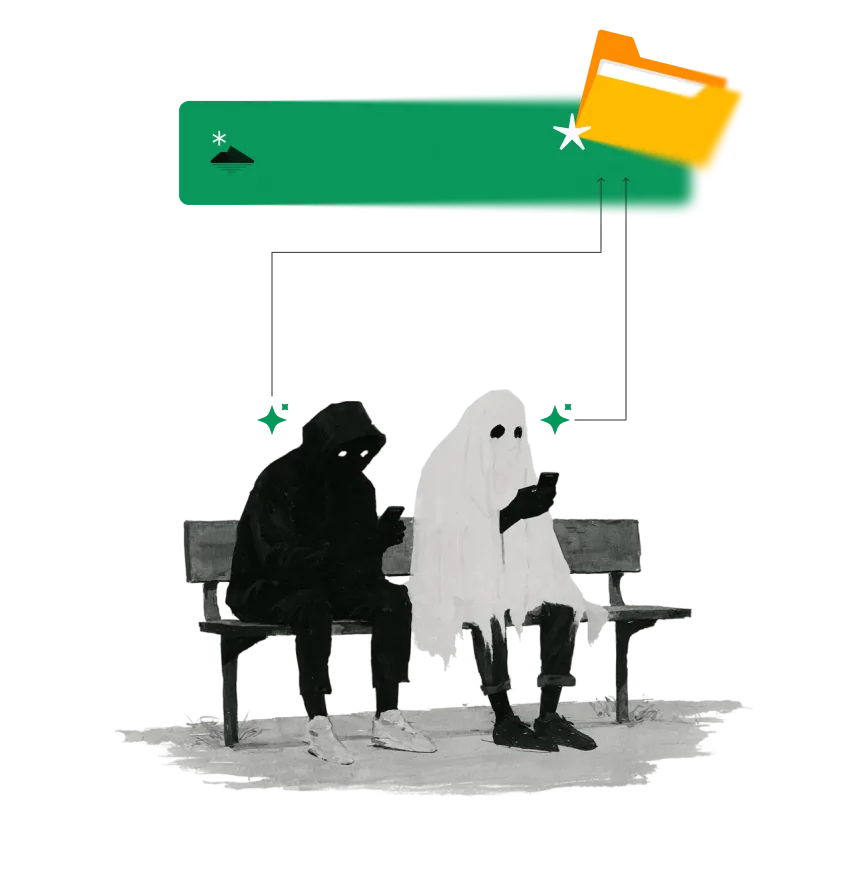
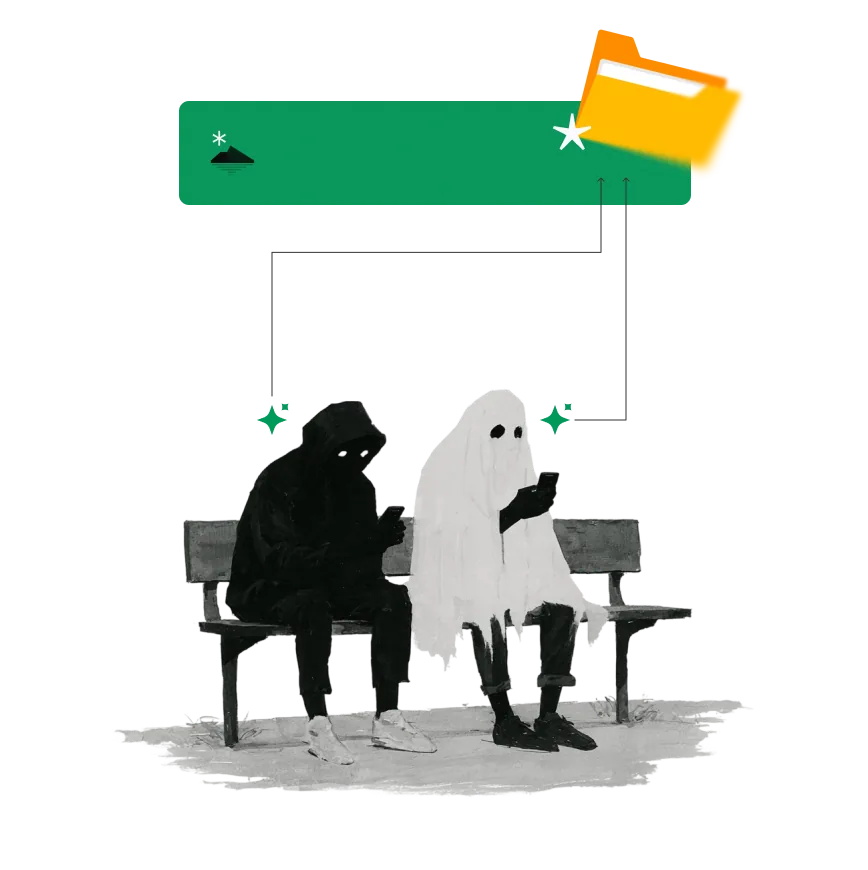
Agent-ready by design
Claude Code, Cowork, Codex, and other agents read, edit, and act on the same files you do — directly, no exports.
Hybrid AI built in
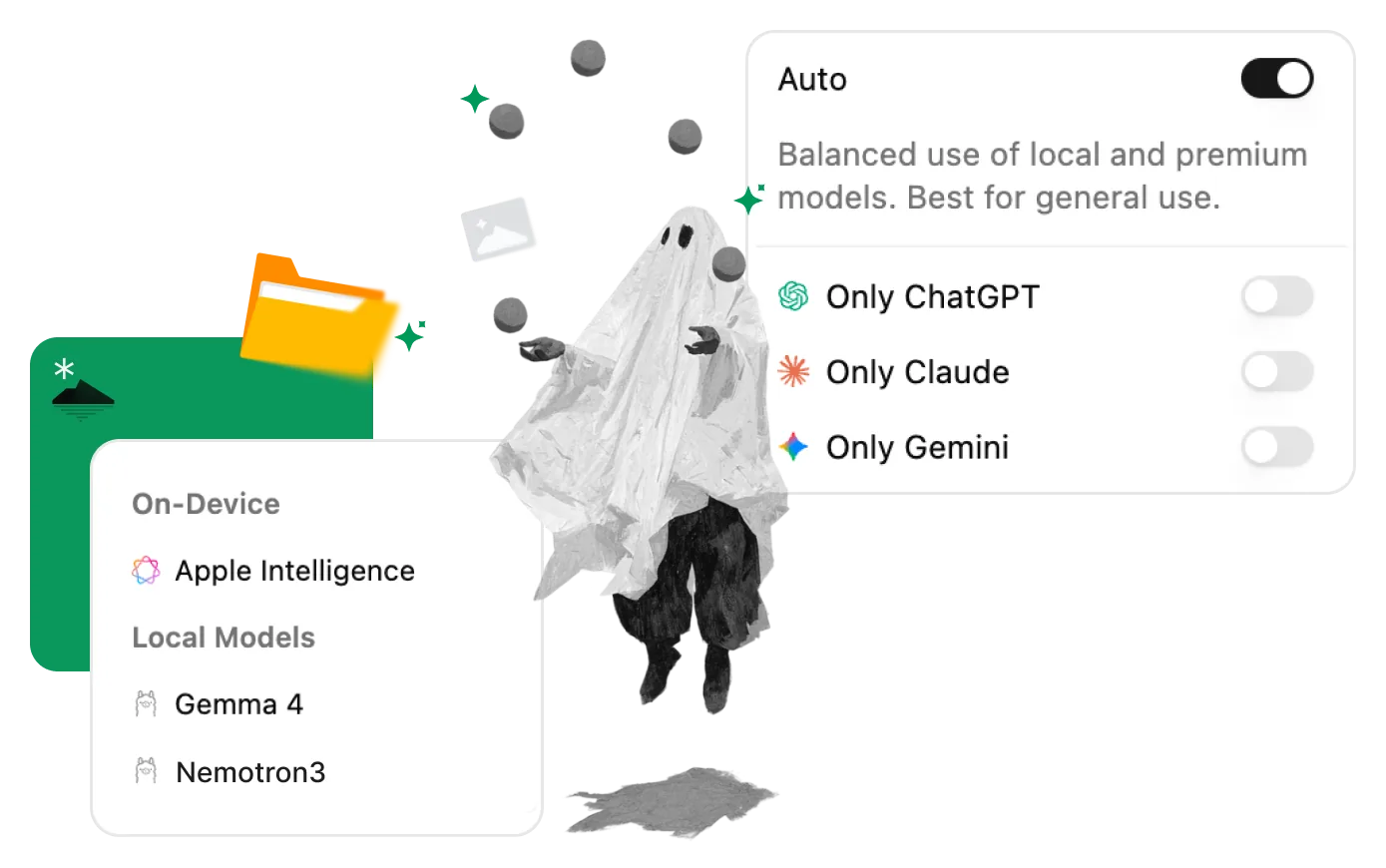
Local models handle in-flow work like rephrasing and lookup. Frontier models handle the heavy lifting. Auto-mode routes between them.
AI beyond chat
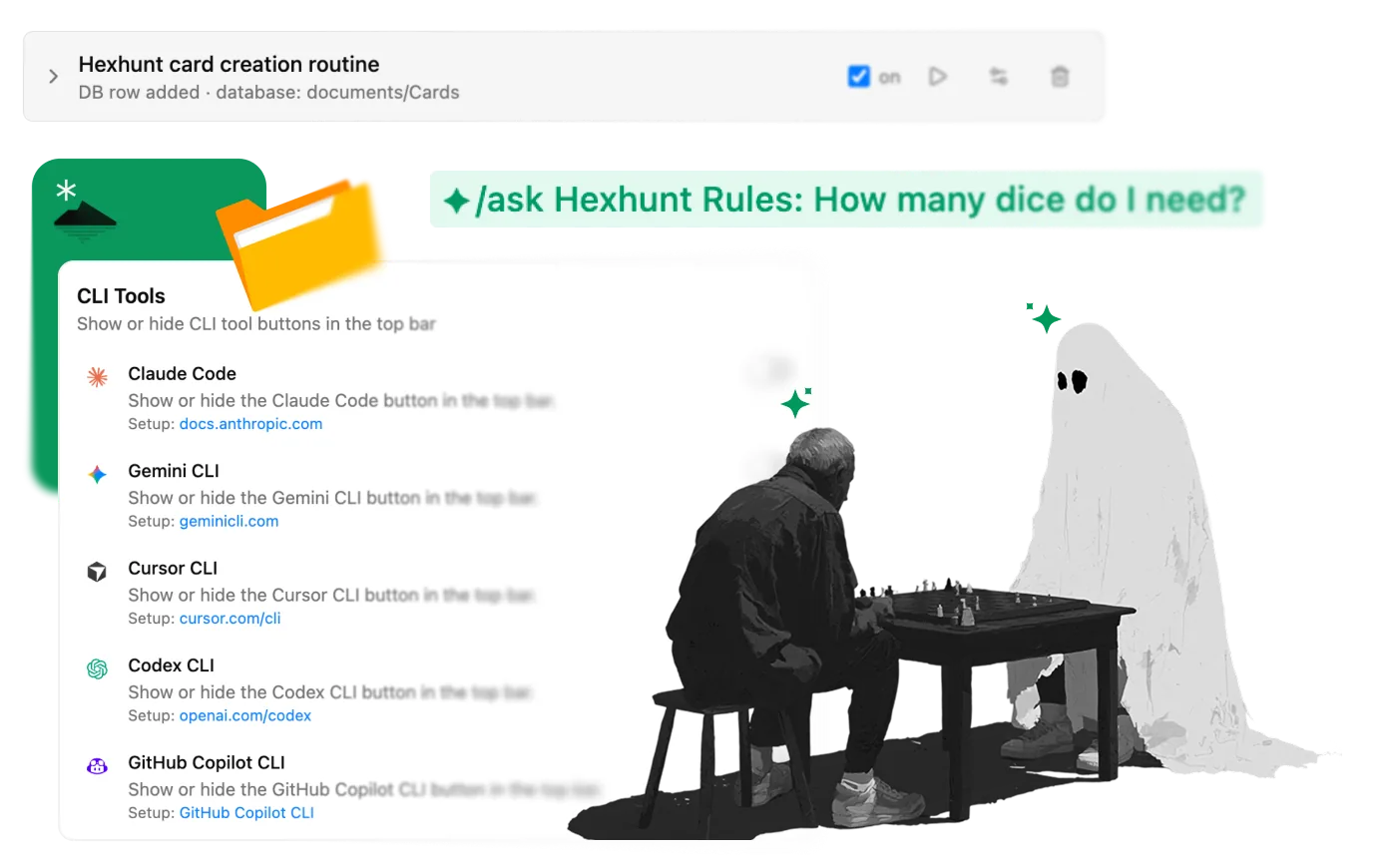
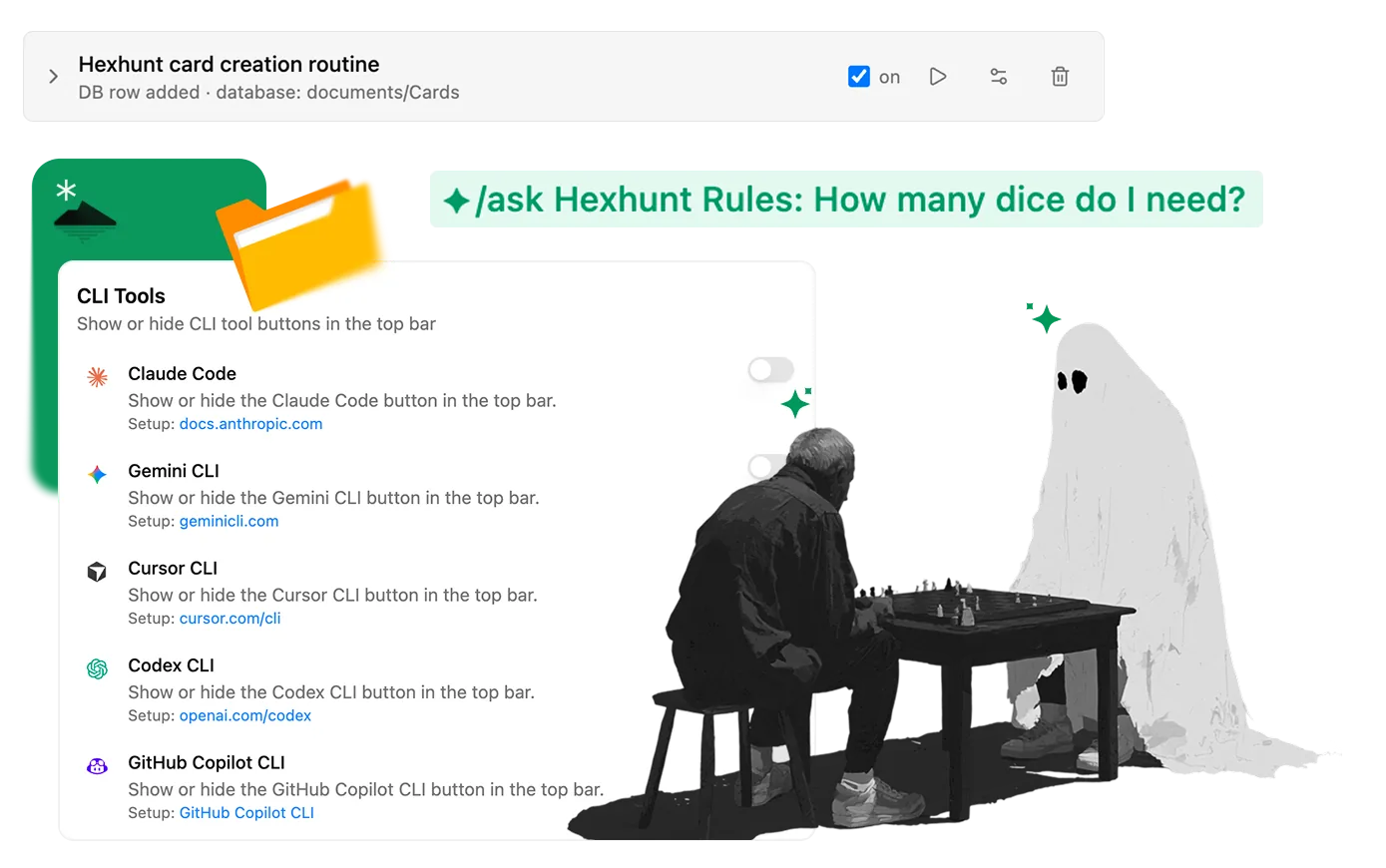
Save workflows as routines. Trigger AI on workspace events. Let agents work in the background while you do something else.
31 words • 47 tokens • 10 second read
What is Hillnote?
Your notes, ideas, slides, tasks, plans, dashboards, databases, tools — with local or cloud AI that works with you. Stored on your machine. Saved as AI-ready files. And that'sjust the beginning..

An IDE for your thinking.
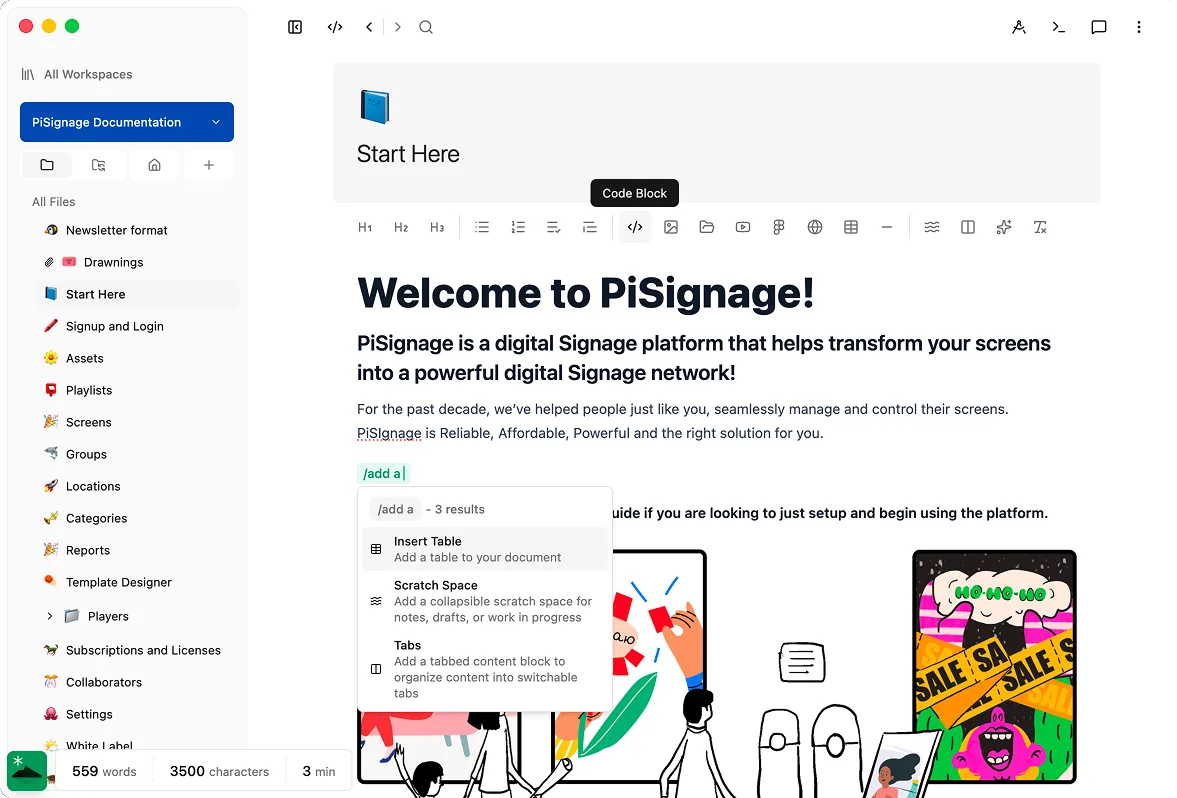
Documents, databases, kanban, canvas, and slides all share one plain-markdown source on your disk — so your knowledge garden grows in a format you actually own, not a database you rent.
Intelligence that runs on your machine, not the cloud.
Apple Intelligence and Ollama models live inside Hillnote for inline edits and quick brainstorms. When you need to go big, auto-mode hands off to a frontier model — small thoughts stay on-device, big ones get the right tool.
Your workspace, synced everywhere.
Mac, Windows, iOS, and Android stay in sync the moment you want them to — and the moment you don't, sync is off and your files stay home. You stay in control.

Your Agents work here.
Claude Code, Cowork, Codex, and any MCP client read and edit your workspace as plain files — and a built-in CLI brings the same tools into Hillnote itself.
Go beyond the workspace.
Drop in HTML tools, pull from npm, publish a workspace as a doc, blog, or site with its own domain. Extend the workspace as far as you need to take it.
Built for the hills.
Backed by the clouds.
Local when you want ownership — every file on your disk, every small thought handled by AI that never leaves your machine.

Plain markdown on your disk
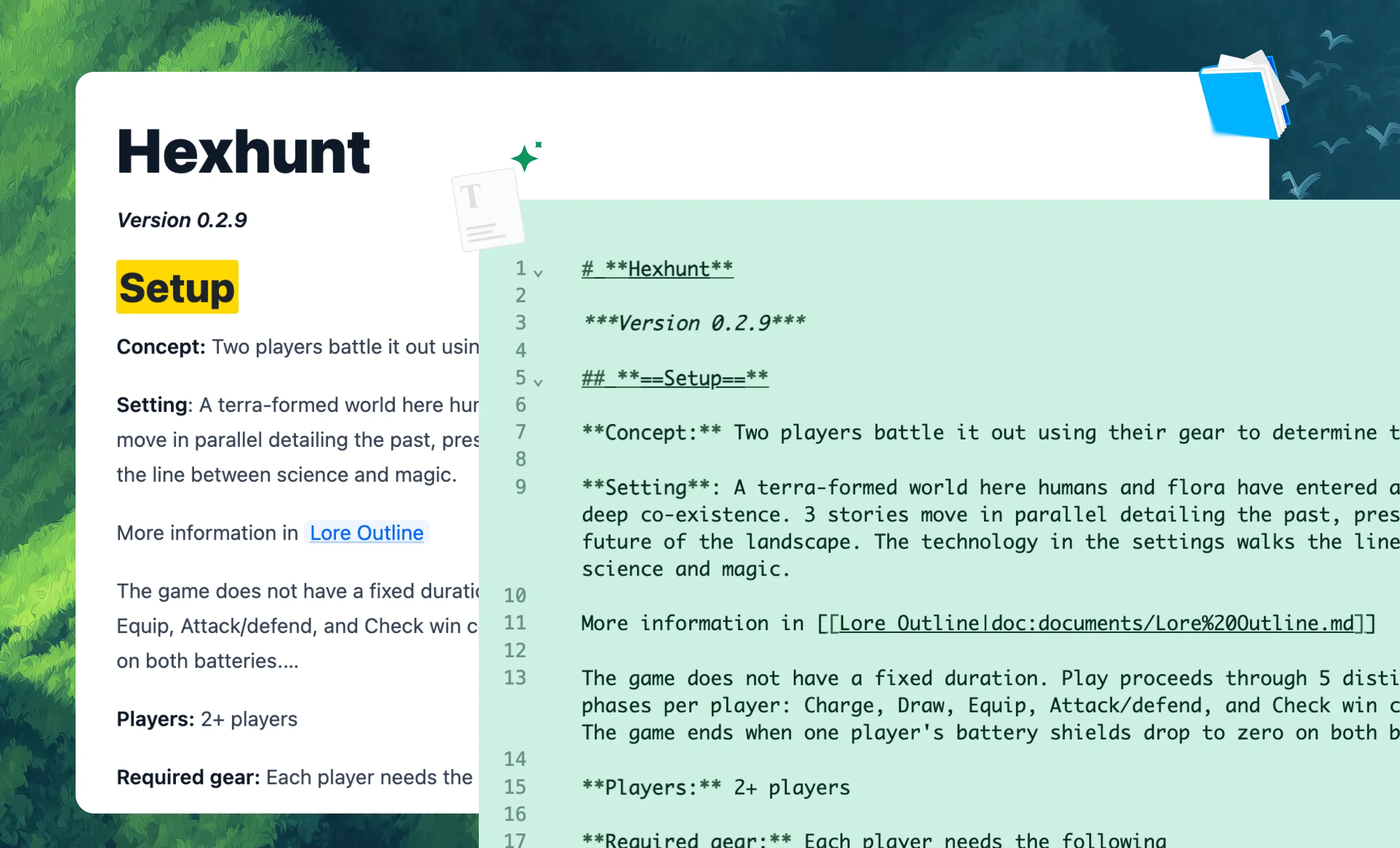
Documents, databases, kanban, canvas, and slides all share one markdown source you can read with any editor — no rented database, no lock-in.

Local AI, in flow
Apple Intelligence and Ollama models live inside Hillnote for inline edits, rephrasing, and quick brainstorms. Your small thoughts stay on-device.

Files that your agents can work on
Claude Code, Cowork, Codex, and more read and edit your workspace as plain files — no exports, no proprietary schema.

An editor for all your thoughts
Type "/" for commands, [[brackets]] to link documents, and spin up scratch spaces for rough notes without breaking your flow.
Local MCP for privacy
A built-in STDIO MCP server exposes your workspace to any MCP client, so the tools you already use can act on your files.
Available for Desktop and Mobile.
Two surfaces, one workspace. Reach for whichever fits the moment — your files stay the same on both.
No sign-up or credit card needed
Free and whole.
Pay as you extend.
Hillnote treats data and service as separate parts. Your files stay local as plain markdown — you only pay for the cloud services you actually use.
Everything you need to get started.
- Core editor on desktop and mobile
- Local AI via Ollama and Apple Intelligence
- Limited premium model use
- 100MB of synced storage
- Collaboration on synced workspaces
Annual plan only
Publish, automate, and bring your own keys.
- Everything in Free
- 1GB of synced storage
- Publish a workspace as a doc, blog, or site
- Up to 3 routines
- Bring your own API key

Billed monthly
For power users who lean on frontier AI daily.
- Everything in Plus
- 10GB of synced storage
- Publish up to 6 workspaces
- Custom domain mapping
- Up to 5 routines
- 20× the premium model credits of Free and Plus
Compare plans side by side.
| Feature | Free | Plus | Pro |
|---|---|---|---|
| Workspace | |||
| Core editor (desktop + mobile) | |||
| Synced storage | 100MB | 1GB | 10GB |
| Collaboration on synced workspaces | |||
| AI | |||
| Local AI (Ollama + Apple Intelligence) | |||
| Premium model usage | 10,000 credits / month | 10,000 credits / month | 50,000 credits / week |
| Bring your own API key | |||
| Publishing & automation | |||
| Publish workspaces (doc, blog, site) | 1 | Up to 6 | |
| Custom domain mapping | |||
| Routines | 1 | Up to 3 | Up to 5 |

Frequently Asked Questions
Where are my files stored?
On your disk, as plain markdown. Hillnote reads and writes the same files any other editor can — there's no proprietary database. Sync is optional; turn it off and your files stay home.
Do I need to be online to use Hillnote?
No. The editor, local AI via Ollama and Apple Intelligence, and your workspace all work fully offline. Cloud features like sync, frontier models, and publishing kick in when you want them.
Which AI models can I use?
Local models through Ollama and Apple Intelligence run on your machine for inline edits and quick tasks. Auto-mode hands off to Claude, GPT, and other frontier models when you need more — and Plus and Pro plans let you bring your own API keys.
How does sync work across devices?
Hillnote runs on Mac, Windows, iOS, and Android. When sync is on, the same workspace appears on every device; when it's off, each device keeps its own local copy. You decide per workspace.
Can I use Hillnote with Claude Code or other agents?
Yes. Because your workspace is plain files, Claude Code, Cowork, Codex, and any MCP client can read and edit it directly. A local STDIO MCP server is built in, and the cloud endpoint at hillnote.com/mcp lets remote agents reach your synced workspace.
What's actually free?
The desktop and mobile editor, local AI, collaboration on synced workspaces, and 100MB of synced storage. You only pay when you want more sync, publishing, routines, or heavier frontier-model use.
Can I cancel anytime?
Plus is billed yearly; Pro monthly or yearly. Cancel anytime and you keep access until the end of your billing period, then drop back to the Free plan. Your files stay yours either way; they were on your disk the whole time.