
Pair with GitHub
Plan in Hillnote, store and run it on GitHub.
Your Hillnote workspace is plain markdown — so it's a Git repo. Push it to GitHub for version history, branches, and backup, then let GitHub Actions run on it and Copilot's coding agent open pull requests. The place you plan and the place you build are the same versioned files.
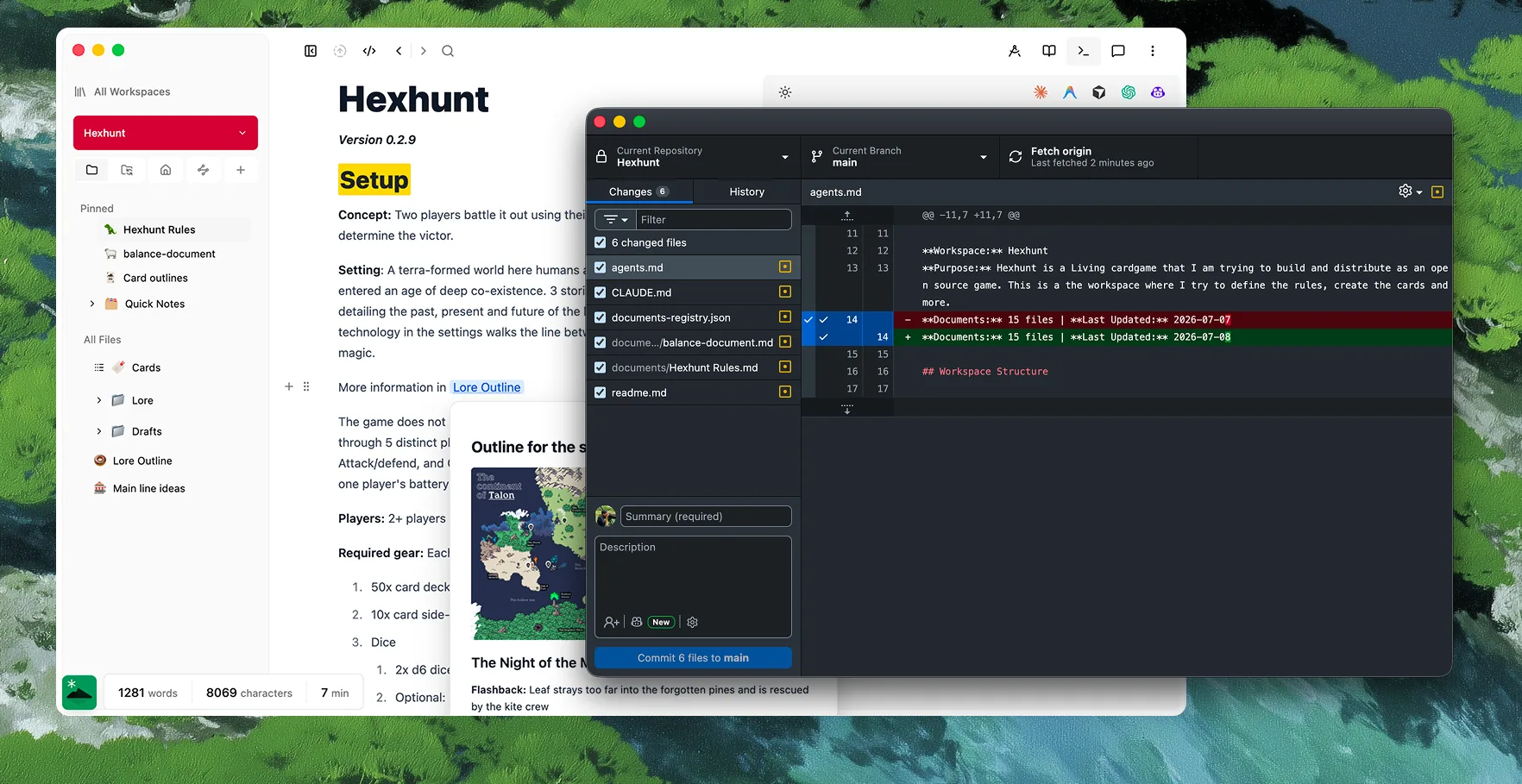
How GitHub and Hillnote fit together.
Your Hillnote workspace is plain markdown, so it lives on GitHub like any project — versioned for storage, and wired for execution. You plan and write in Hillnote; GitHub keeps the history and runs the work.

It's all just files
Your workspace is plain markdown in a folder you own, so it's a Git repo like any other — nothing proprietary to export.

Versioned, backed up, reviewable
Push to GitHub and your notes get history, branches, and pull requests — the same rigor as code, with an off-machine backup.
Stored and executed in one place
GitHub Actions run on the repo and Copilot's agent builds in it, so the plan you wrote and the work it drives share one versioned home.
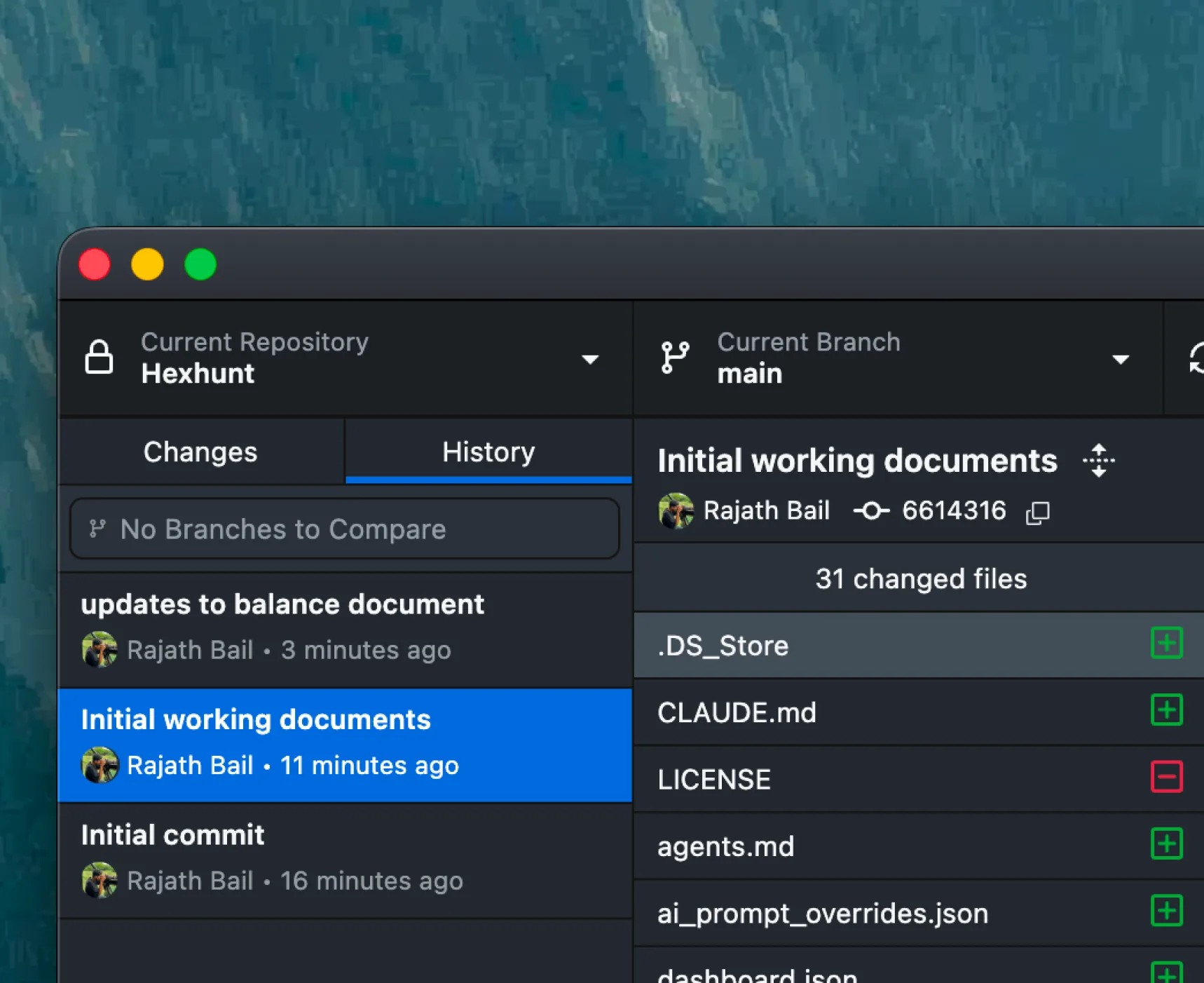
Version your notes like code.
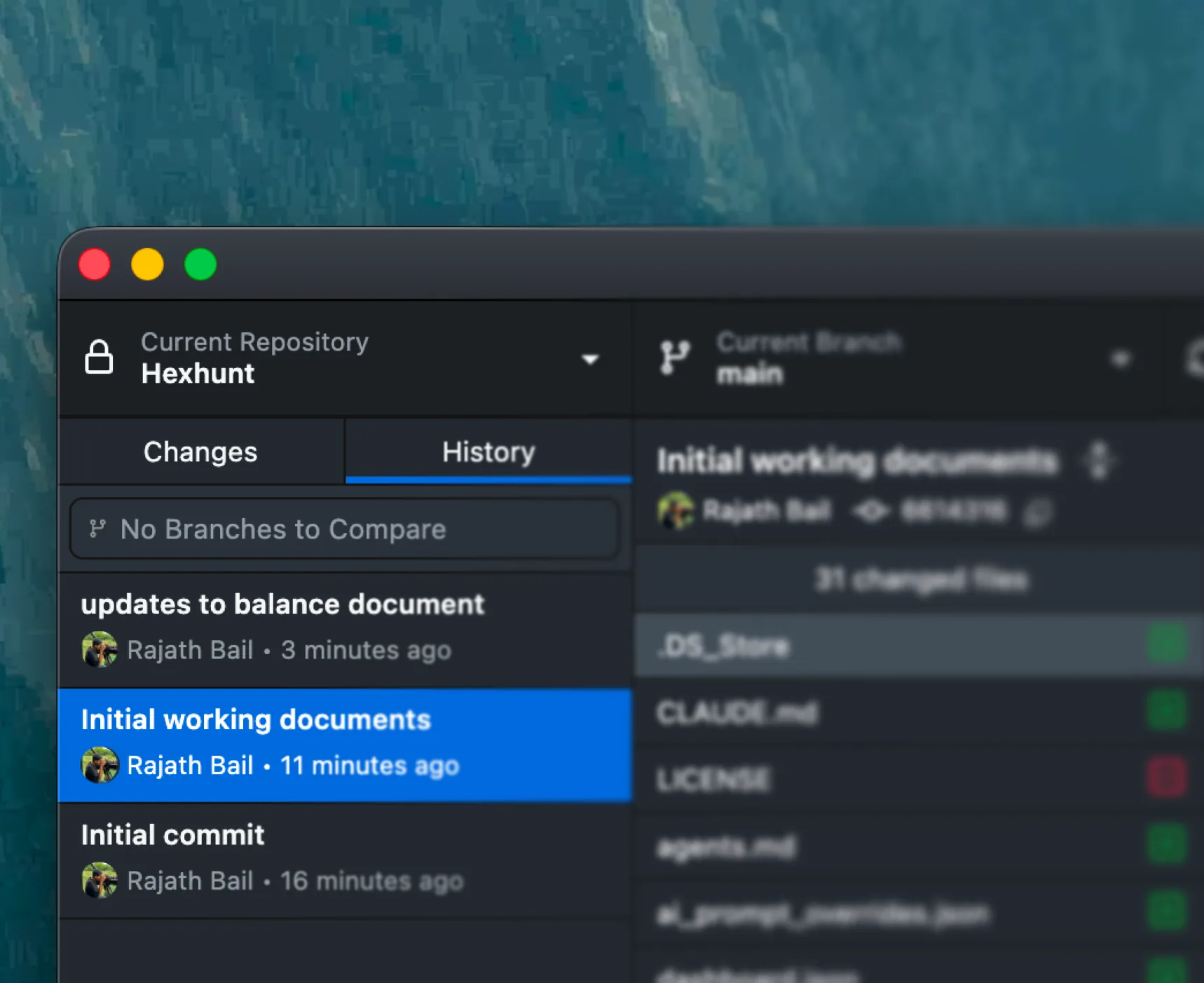
Commit your workspace and every edit becomes history you can diff, branch, and roll back — then push to GitHub for off-machine backup and pull-request review, the same workflow you use for code.
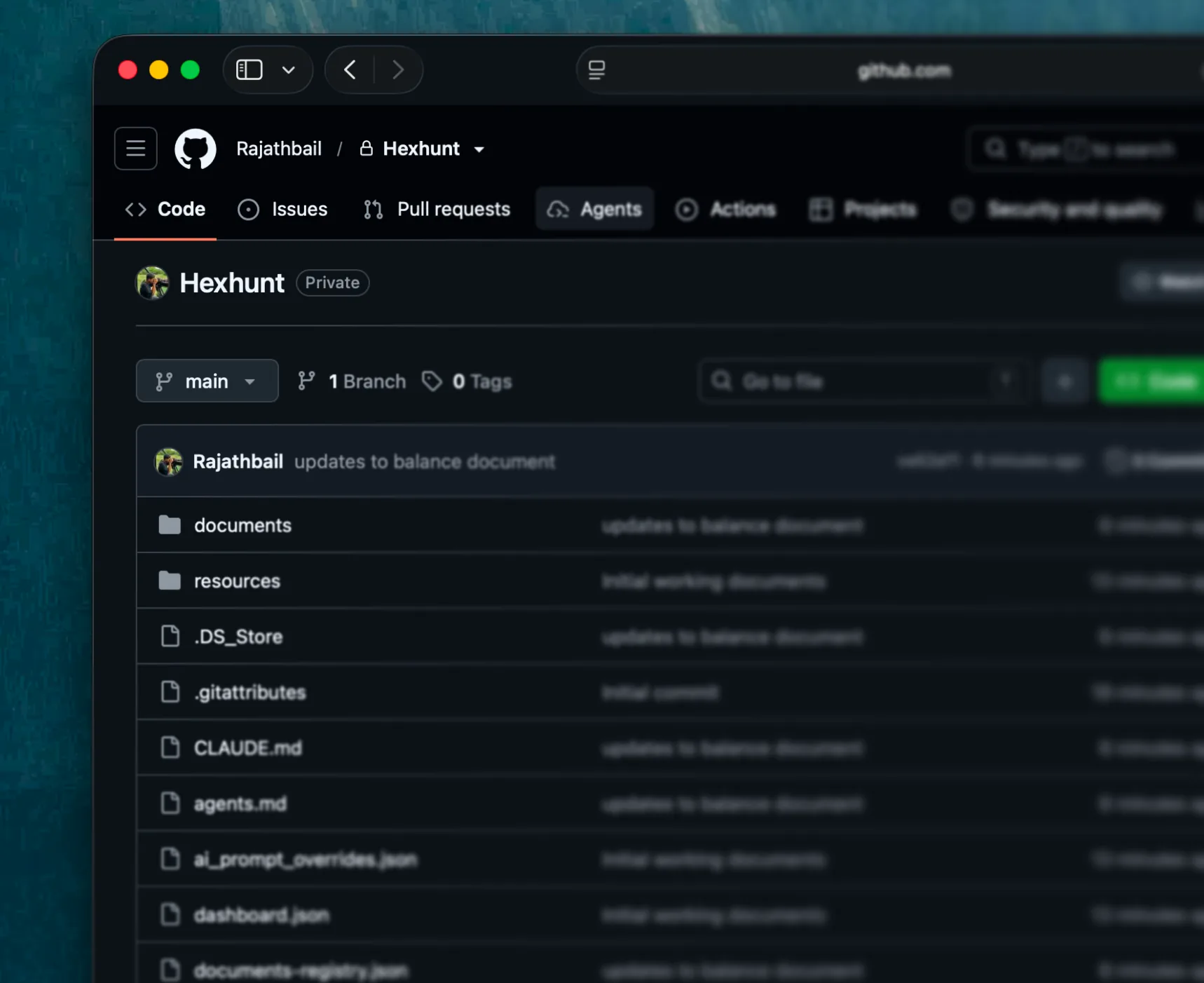
Put your repo to work.
Because it's a real repo, GitHub Actions can run on every push — or on a schedule — to publish, generate, lint, or reshape your workspace, committing the results straight back.
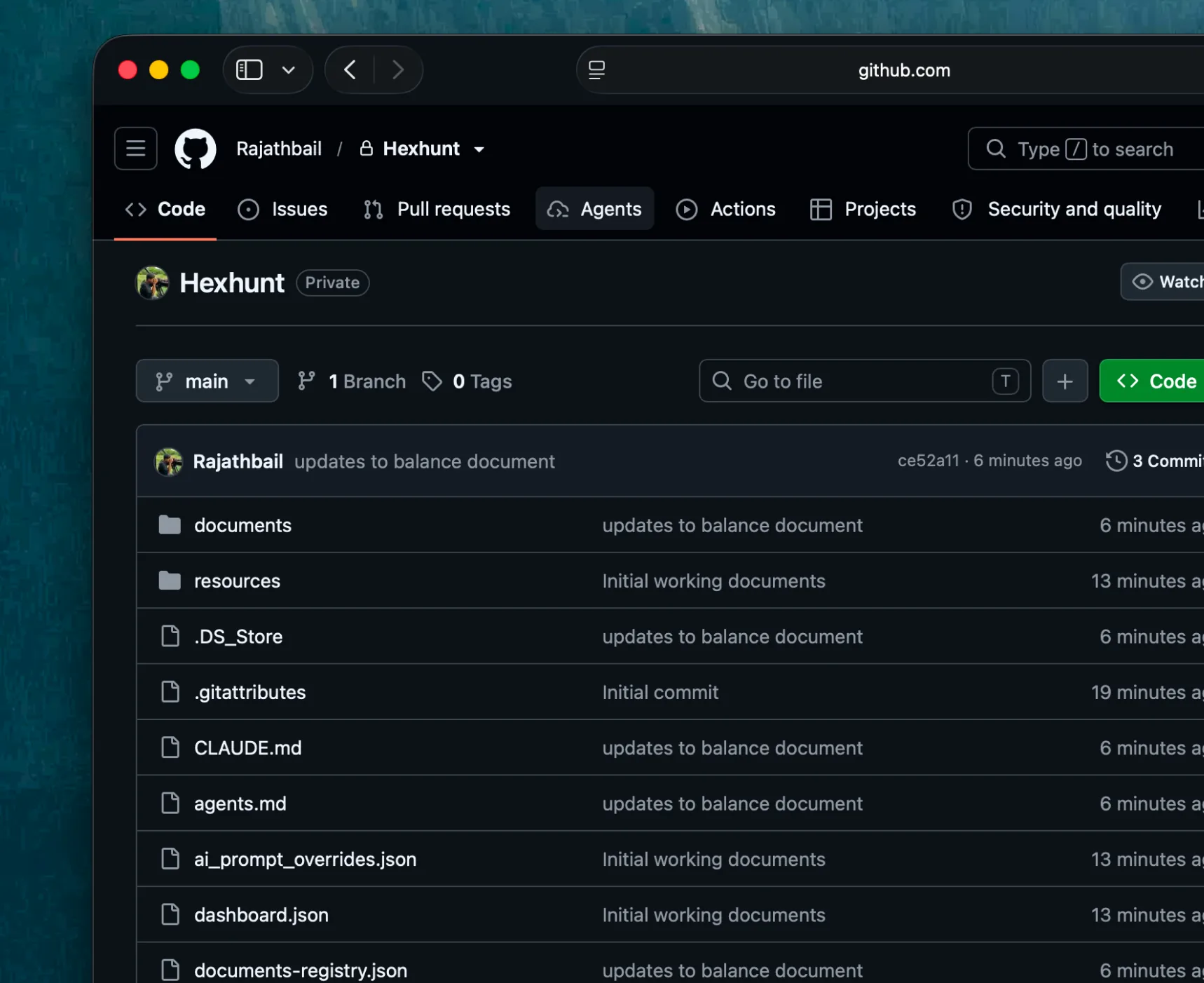
Hand Copilot an issue. Get back a pull request.
GitHub Copilot's coding agent picks up an issue, works in a GitHub Actions sandbox, and opens a pull request against your repo — you review and merge. Add Hillnote over MCP and it builds with your notes in reach.
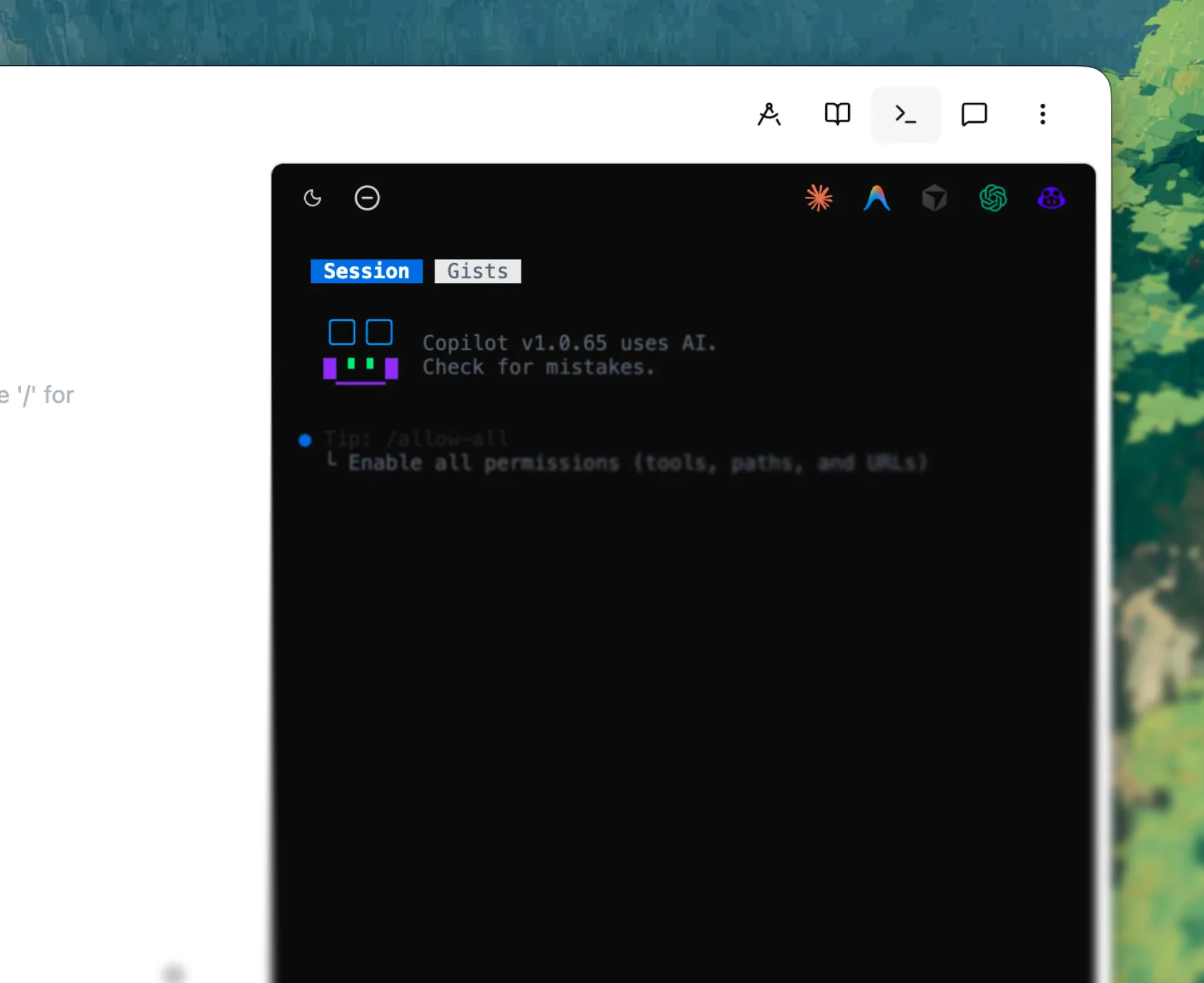
Ways to pair with GitHub.
Your workspace is a Git repo like any other. Push it to GitHub from Hillnote's built-in terminal or any Git client — Hillnote doesn't manage Git for you, it just gives you the terminal — and bring Hillnote's tools to Copilot's agent over MCP.
Run it in
Git in the terminal
A CLI agent, right inside your workspace.
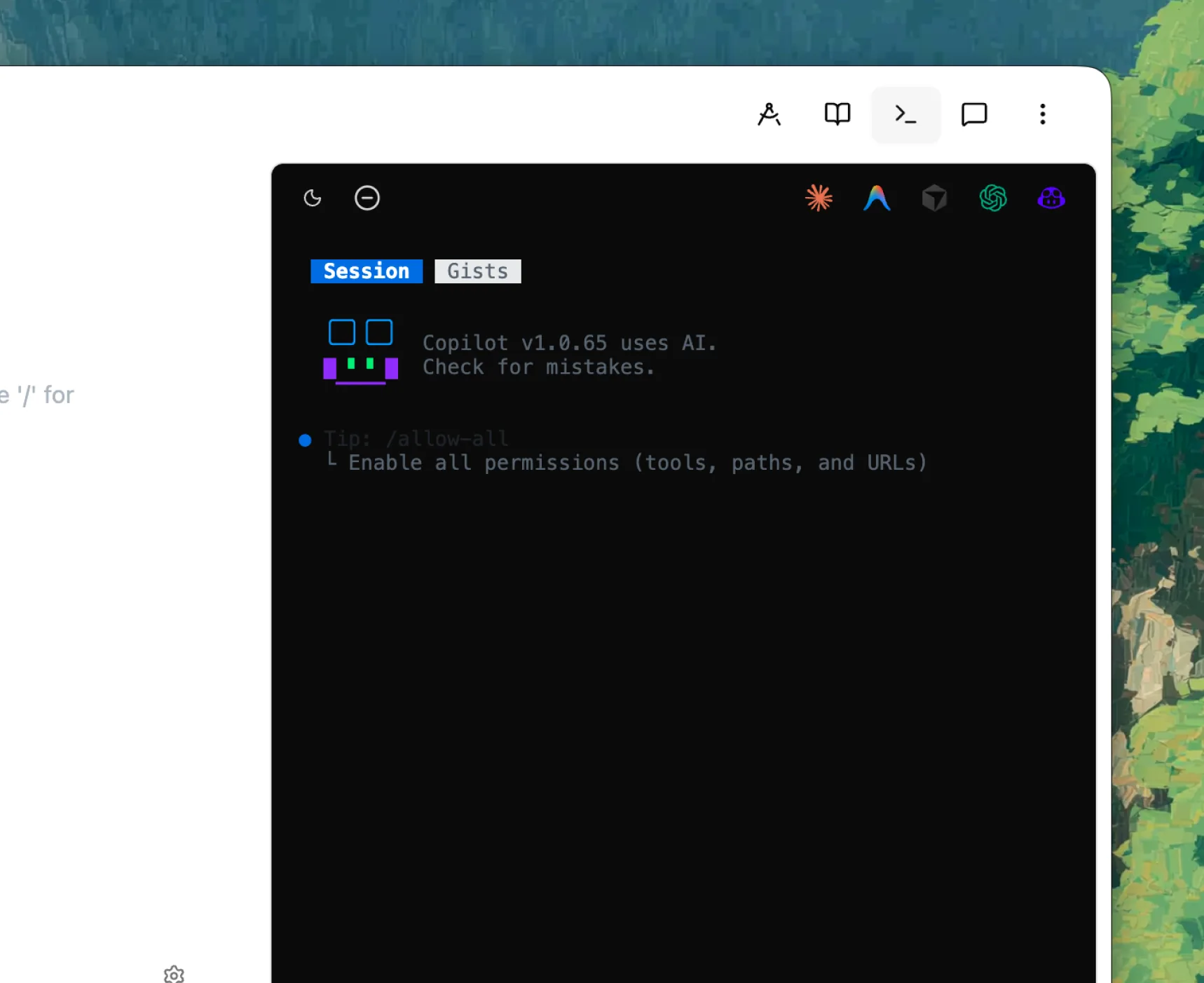
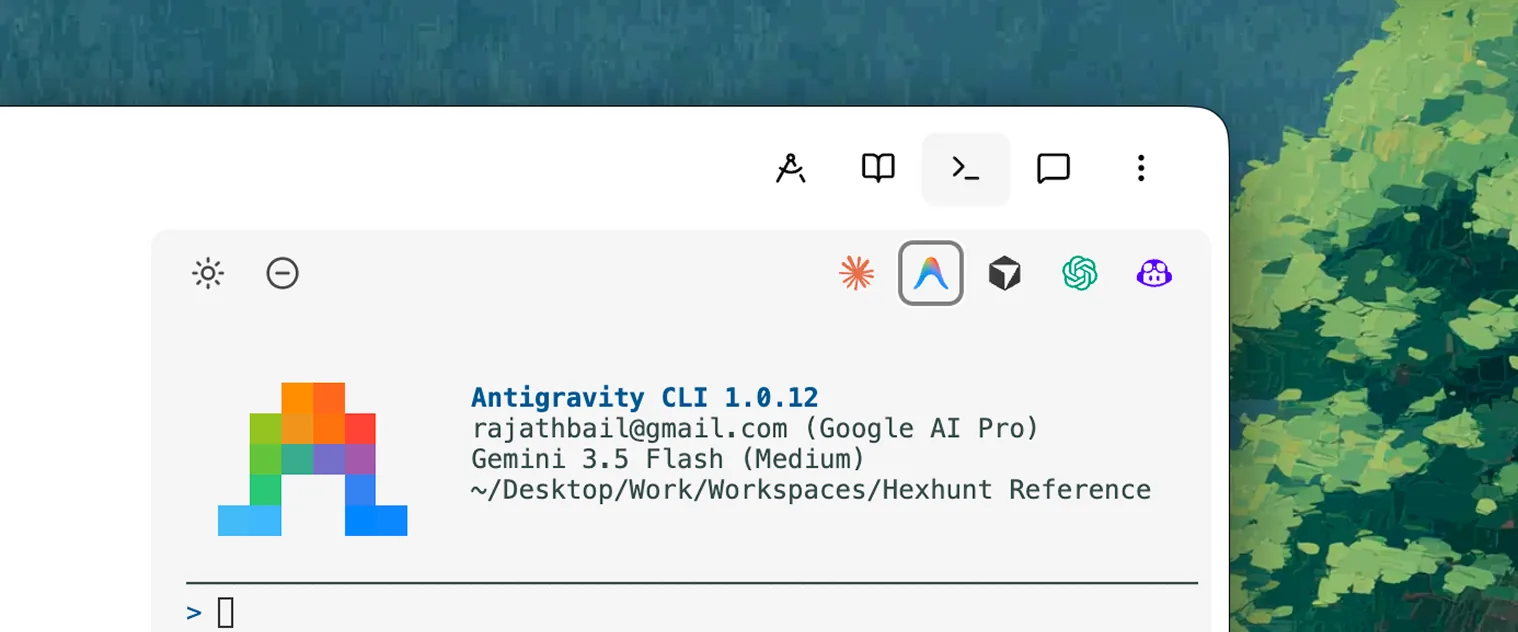
Version your workspace where it lives — init, commit, and push to GitHub from Hillnote's docked terminal. The Copilot CLI is a one-click preset there too.
- 1
Turn the terminal on in Settings → Interface, then open the docked terminal from the top bar — it's already in the workspace folder.
- 2
Put the workspace under version control:
git init git add . git commit -m "My workspace" - 3
Create a repo on GitHub, then connect and push:
git remote add origin [email protected]:you/workspace.git
git push -u origin main

No setup
Raw markdown files
Your workspace is already just files.
- 1
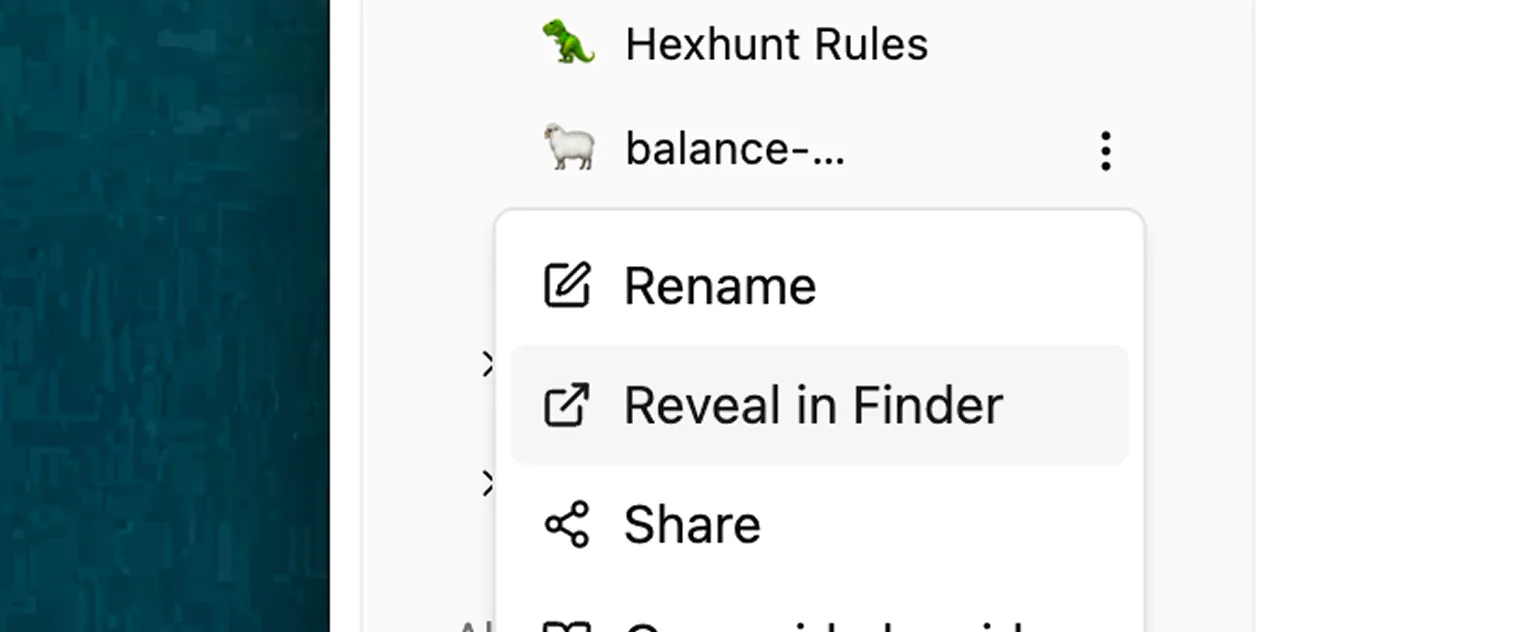
In Hillnote, right-click the workspace and choose “Reveal in Finder / Explorer.”
- 2
Add that folder in GitHub Desktop, or open it in any editor's source-control panel — it's a normal Git repo of plain markdown.
- 3
Commit and push from there; on github.com your notes render as formatted markdown and diff line-by-line.


Connect over
Model Context Protocol
~34 toolsThe richest connection — real tools, not just pasted text.
Nothing to install — Hillnote hosts the endpoint. You authorize with an OAuth sign-in.
Add Hillnote's hosted endpoint to Copilot so its agent reaches your synced workspaces over MCP — OAuth, no keys.
- 1
In the Copilot CLI run /mcp add — or add a remote server in your IDE's Copilot MCP settings.
- 2
Use the Hillnote endpoint shown below.
- 3
Authorize Hillnote when prompted — access is scoped to your workspaces.
Endpoint
https://hillnote.com/mcp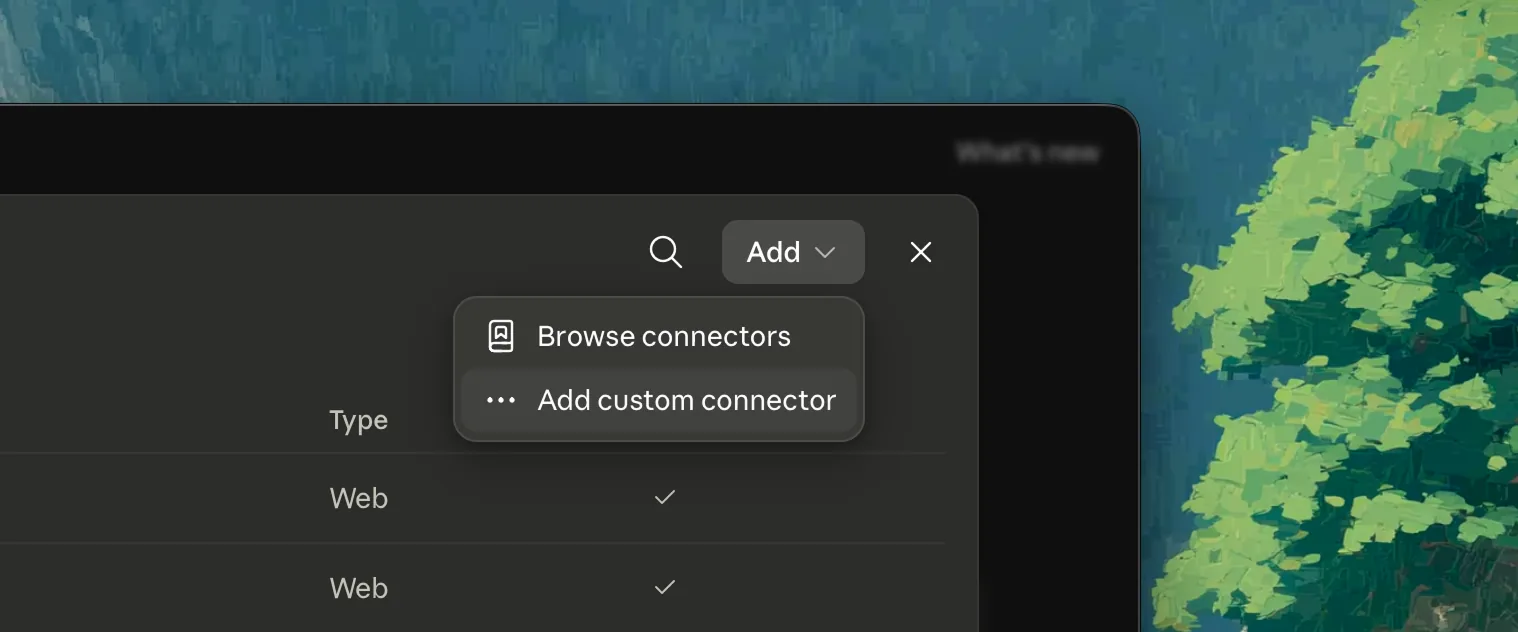
Reachable by everything that builds on GitHub.
Once your workspace is a repo, it isn't just yours to edit — it's wired into the whole ecosystem that runs on GitHub. Assign an issue or mention an agent and a cloud coding agent opens a pull request, with nothing running on your machine: GitHub Copilot, Claude's GitHub Action, OpenAI Codex, Google Jules, and Cursor's cloud agents all work this way. Wire a workflow and the 22,000+ prebuilt automations in the GitHub Actions marketplace run on every push.



See GitHub in a full setup.
GitHub is even better alongside the rest of your stack. Each setup wires Hillnote and the tools that fit a kind of work — all on the same markdown files.
Solo Builder
One person. Every hat. One workspace.
Build this setup
Code
Ship software in a markdown-native flow.
Build this setup
Design
From brief to mockup, in one workspace.
Build this setup
Product
Spec, plan, and track in one place.
Build this setup
Writing
Draft, edit, and publish without leaving your words.
Build this setup
Research
Gather, synthesize, and cite what you find.
Build this setupGitHub questions, answered
Does Hillnote push to GitHub for me?
No — and that's by design. Your workspace is just plain files, so you version it with Git yourself: git init, commit, and push from Hillnote's built-in terminal or any Git client. Hillnote gives you the terminal in the right folder; Git stays Git.
Why version a notes workspace with Git?
Because it's plain markdown, Git gives you a full, diffable history of everything you write — roll back mistakes, branch, open pull requests, and keep an off-machine backup on GitHub. The same workflow you use for code.
What can GitHub Actions do with my workspace?
Anything you'd script. A workflow can run on every push — or on a schedule — to publish, generate, lint, or reshape your notes, then commit the results back to the repo.
How does Copilot fit in?
GitHub Copilot's coding agent can take an issue and open a pull request against your repo, and the Copilot CLI is a preset in Hillnote's terminal. Add Hillnote over MCP and Copilot works with your notes' tools in reach. See the Copilot pairing at /copilot for the full setup.
Which AI agents can work on my repo?
Any that integrate with GitHub. Because your workspace is just a repo, GitHub Copilot's coding agent, Claude's GitHub Action, OpenAI Codex, Google Jules, and Cursor's cloud agents can each take an issue or a branch and open a pull request from the cloud — and anything in the GitHub Actions marketplace can run on a push. Review and merge when you're ready.
What is the built-in terminal?
A real terminal docked to your workspace, already in the folder. Run git, the GitHub CLI (gh), or the GitHub Copilot CLI — a one-tap preset — right where your files live.