Hillnote for your AI
AI that's built in — and ready for the agents you bring.
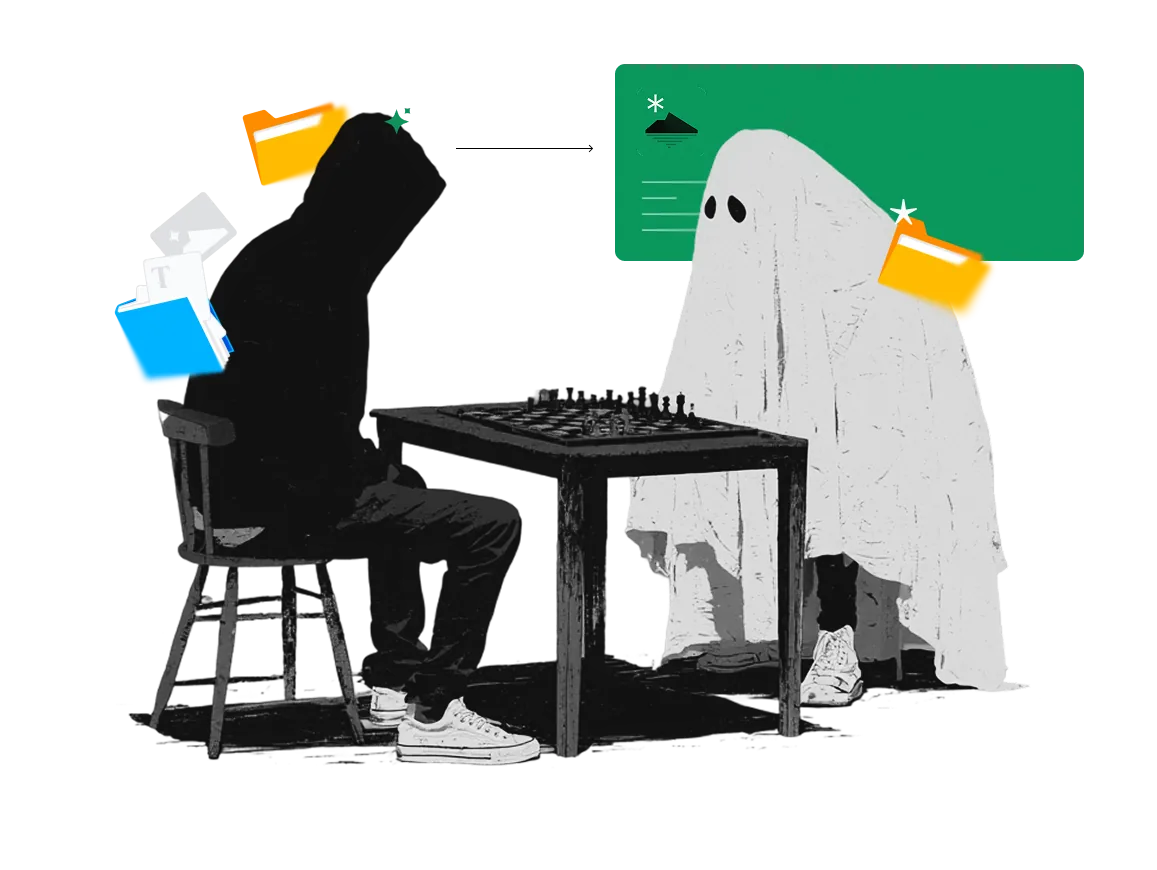
Local models for the small stuff, frontier models for the heavy lifting — woven into the editor, not bolted onto a sidebar. And because every document is plain markdown on your own disk, your own agents work the same files ours do.
AI that lives where you write.
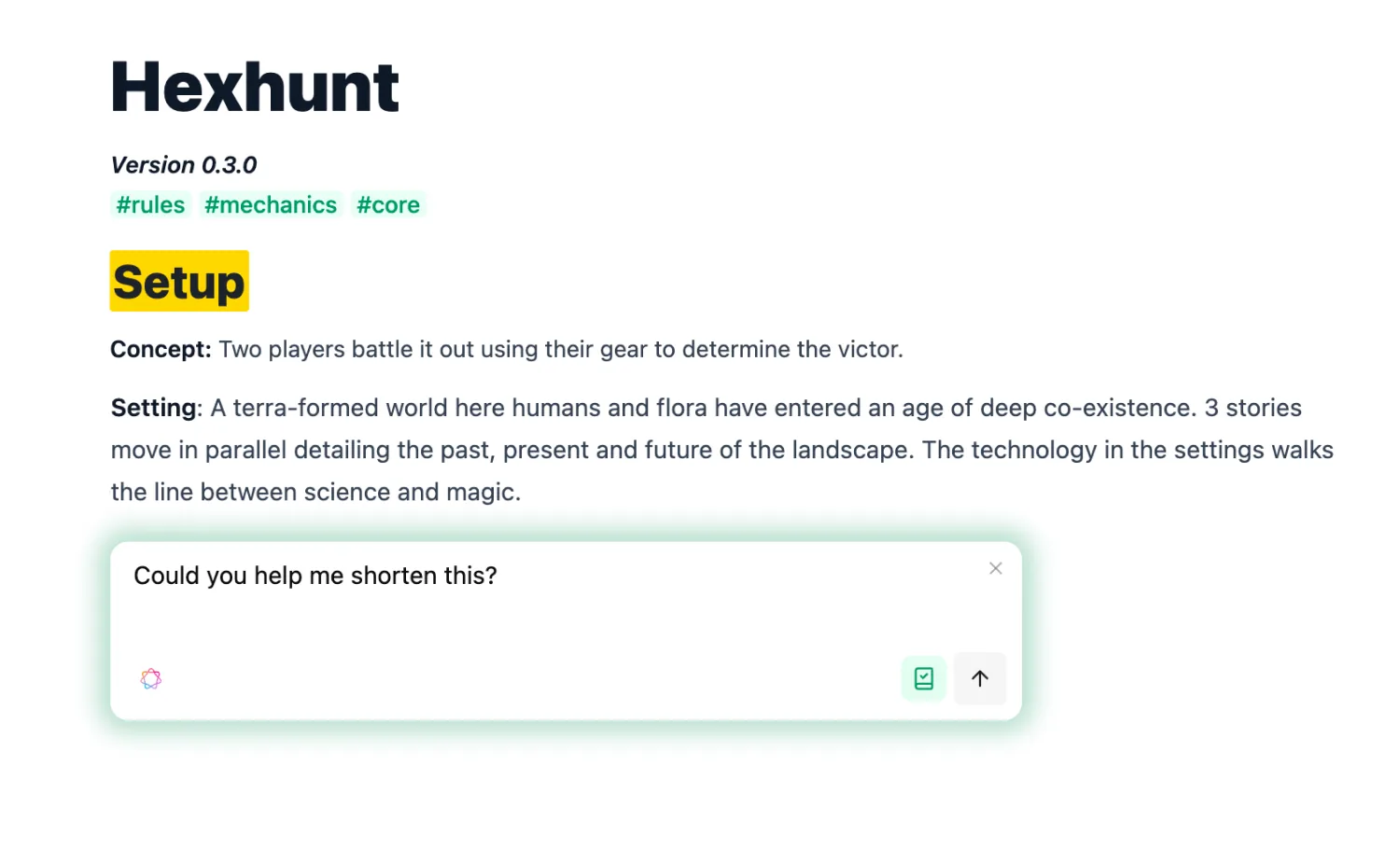
Select a sentence to rephrase it, hit "/" for a block, or ask for a summary — the AI works inline, in the editor, not in a tab you switch to. It reads the document you're in and the notes you've linked, so what it writes already fits the page.
Small tasks stay home. Big tasks get the big model.
On-device models for in-flow work — private, instant, and free.
Inline edits, on-device
Apple Intelligence and Ollama models rephrase, expand, and tidy text right where you're writing — no round-trip to the cloud.

Summaries without uploads
Condense a long document or a cluster of notes locally. Nothing leaves the machine to get summarized.

Works with the network off
On a plane, in a tunnel, behind a firewall — local AI keeps running because the model is already on your device.
Your own agents are first-class here.
Your workspace is plain markdown in a real folder, so Claude Code, Codex, Gemini, and Cursor read and write your actual files — no exports, no copies to reconcile. The agent you already trust works directly on the same documents you do, and hands them straight back.
More than a chat box.
Save a prompt as a command, fire AI on a workspace event, or open a chat that already knows your workspace — the same AI, put to work three ways.
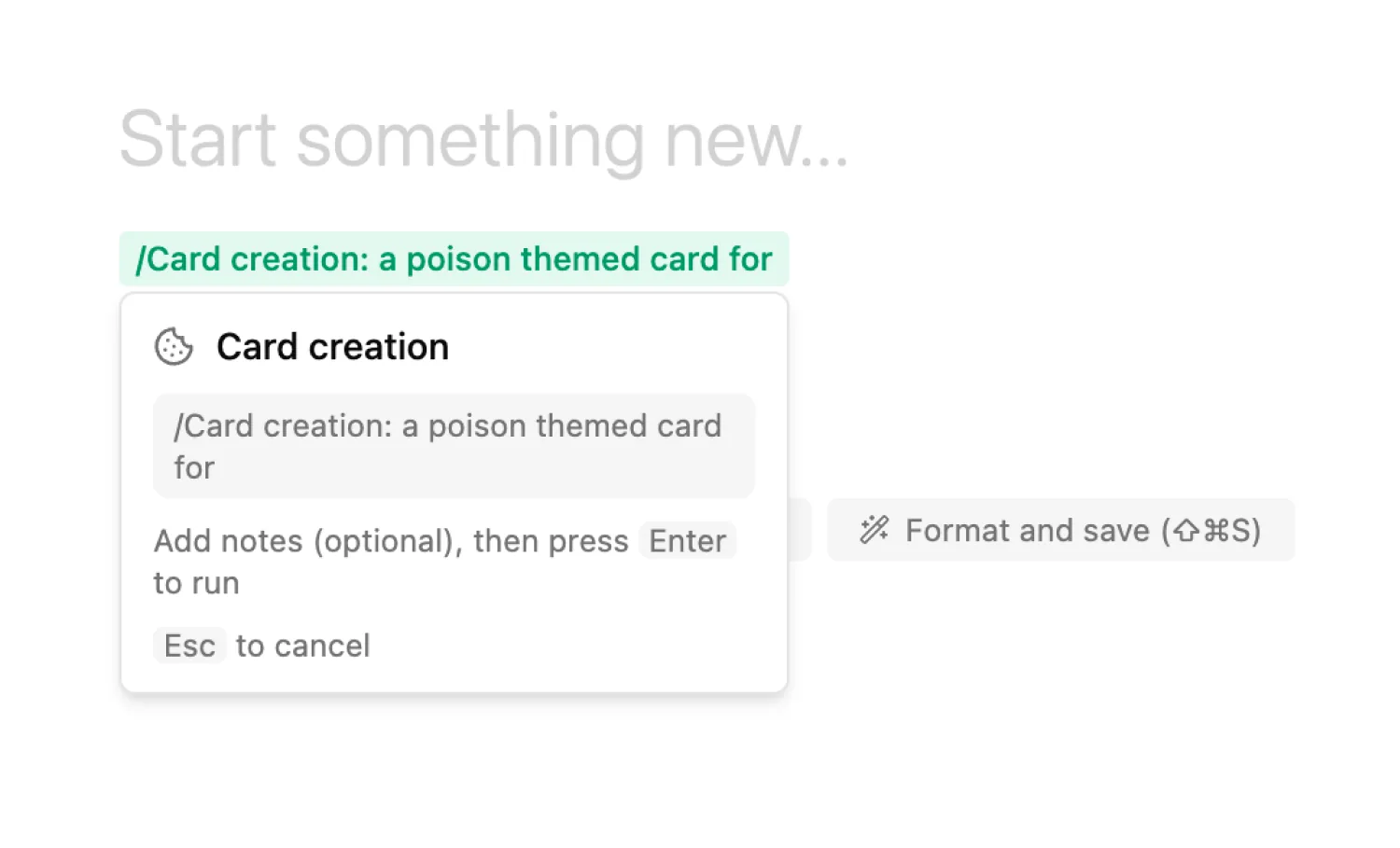
Recipes
Save any prompt as a /command and run it whenever you need it — with the right documents already attached.
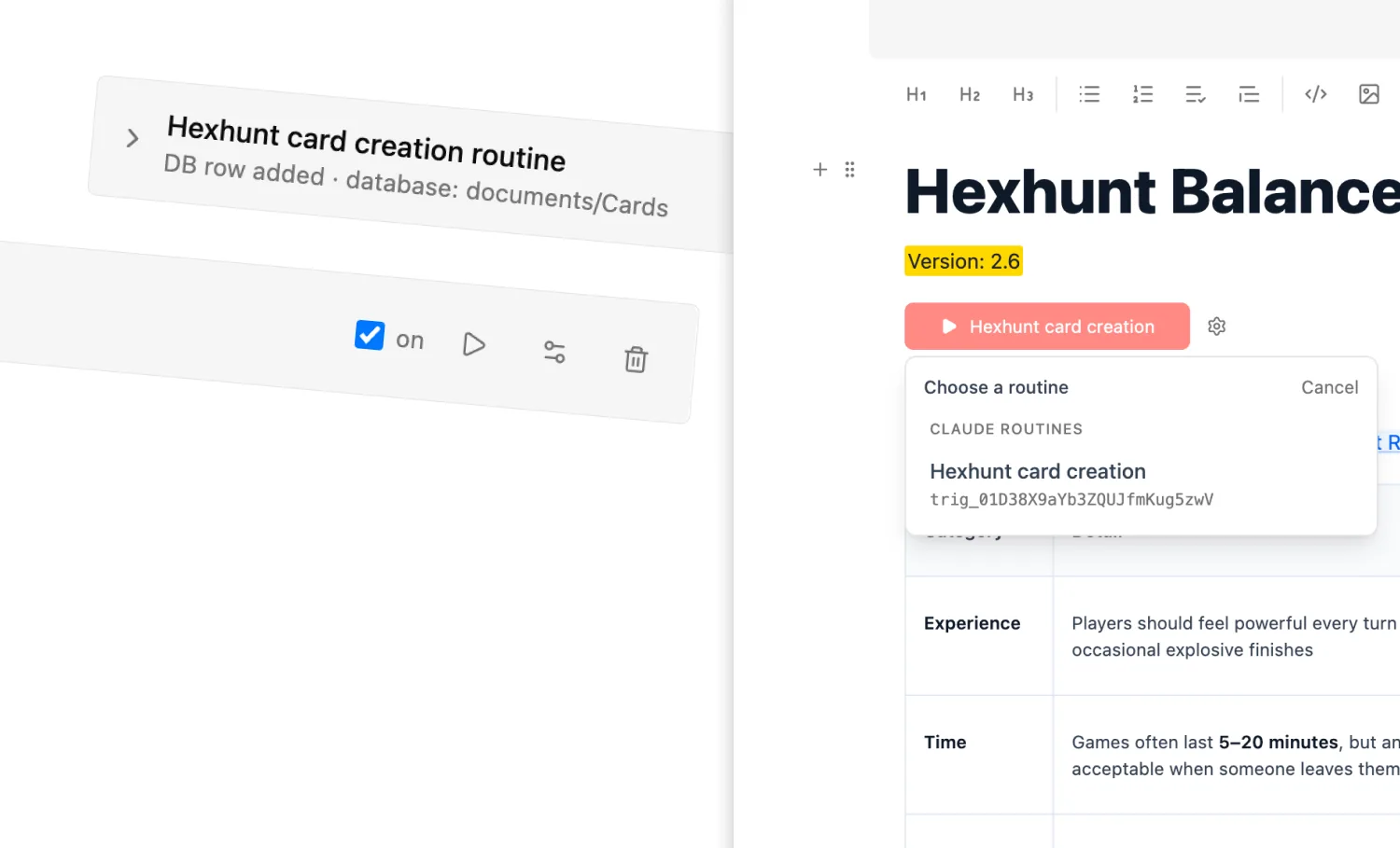
Triggers
A new document, a posted comment, a quicknote, a row that changes status — each can fire an AI routine on its own.
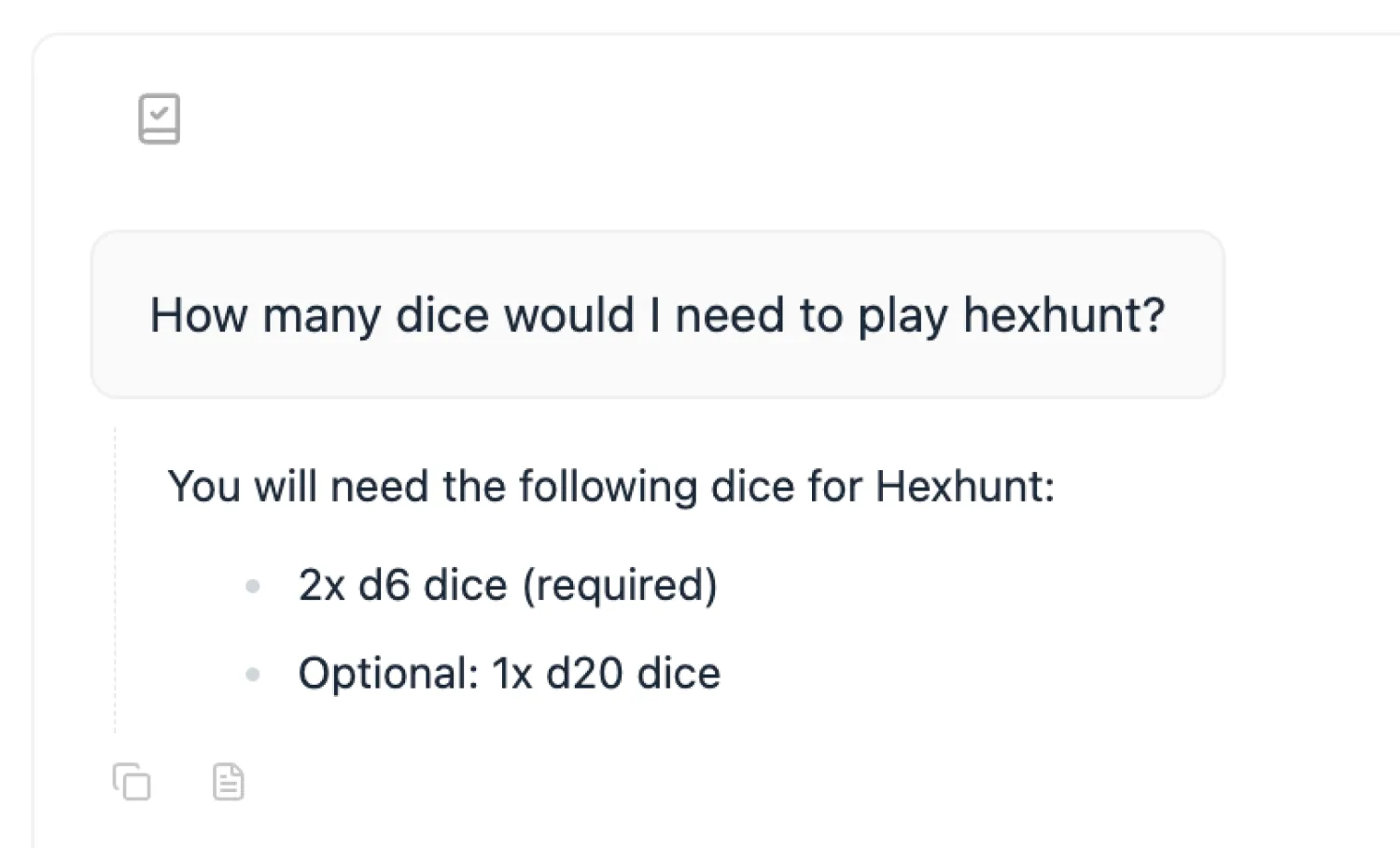
Dedicated chat
Mention a document with @, drop in an image, search the web, run a slash command — a chat that knows your workspace.
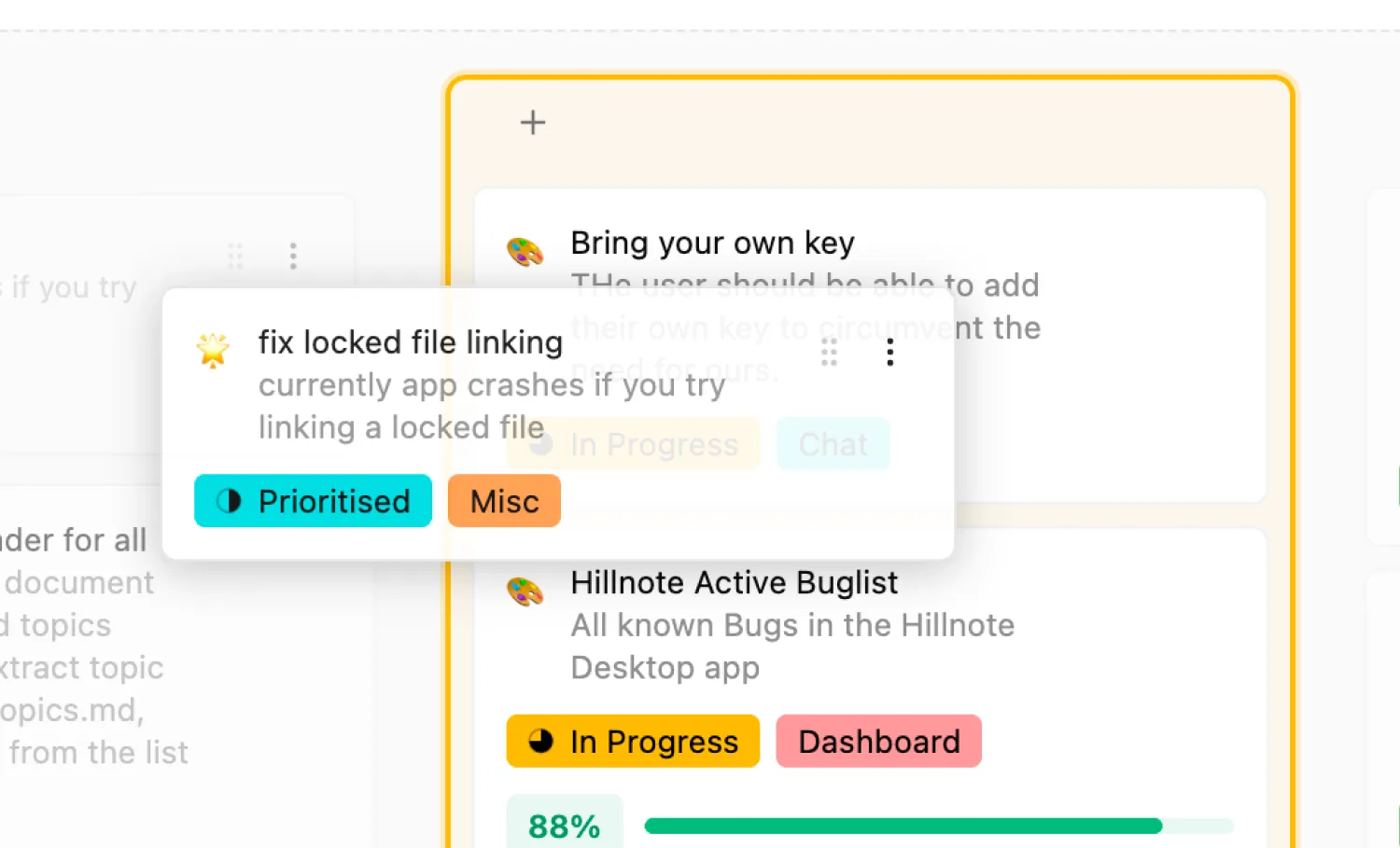
Database events
Add a row or move a task to Done and an AI action kicks off on the spot, right from the table.
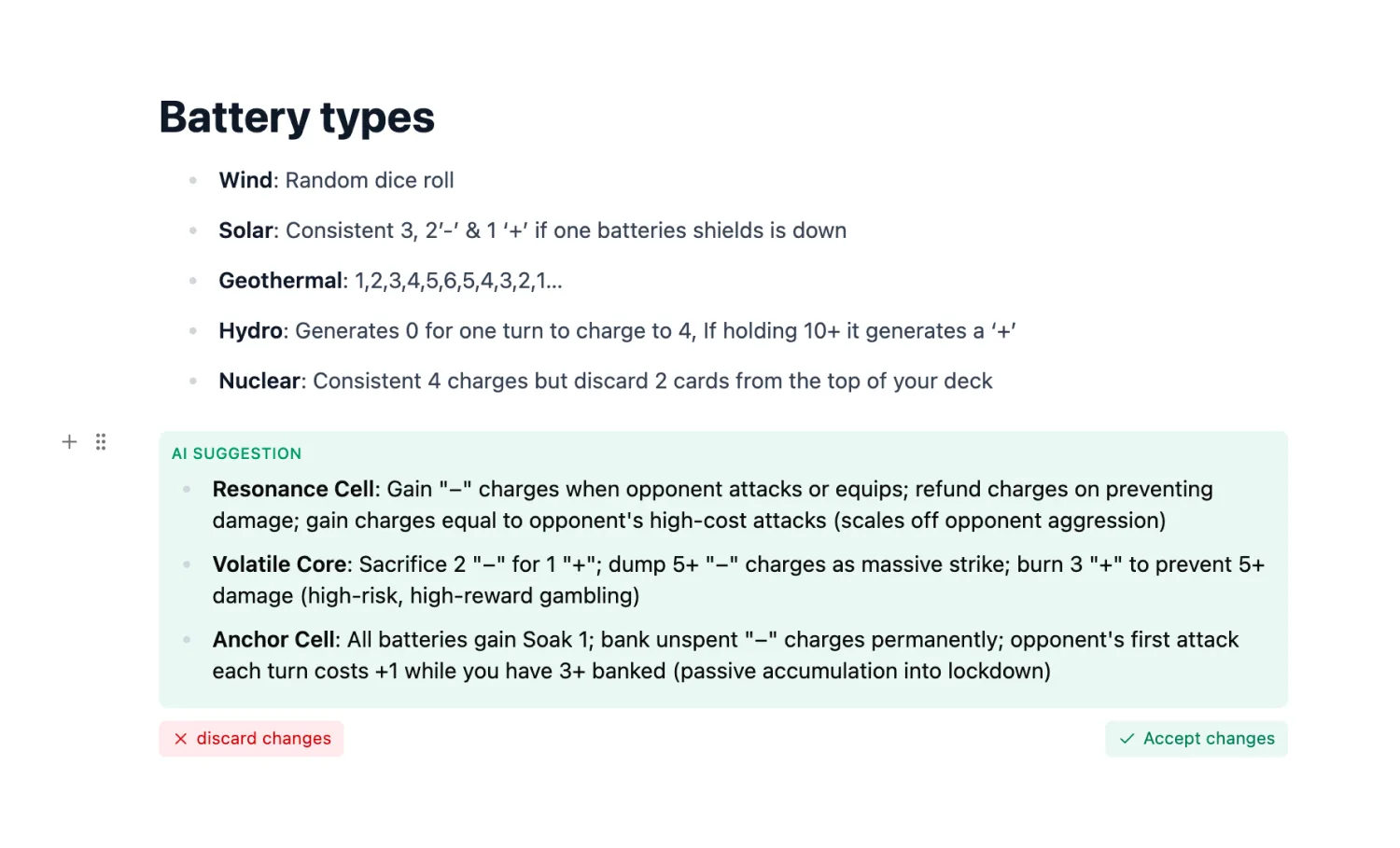
Tools in chat
The chat doesn't just reply — it reads, edits, and acts on your workspace through built-in tools.
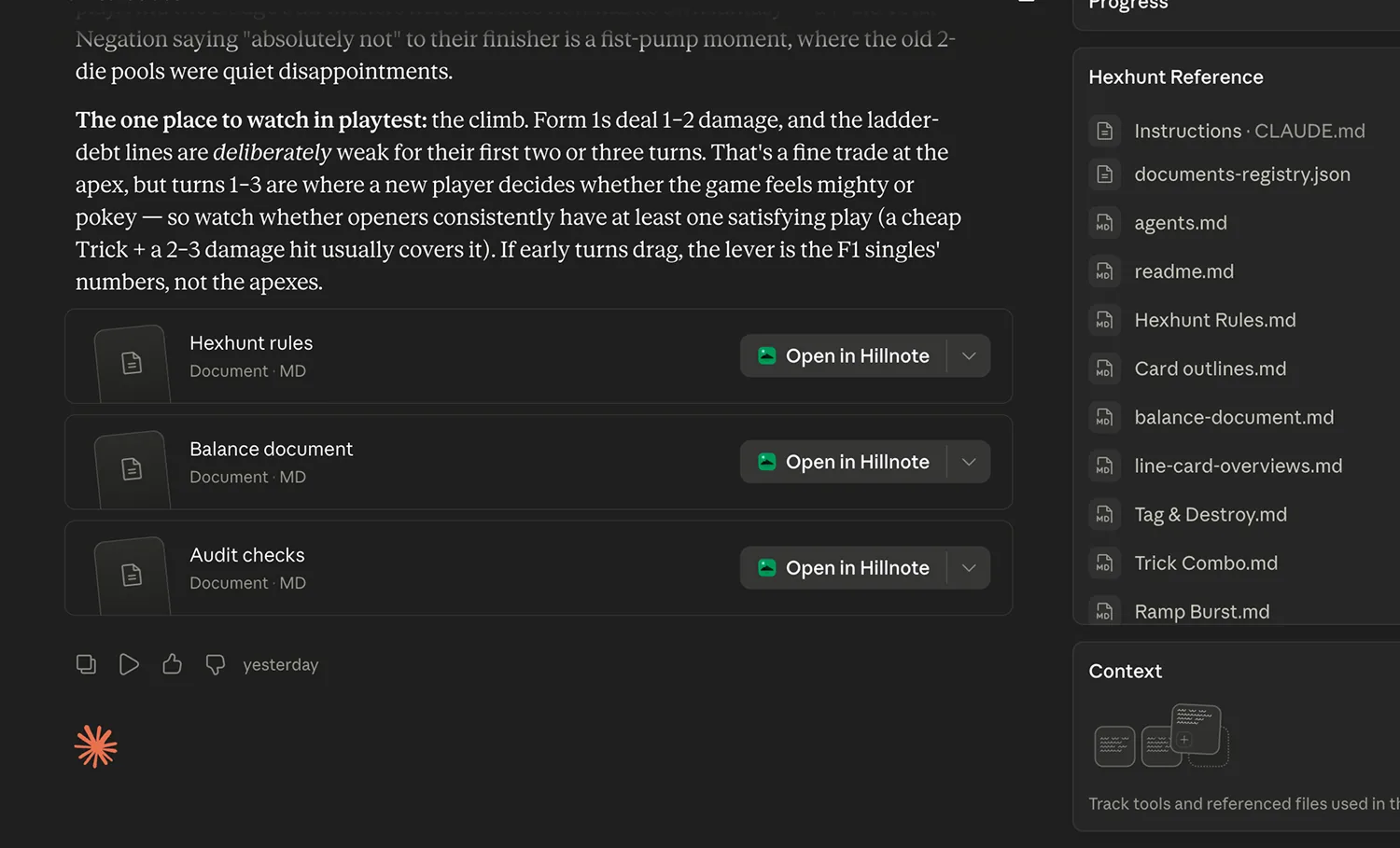
Background routines
Saved workflows run on a schedule or an event while you're doing something else.
Hand work to AI like a teammate.
There's no extra seat to buy. The AI works in the same synced workspace your collaborators do — it picks up jobs the moment a trigger fires, runs routines on its own, and writes back to the same files. Hand it a task and it gets on with it, the way you'd hand work to a teammate.
Open by design.
Local MCP server
A built-in server exposes your workspace to any MCP client on your machine — Claude Desktop, Cursor, and the rest.

Cloud MCP endpoint
hillnote.com/mcp reaches your synced workspace from anywhere, so remote agents can work it too.
A CLI inside Hillnote
Run Claude Code, Codex, Gemini, and Cursor CLIs in a built-in terminal, looped right over your workspace.

Context files
Drop in context and instruction files so every agent works from the same brief you do.

Open file formats
Everything is markdown on disk — open it in Finder, version it with git, or read it in any other app.

Routine API
Fire routines and AI actions programmatically from your own systems and scripts.
Hillnote works with your tools and not to replace them.
Keep Claude, ChatGPT, Cursor, Gemini, Perplexity, and GitHub — Hillnote isn't trying to win them away. It just gives them one clean, shared place to work: your files. Bring the tools you already love and point them at the same workspace.
The agents and apps you already use.
Connect over MCP, the raw files, or Hillnote's built-in terminal — your tools, working your workspace.




And the storage you already use.
Keep a workspace in a synced drive or repo and let it sync everywhere.




 Download for Mac
Everything you need to get started.
- Core editor on desktop and mobile
- Local AI via Ollama and Apple Intelligence
- Limited premium model use
- 100MB of synced storage
- Collaboration on synced workspaces
Billed yearly
Publish, automate, and bring your own keys.
- Everything in Free
- 1GB of synced storage
- Publish a workspace as a doc, blog, or site
- Custom domain mapping
- Up to 3 routines
- Bring your own API key
Billed yearly
For power users who lean on frontier AI daily.
- Everything in Plus
- 10GB of synced storage
- Publish up to 6 workspaces
- Up to 5 routines
- 30× premium model usage vs other plans
AI questions, answered
Which models run locally versus in the cloud?
Apple Intelligence and any Ollama model you've installed run entirely on your machine for inline edits, rephrasing, and quick tasks. Auto-mode hands off to frontier models — Claude, GPT, and Gemini — only when a task needs them.
What is auto-mode?
A router that sizes up each request and decides whether a fast local model can handle it or it should go to a frontier model. Small, in-flow work stays on-device; heavier work gets the more capable model. You can always override it and pick a model yourself.
Can I bring my own API keys?
Yes, on Plus and Pro. Point Hillnote at your own provider keys and your frontier-model usage runs through your account.
How do agents like Claude Code fit in?
Your workspace is plain markdown in a real folder, so agents read and edit it directly. A local MCP server is built in, the cloud endpoint at hillnote.com/mcp reaches your synced workspace, and a built-in terminal lets you run Claude Code, Codex, Gemini, and Cursor CLIs right inside the app.
What can the AI do on a trigger?
Set a trigger on a workspace event — a document created, a comment posted, a quicknote added, or a database row added or moved to a new status — and it fires an AI routine automatically. The routine can read context, edit documents, and update the workspace without you starting it.
What are recipes?
Saved prompts you invoke as slash commands. Create a /command once — with the right documents and output format attached — and run it any time in chat, so a repeatable job is one keystroke away.
What does the dedicated chat see?
Only what you point it at: the document you're in and any notes you @-mention or link. It can attach images, search the web, and use tools to act on your workspace. Stay on a local model and the conversation never leaves your machine.
Is there an AI seat or member to add?
No. There's no separate AI account or seat. The AI works in the same synced workspace your collaborators already use — it picks up jobs on a trigger, runs routines on its own, and writes back to the same files — so handing it work feels like handing it to a teammate, without paying for one.