Sync & collaborate in Hillnote
In step everywhere — still just your files.
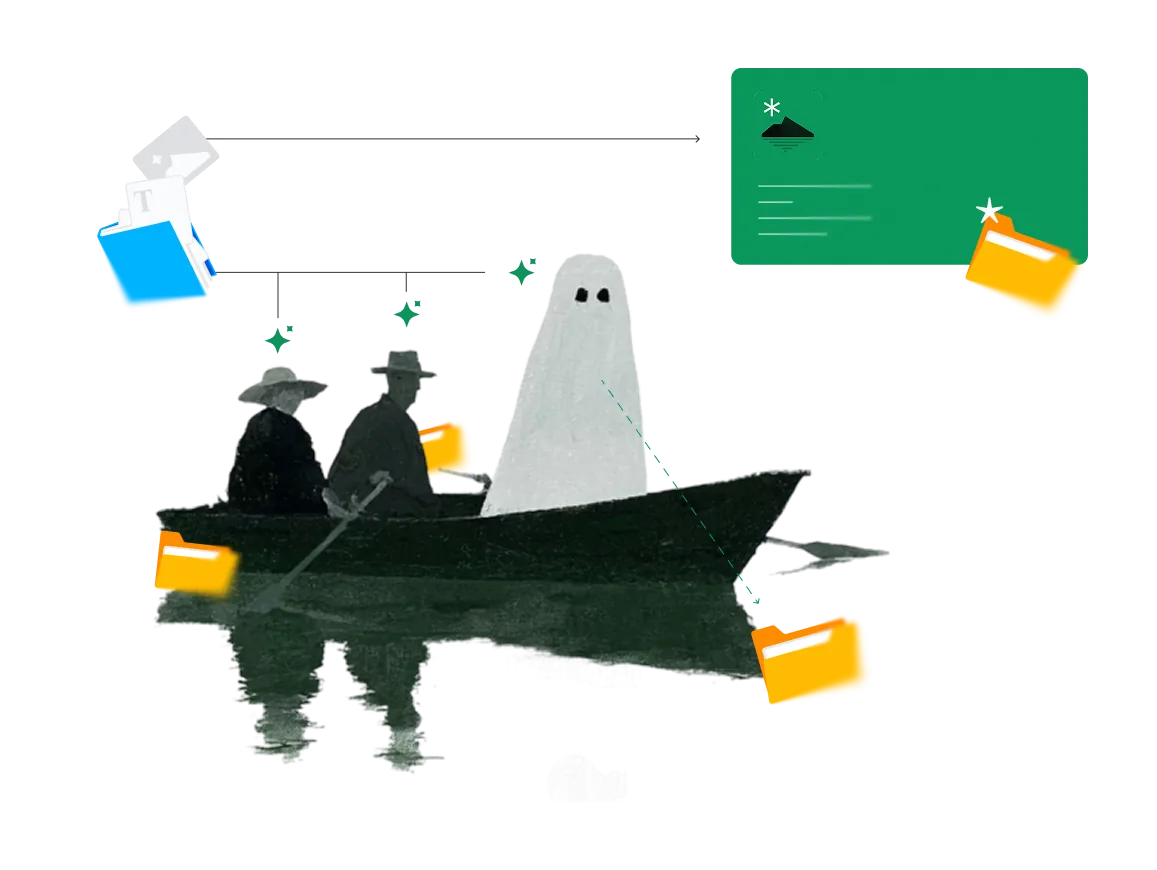
Turn on sync and the same workspace follows you across Mac, Windows, iOS, and Android. Keep it in Hillnote's cloud or your own Google Drive, Dropbox, or a git repo — it's plain files either way, so it travels without ever locking you in.
In step across every device.
Close the laptop mid-sentence and finish the line on your phone. Hillnote keeps the same workspace current on Mac, Windows, iOS, and Android — and only moves what actually changed, so a sync stays quick even over a thin connection.
Sync your way.
Push and pull in a click — or turn on auto-sync and forget it's there.
One-click push and pull
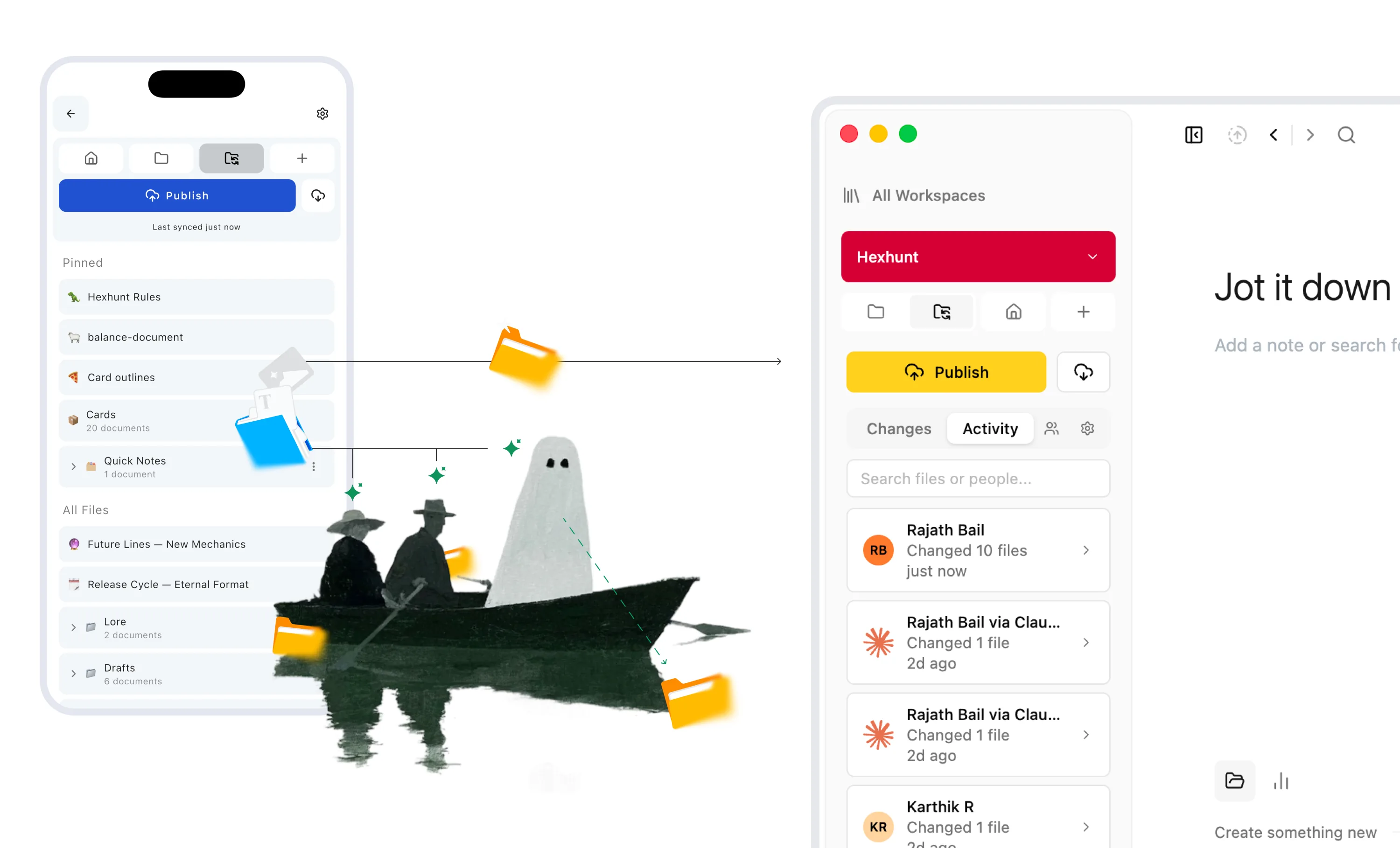
Publish a workspace once, then send your changes or pull everyone else's whenever you like — only the files that changed move.

Auto-sync every couple of minutes
Flip on auto-sync and Hillnote keeps the workspace in step on its own, pushing and pulling in the background about every two minutes.

No one clobbers anyone
If someone pushed before you, Hillnote pulls and merges their changes first, then sends yours — and it's encrypted in transit and at rest the whole way.
Bring your own storage.
A workspace is a plain folder, so the drive or repo you already use can carry it across devices — Hillnote watches for outside changes and reconciles them for you.


Share a workspace, keep your own copy.
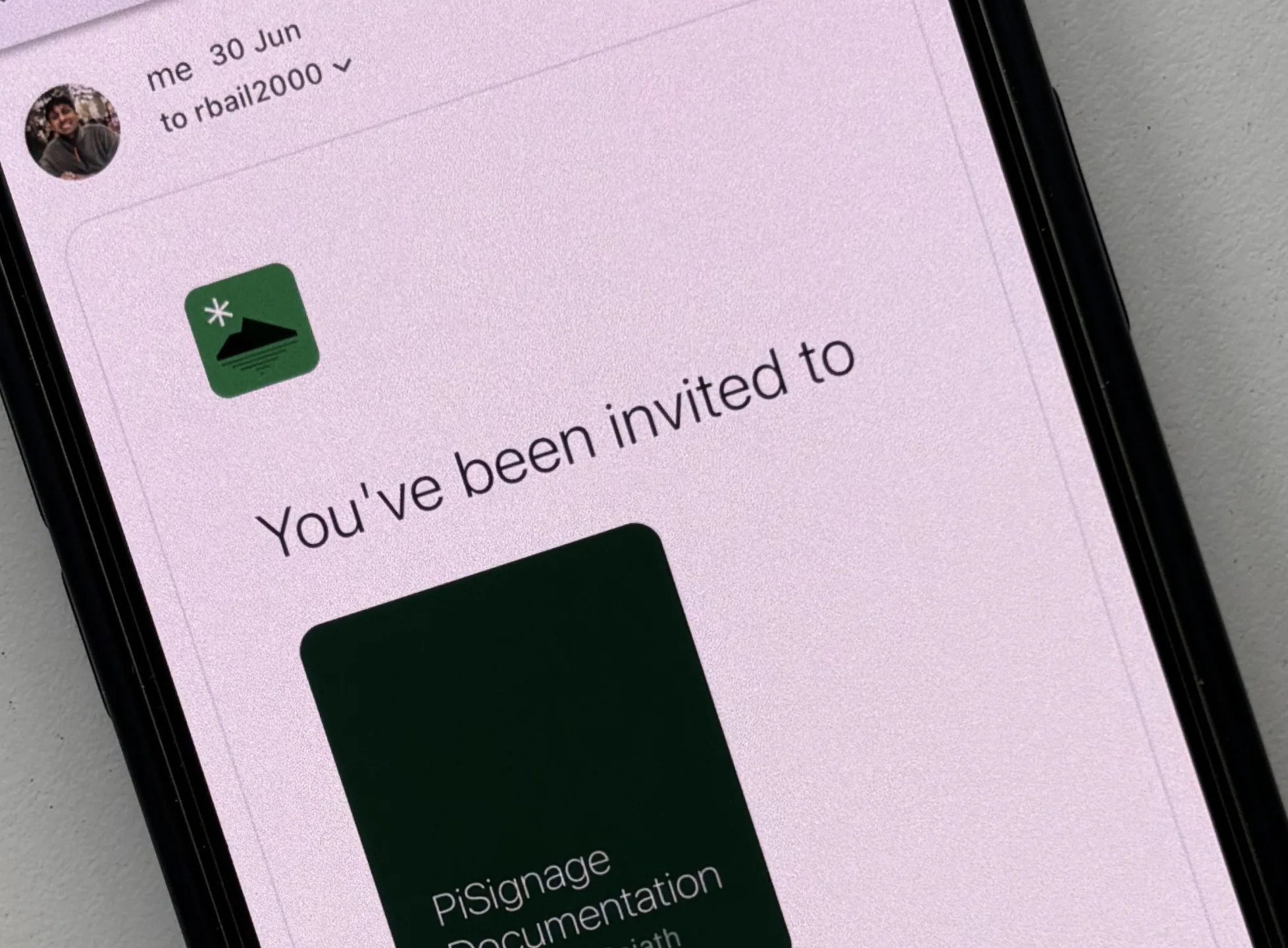
Invite people to a workspace by email and set each as an editor or admin; not on Hillnote yet? Send an invite and they join when they sign up. Everyone works the same markdown and keeps a real copy on their own disk — changes reconcile whenever each person syncs, so it's collaboration without a rented seat.
A clear record of who changed what — agents included.
Every workspace keeps an activity log: who pushed, when, and exactly which files — searchable by person or filename. Agents that work through Hillnote's MCP show up in the same feed, by name and logo, so a change made by Claude reads as plainly as one made by a teammate.
A sync can set work in motion.
A push isn't just a save. When a sync lands a new document, a comment, or a task that changed status, it can fire a routine on its own — so your synced workspace becomes the trigger for the AI work that follows.
Built to sync without surprises.
Delta sync
Only the files that actually changed move — a sync stays fast even on a big workspace or a slow link.
Version-safe
One writer at a time, with a version check — if you're behind, Hillnote pulls and merges before sending, so nothing gets clobbered.
Conflict copies you control
Colliding edits are kept side by side for you to resolve, never silently overwritten.

Scanned on the way in
Files pulled from a shared workspace are checked for anything unsafe before they're written to your disk.
Password-protected stays private
A note you password-protect stays end-to-end encrypted even as it syncs — we only ever store the sealed envelope.
Per-account isolation
Every synced workspace is partitioned to your account and gated by auth and role checks on each request.
Publish a workspace to the web.
When something's ready to share beyond your devices, turn a synced workspace into a clean site — sidebar, search, comments, your own theme and logo. It lives at hillnote.com under your name, and on Ultra you can map your own domain with managed SSL. Edit the source, hit update, and the published site rebuilds.
Local-first, and opt-in — your call.
Sync is off until you switch it on, per workspace. By default your files just sit on your disk as plain markdown; turn sync on and every transfer runs over HTTPS and rests encrypted with AES-256. Keep the private spaces local and sync only what you mean to.

 Download for Mac
Everything you need to get started.
- Core editor on desktop and mobile
- Local AI via Ollama and Apple Intelligence
- Limited premium model use
- 100MB of synced storage
- Collaboration on synced workspaces
Billed yearly
Publish, automate, and bring your own keys.
- Everything in Free
- 1GB of synced storage
- Publish a workspace as a doc, blog, or site
- Custom domain mapping
- Up to 3 routines
- Bring your own API key
Billed yearly
For power users who lean on frontier AI daily.
- Everything in Plus
- 10GB of synced storage
- Publish up to 6 workspaces
- Up to 5 routines
- 30× premium model usage vs other plans
Sync questions, answered
How does sync work across devices?
Publish a workspace once, then keep it in step by pushing your changes and pulling everyone else's — or turn on auto-sync and Hillnote does both on its own about every two minutes. The same workspace runs on Mac, Windows, iOS, and Android, and only changed files move.
Can I sync with my own Google Drive, Dropbox, or git instead?
Yes. A workspace is just a folder of plain markdown, so you can keep it in Google Drive, Dropbox, OneDrive, or a git repo and let that carry it between devices — no Hillnote cloud required. Hillnote watches for files changed outside the app and reconciles them, the way an editor reloads code that changed on disk.
What happens if two people edit the same note?
Hillnote does a three-way merge. If the changes don't collide, they just combine. If they do, it keeps both — as a conflict copy, or merged inline with git-style markers if you were mid-edit — so you decide what wins. It never silently overwrites your work.
Is collaboration real-time?
Not live co-editing — there are no shared cursors. Collaboration is a shared workspace: invite people, everyone keeps their own real copy, and changes reconcile whenever each person syncs. It's closer to working in the same git repo than typing in the same box.
Can I see who changed what?
Yes. Each workspace keeps an activity log of who pushed, when, and which files, searchable by person or filename. Agents that work through Hillnote's MCP appear there too, by name and logo, so automated changes are as visible as human ones.
Can a sync trigger automation?
It can. A push that lands a new document, a comment, or a task that changed status can fire a routine automatically — so a sync becomes the starting gun for the AI work that follows. See the AI page for how routines run.
How much synced storage do I get, and can I publish to the web?
Synced storage runs from 100MB on Free to 1GB on Plus, 10GB on Pro, and 100GB on Ultra, with room to add more. Any synced workspace can also be published as a site at hillnote.com under your username — customize the theme, search, and comments, and on Ultra map your own custom domain with managed SSL.
Is my data private when I sync?
Sync is opt-in and off by default — until you turn it on, nothing leaves your disk. When you do, every transfer runs over HTTPS and rests encrypted with AES-256, and any note you password-protect stays end-to-end encrypted even as it syncs. There's more on the security page.