
Hillnote for your thinking
Think it through, wherever it strikes.
The best ideas rarely wait for the right moment. Catch them the instant they land — on your desk or your phone — then spread them across a canvas, link them into a web, and work them out with an AI peer that sits right beside you.
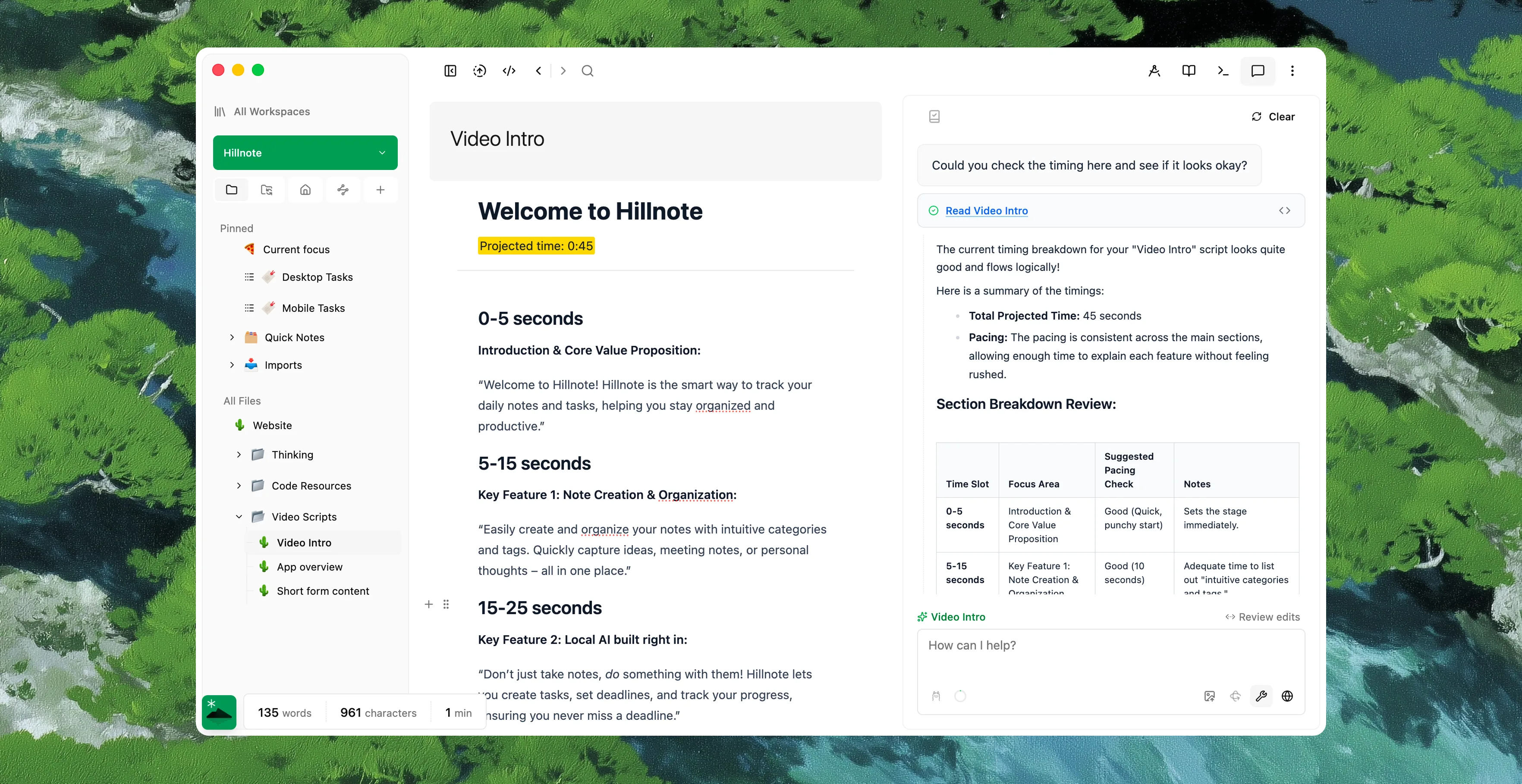
Catch the thought before it's gone.
A quicknote is one keystroke away on the desktop and one tap away on your phone — no naming, no filing, no breaking your flow. Type "/" for any block you need and keep moving. The thought lands as plain markdown, ready to shape whenever you come back to it.
Think in whatever shape the idea wants.
Some ideas are a paragraph. Some are a sketch. Some are a table of options. Think in whichever one fits — they're all the same markdown underneath.
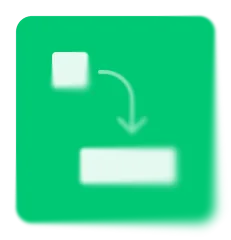
Draw it out on an infinite canvas
Sketch, diagram, and pull documents onto a spatial board when an idea only makes sense laid out side by side.
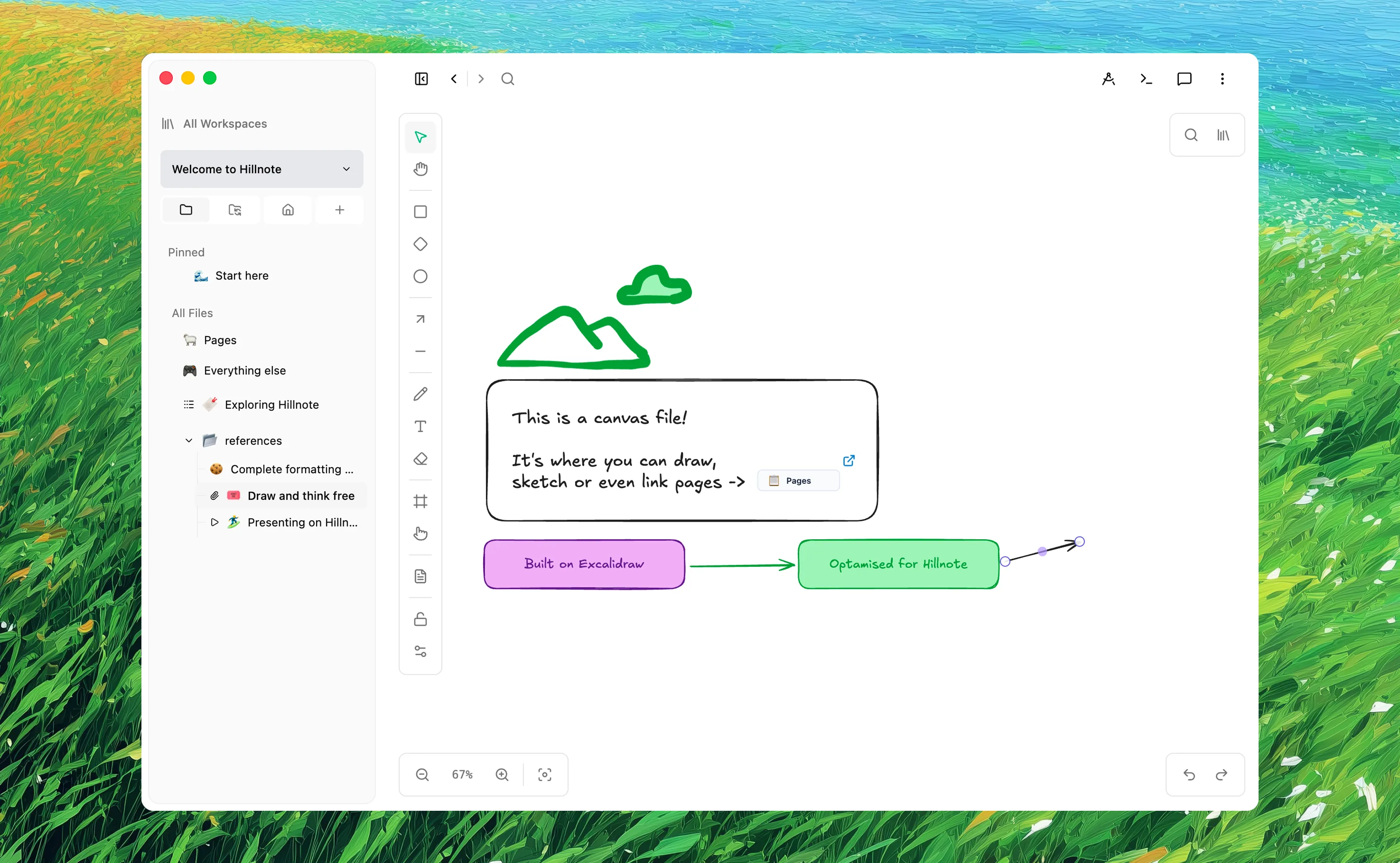

Write it long-form
A full editor for when the thought wants to be prose — headings, lists, code, and [[links]] to everything around it.

Organise your thinking
Turn a set of options into a sortable, filterable database with typed properties when you need to compare, not just write.

Pitch it as slides
Step through an argument one idea at a time — any document becomes a deck without rebuilding a thing.
A thinking partner that stays on your machine.
Apple Intelligence and Ollama models live inside Hillnote to rephrase, summarize, and poke holes in your reasoning — running on-device, so your half-formed thoughts never leave home. Auto-mode only reaches for a frontier model when you ask and you're online; small thoughts stay on the desk, big ones get the right tool.
Think it through with people — and with agents.
Point Claude or Cursor at the same folder and they draft right inside your markdown, no copy-paste. Turn on sync and collaboration and the same workspace stays in step across people and devices, so you can work an idea out together in real time — then break apart and keep your own private copy.

 Download for Mac
Everything you need to get started.
- Core editor on desktop and mobile
- Local AI via Ollama and Apple Intelligence
- Limited premium model use
- 100MB of synced storage
- Collaboration on synced workspaces

Annual plan only
Publish, automate, and bring your own keys.
- Everything in Free
- 1GB of synced storage
- Publish a workspace as a doc, blog, or site
- Up to 3 routines
- Bring your own API key

Billed monthly
For power users who lean on frontier AI daily.
- Everything in Plus
- 10GB of synced storage
- Publish up to 6 workspaces
- Custom domain mapping
- Up to 5 routines
- 20× the premium model credits of Free and Plus
Thinking questions, answered
How fast can I capture a thought?
A quicknote is a single keystroke on the desktop and a single tap on your phone — a lightweight surface for rough, unfiled notes. Think out loud, then fold it into your workspace later or throw it away. Either way it's plain markdown the moment you type it.
What formats can I think in?
Documents, an infinite canvas for sketching and arranging ideas spatially, databases for weighing options, and slides to present. Connect any of them with [[links]] and follow the graph — your thinking isn't locked into one rigid layout.
Does the AI run locally?
For in-flow work, yes. Apple Intelligence and Ollama models run on your machine for rephrasing, summaries, and brainstorming. Auto-mode only reaches for a frontier model when you ask and you're online — and you can point Claude or Cursor at the same files through MCP.
Can I think through an idea with someone else?
Yes. Turn on sync and collaboration and the same workspace stays in step across people and devices, so you can work an idea out together. Leave it off and everything stays as private markdown on your own disk.