
Pair with OneDrive
Your workspace, synced through OneDrive.
A Hillnote workspace is just a folder of plain markdown — so keep it inside OneDrive and let it sync to every device you own, with no extra service in between.
Everywhere OneDrive already is.
Drop a workspace into your OneDrive folder and it follows you to every device OneDrive runs on — the same files, kept in step by a service you already trust.


Still plain files you own.
Nothing is locked away — it's markdown in a folder. Open it in any editor, hand it to an agent, or move it out of OneDrive whenever you like.
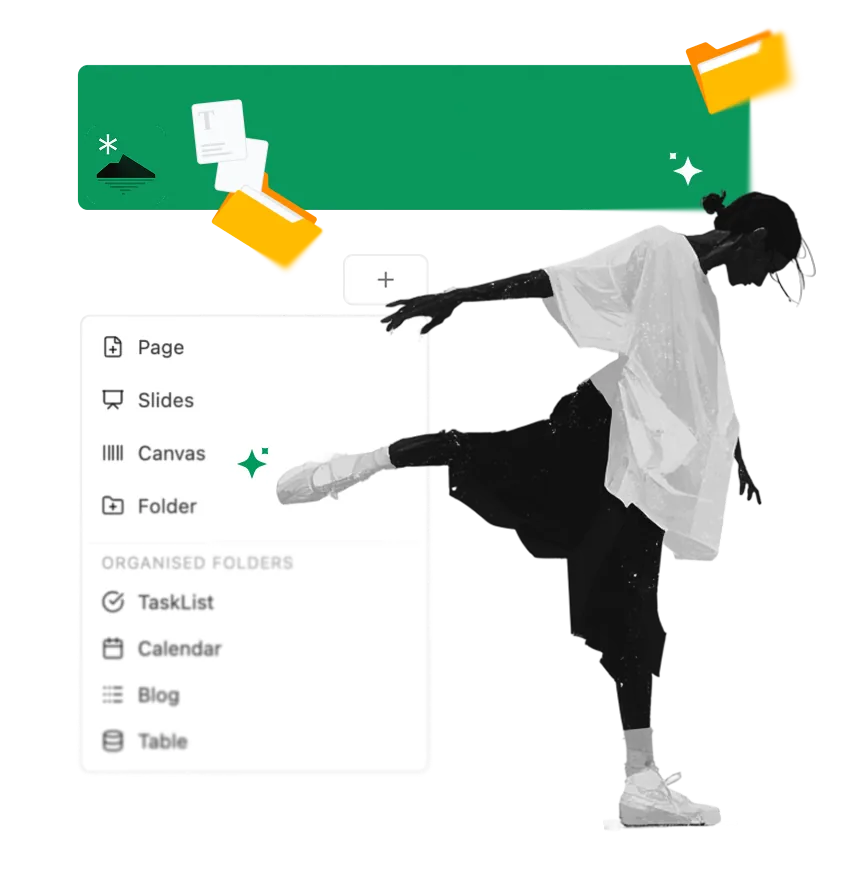
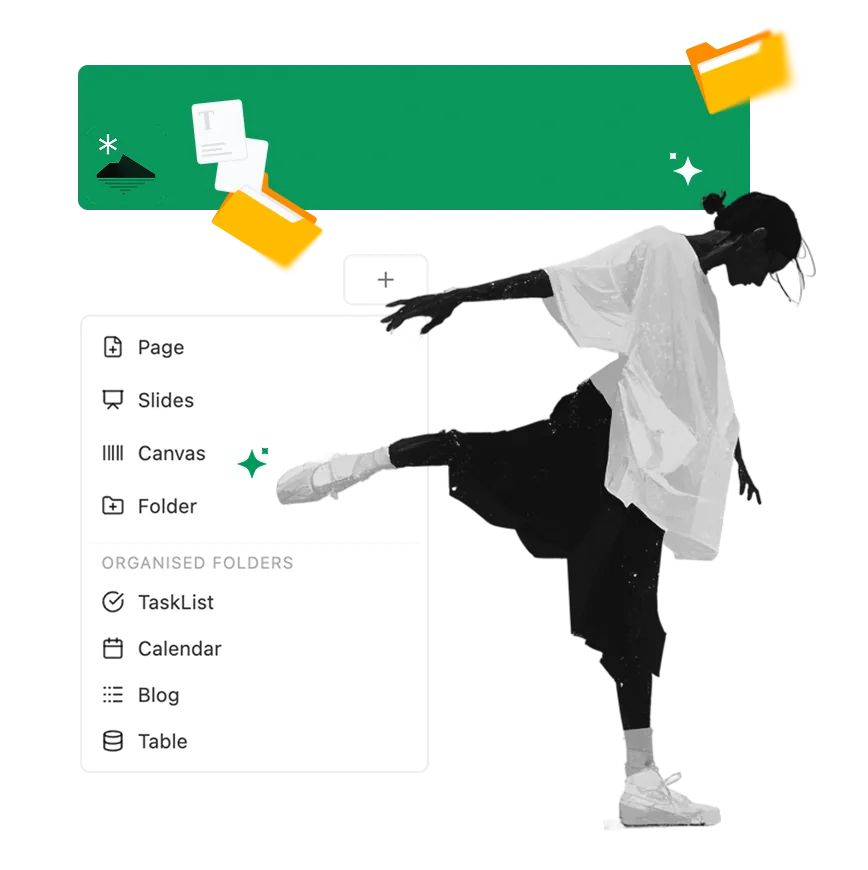
What you get with this pairing.

Sync without our servers
OneDrive moves the files between your devices — Hillnote's own sync stays optional.

Backup for free
Your provider keeps version history and an off-machine copy of the workspace as a side effect.

Portable by default
It's a folder of markdown, so you can move it out of the drive or open it in any tool, anytime.
Ways to connect OneDrive.
There's nothing to install in Hillnote — point a workspace at a folder OneDrive syncs and you're done.
OneDrive folder
Keep the workspace in a synced folder.
Install the OneDrive desktop app, then keep your Hillnote workspace inside the folder it syncs. Edits stream to every device automatically.
- 1
Install the OneDrive desktop app and sign in, so it mounts your OneDrive folder on your machine.
- 2
Create or move a Hillnote workspace into a folder inside your OneDrive folder.
- 3
Open that workspace in Hillnote from its path in OneDrive — edits sync to every device through OneDrive.

OneDrive questions, answered
How does OneDrive keep my workspace in sync?
Because a workspace is a folder of plain markdown, OneDrive treats it like any other folder — when you keep it inside the synced location, your provider copies changes to every device you're signed in on. Hillnote just opens the files.
Do I need Hillnote's own sync too?
No. Using OneDrive for syncing is an alternative to Hillnote's built-in sync — pick whichever you prefer. You can also keep some workspaces local-only.
Is my workspace still portable?
Completely. It stays plain markdown in a folder, so you can move it out of OneDrive, open it in another editor, or hand it to an agent at any time.
What about edit conflicts?
Avoid editing the same document on two devices at once before OneDrive has finished syncing. As with any synced drive, give it a moment to settle and your provider will reconcile the folder.