1,063 words • 1,448 tokens • 4 minute read
Sometimes you need space to think without the noise.
Switch off every model and Hillnote is still a complete workspace. No account, no network, nothing reaching out anywhere — just a quiet place to write, lay your thinking out, and find your way back through it.
Write
A clean place to write.
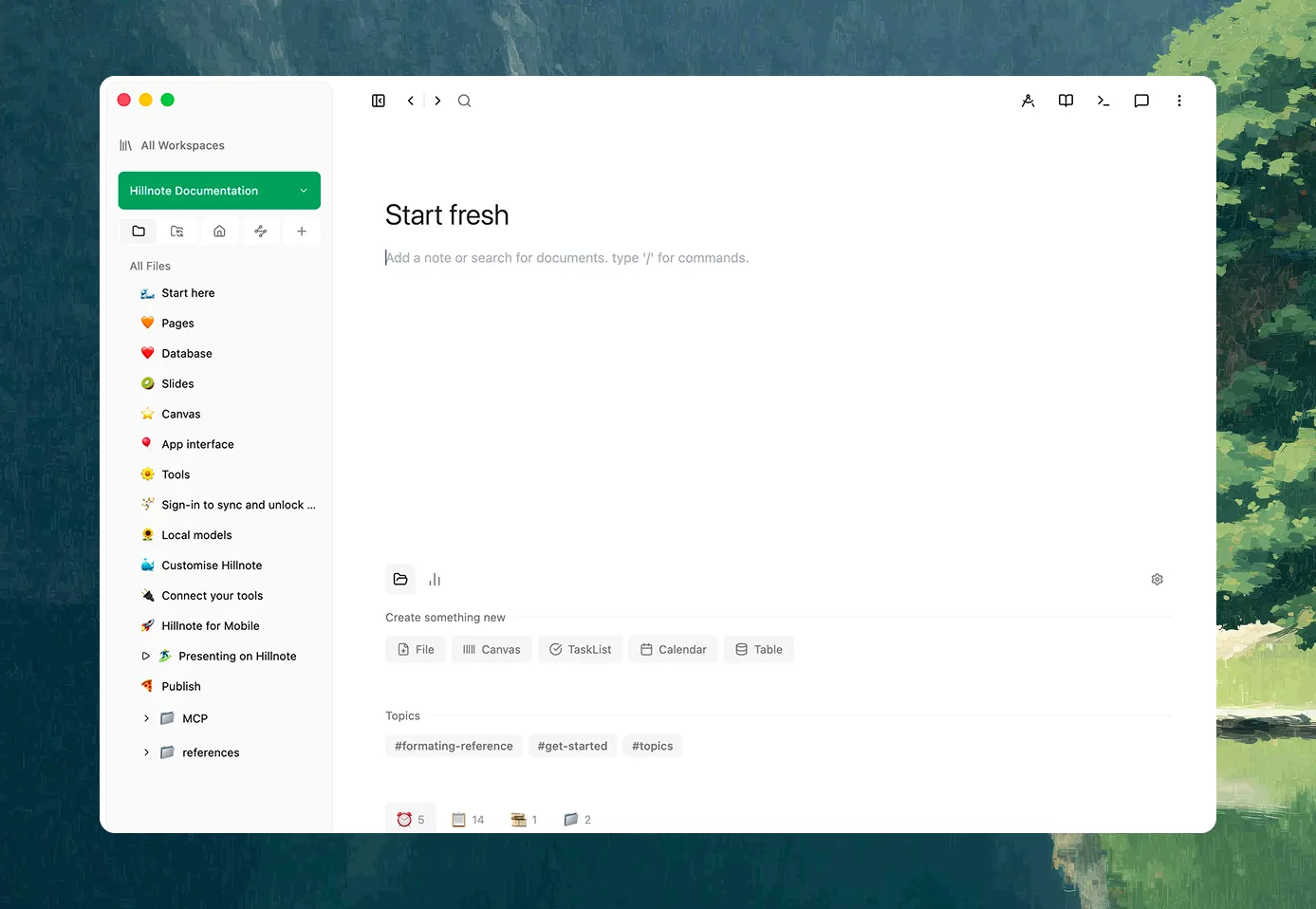
Open a document and there's just the page. A full editor underneath — headings, tables, code, math, callouts — but nothing blinking for your attention. You write, and the interface gets out of the way and stays there.
Catch a thought the moment it lands.
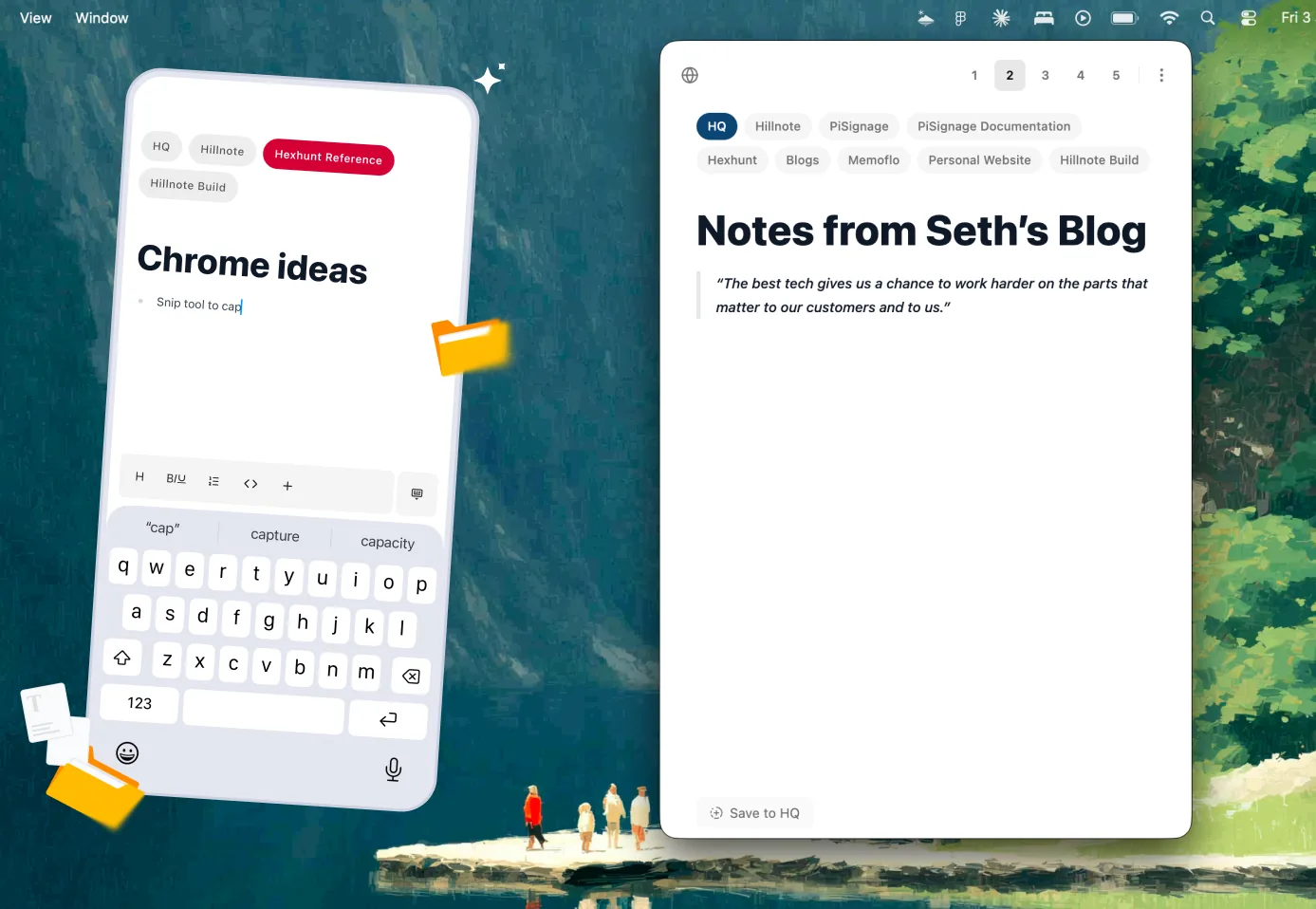
A quicknote is one keystroke away on the desktop and one tap away on your phone — no naming, no filing, no breaking your flow. Type "/" for any block you need and keep moving. The thought lands as plain text, ready to shape whenever you come back to it.
Room to spread out.
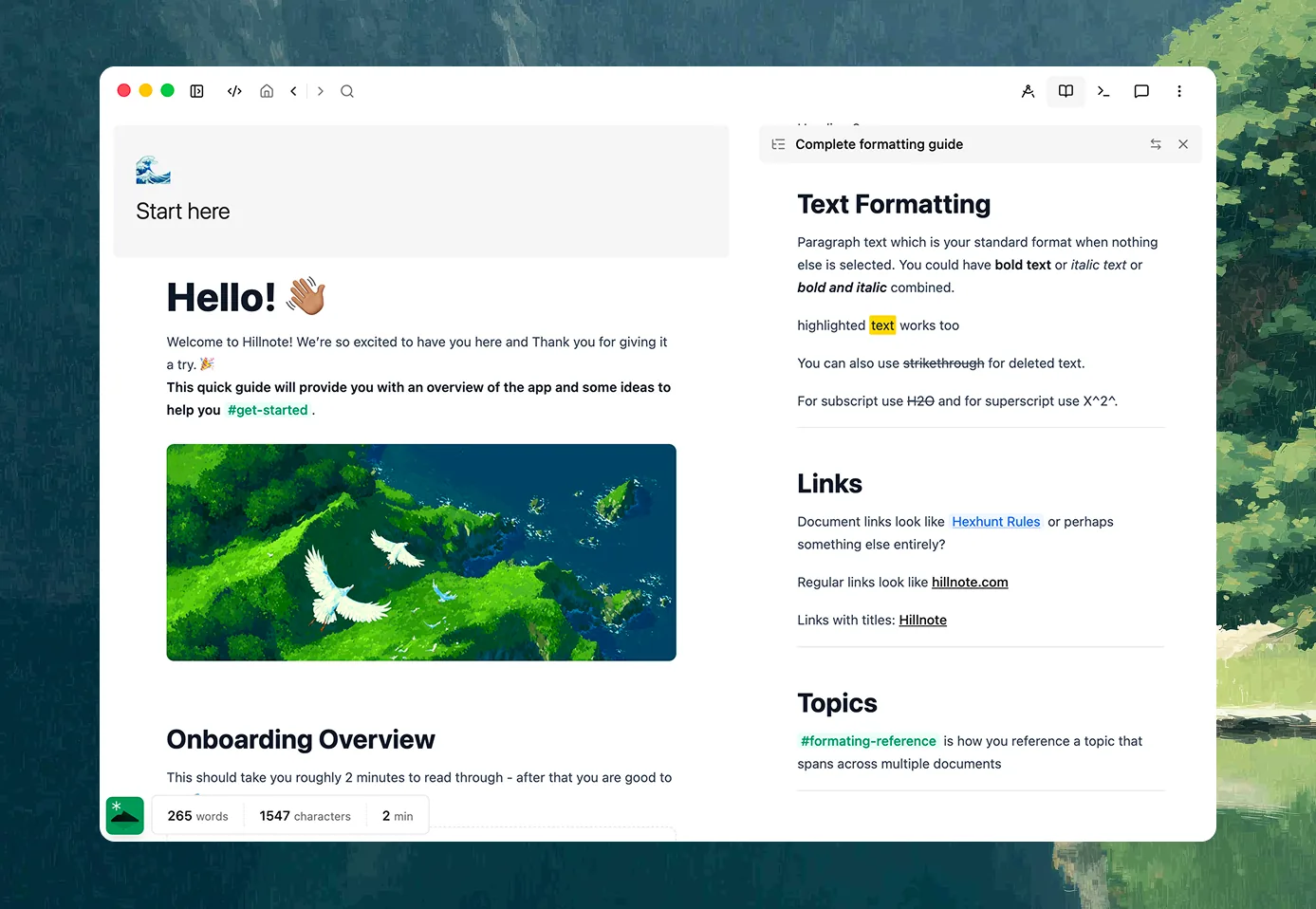
Put two documents side by side and draft from one into the other. Split the editor, keep a cluster of notes open in tabs, pull a window onto a second screen. The whole shape of a problem can sit in front of you at once.
Shape it any way the work wants
Every format, one folder.
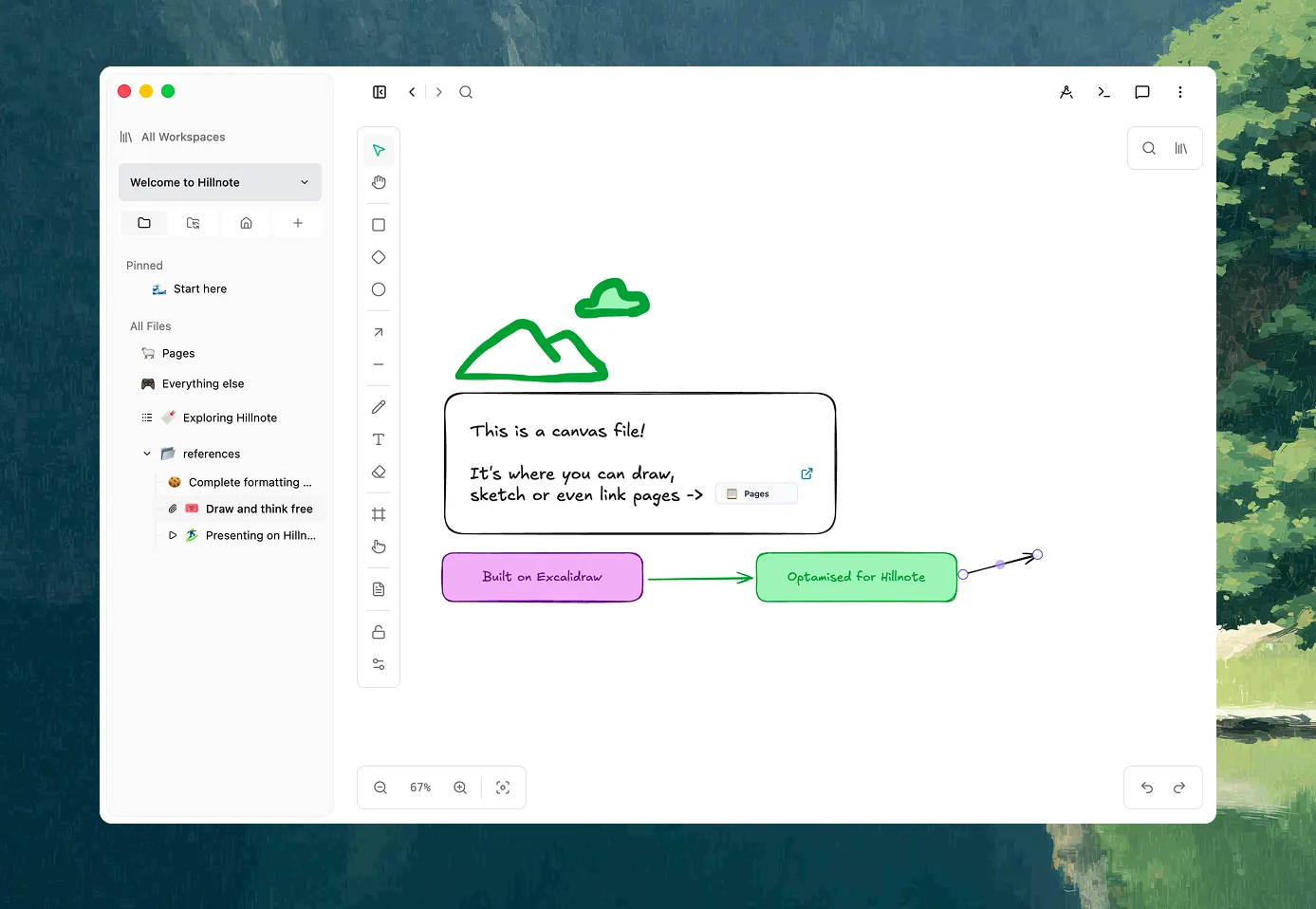
Documents, databases, an infinite canvas — each one is just a markdown file in the folder you chose. Sketch on a board when an idea only makes sense laid out in space; switch a set of notes into a sortable, filterable table when you need to compare. Same files underneath, whichever shape fits.
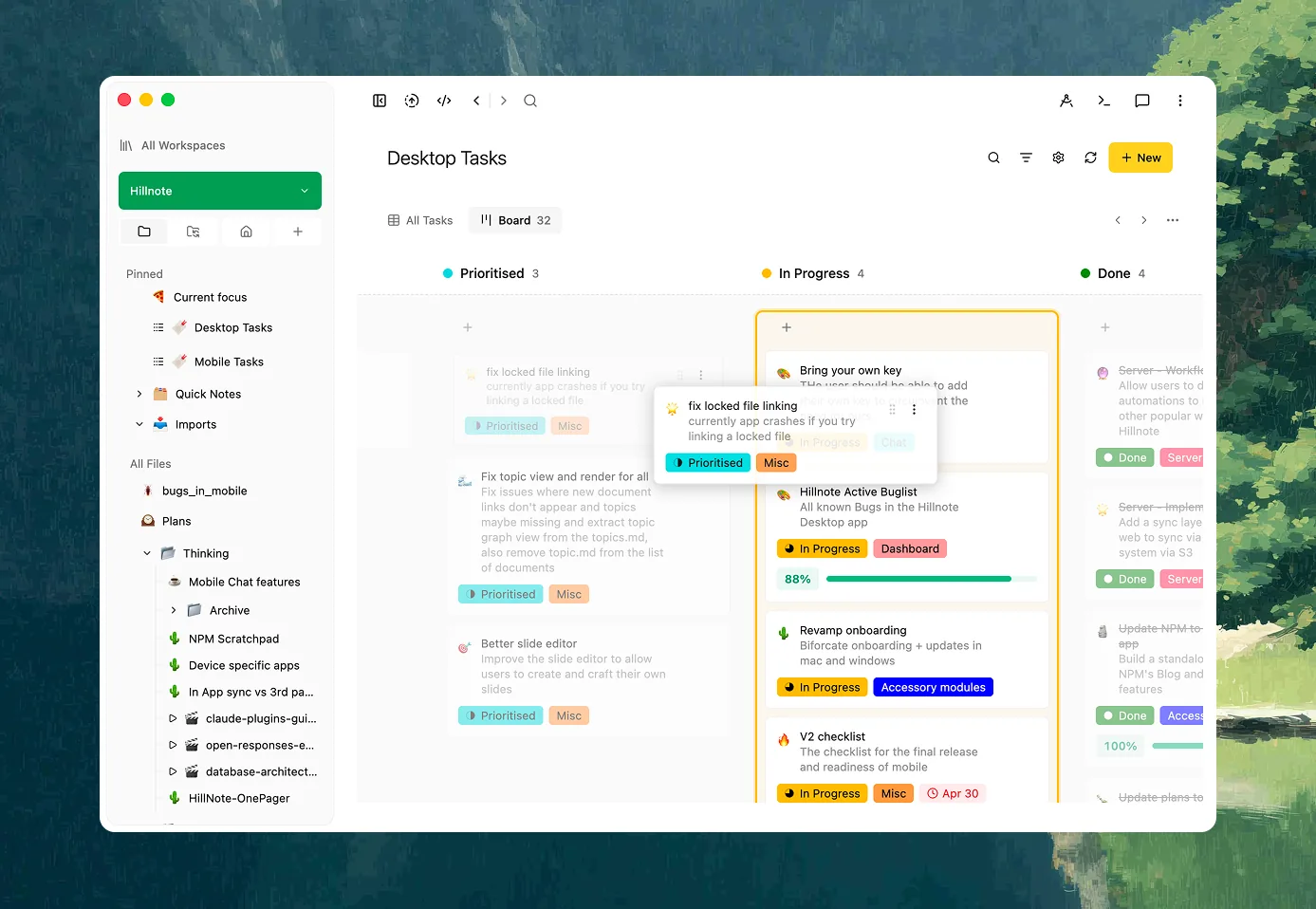
Plan it on a board.
Drag work across a kanban board, break it into nested checklists, or drop anything with a date onto a month or week view. Standing tasks can repeat on their own. Your plan sits on the same files as the work it's about, so the two never drift into separate apps.
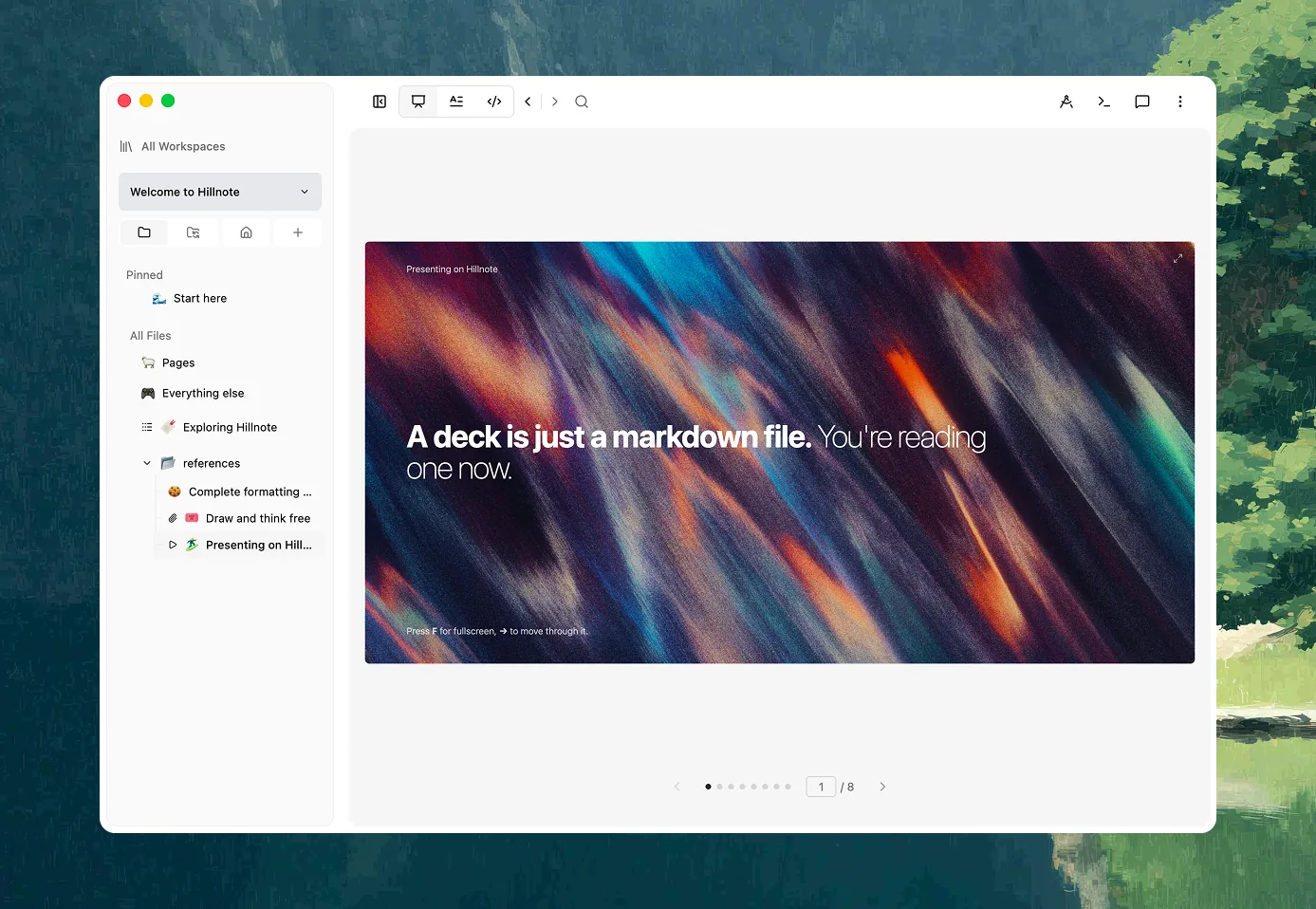
Step through it as slides.
Turn any document into a deck and walk through it one idea at a time — to teach a topic back to yourself, review before a test, or present without rebuilding a thing. The slides are just another view of the same markdown.
Find your way back
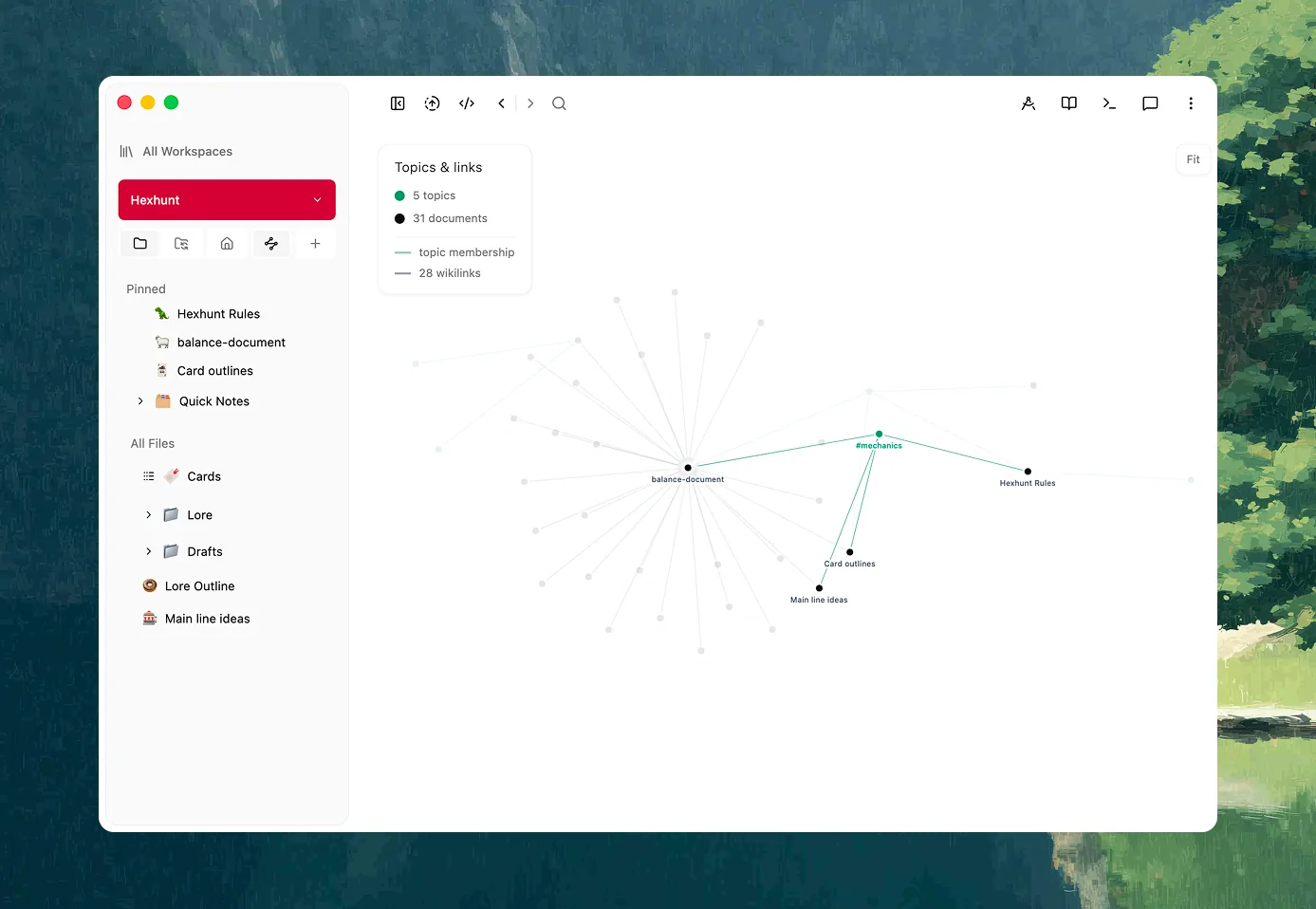
See how it all connects.
Link documents the way you'd link a wiki, and every page quietly shows what points back at it. Step back and the graph draws the shape of what you know — the clusters, the bridges, the notes you left stranded. And when you already know the words you're after, full-text search drops you straight onto the note — instant, and entirely offline.
Keep it yours
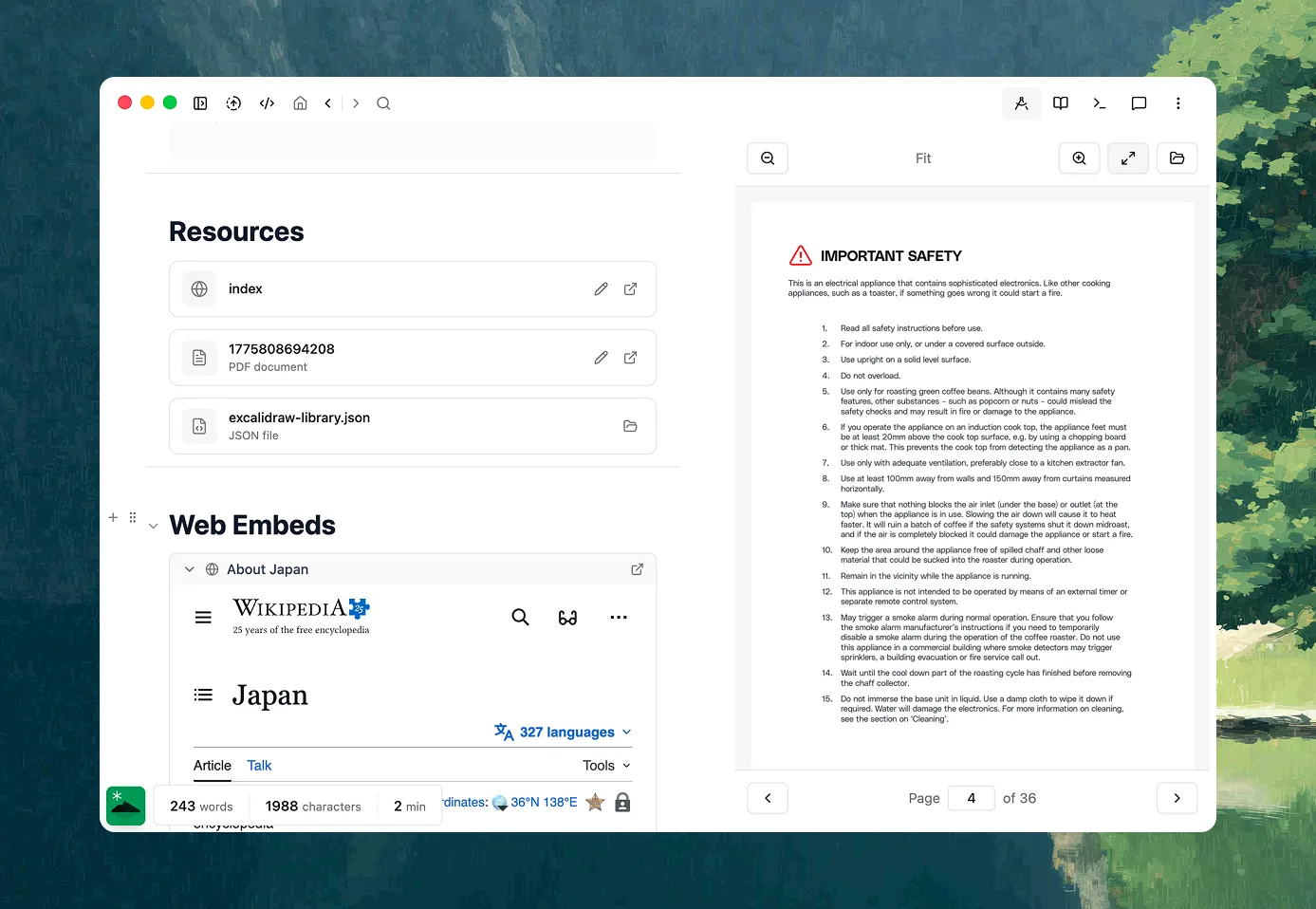
Bring your old work in.
Pull in PDFs, Word documents, and web pages and they arrive as clean markdown, sitting in the same folder as everything else. Notes from somewhere you've outgrown join the workspace instead of being stranded in a format you can't reach.
Everything stays on disk, nothing reaching out.
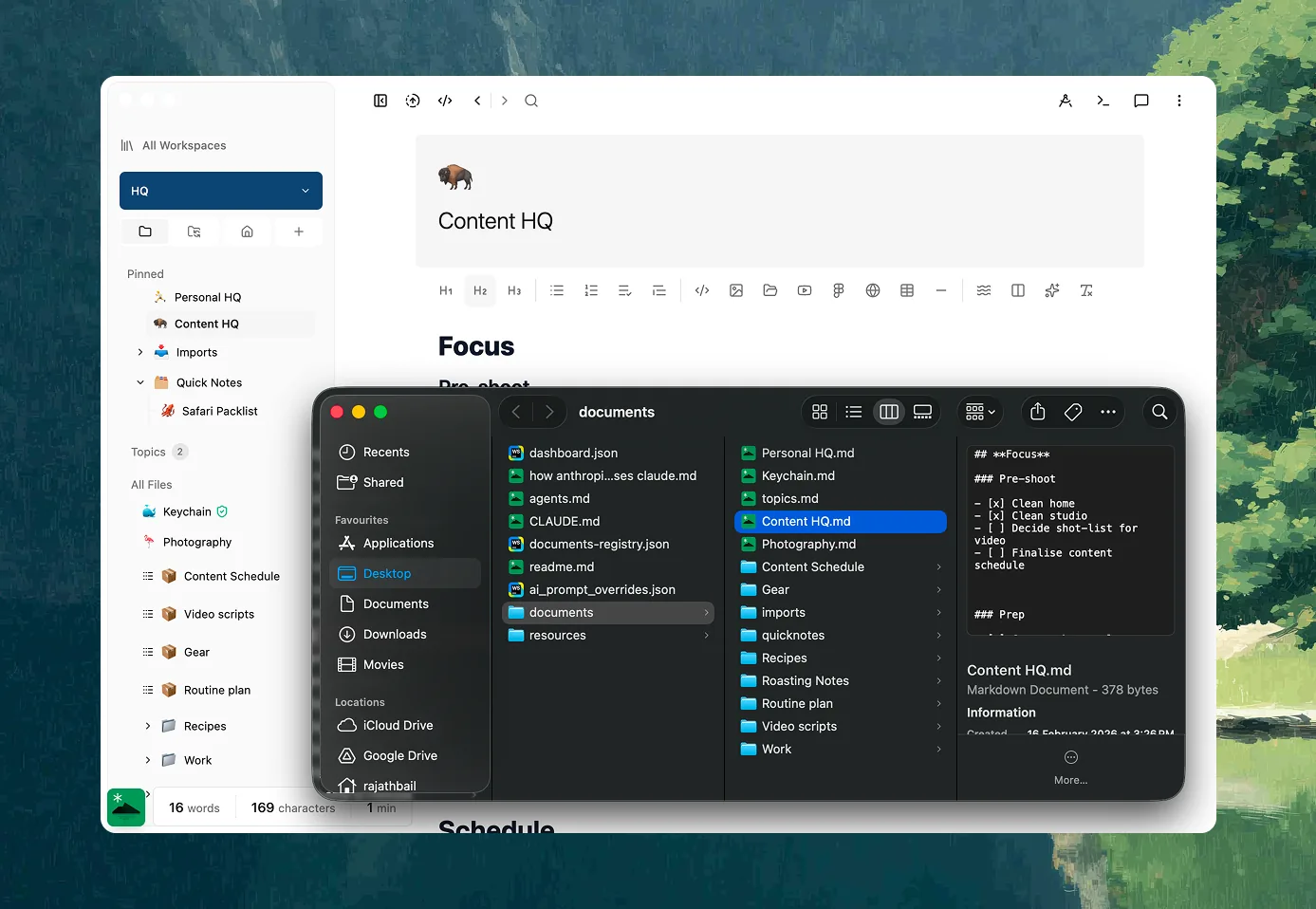
Every document is a plain markdown file in a folder you picked — open it in Finder, version it with git, back it up with Time Machine, read it in any other app. Nothing is locked in a proprietary store, and with models off, nothing leaves your machine at all.
Yours to share, when you want
It's a switch, not another app.
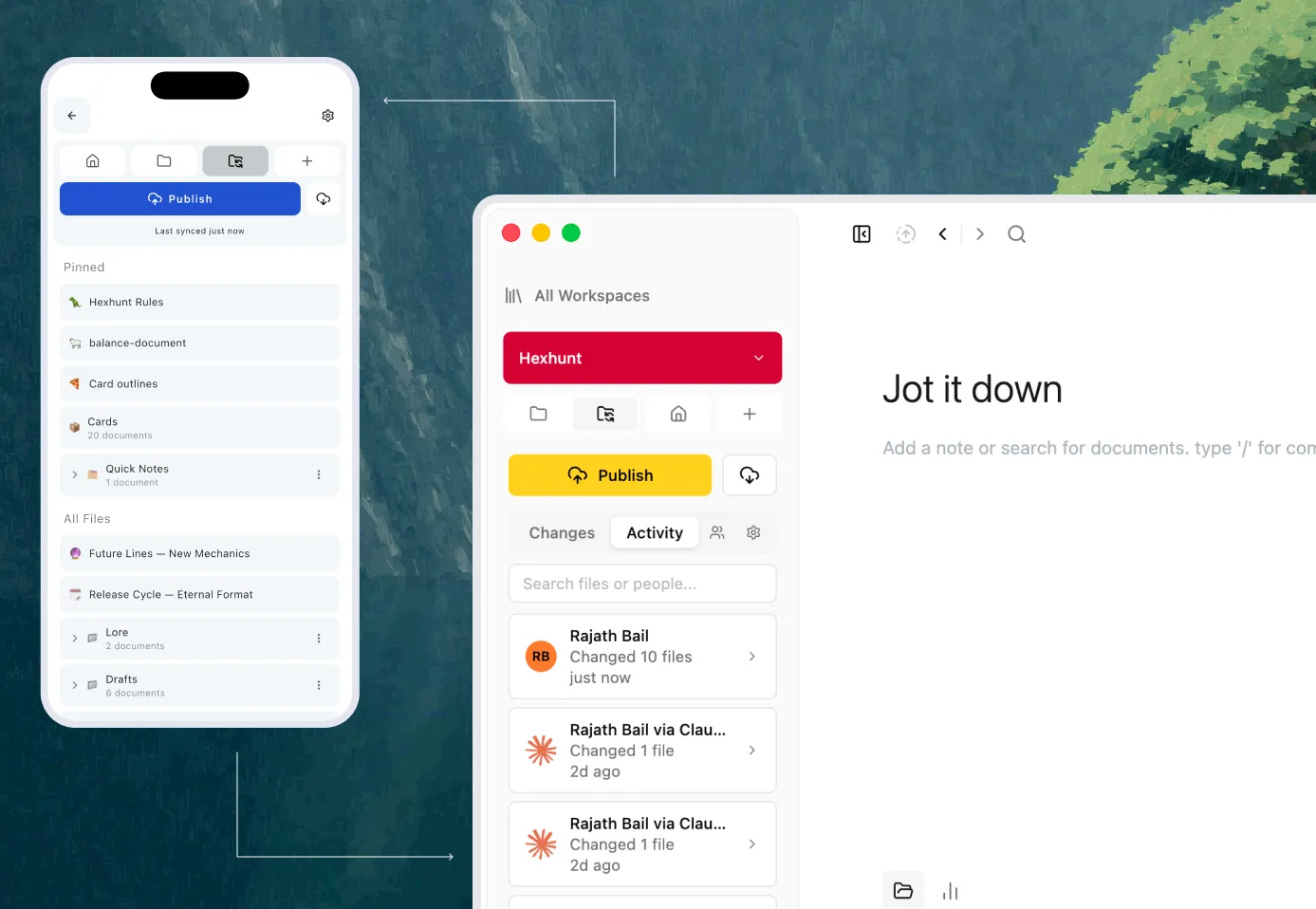
Local-first is the default, not a limit. Turn on sync and the same workspace follows you across devices; invite someone and you can work the same files in real time; publish a workspace as a doc, wiki, or site when something's worth passing on. All of it stays off until you reach for it — flip it back and you're right back to a quiet folder on your own disk.
Hillnote is just a great place to think.
AI is a feature here, not the foundation. The workspace works for you — with or without it. See how AI fits in if you're curious, or just start writing.