Just Browsing away

Just Browsing away
We’re super excited to announce the introduction of a dedicated browser is the sidebar within Hillnote. Inspired by the likes of Cursor, Claude, etc - the Browser is a significant step towards assisting tasks like Research, Multitasking, Ideation and more within Hillnote!
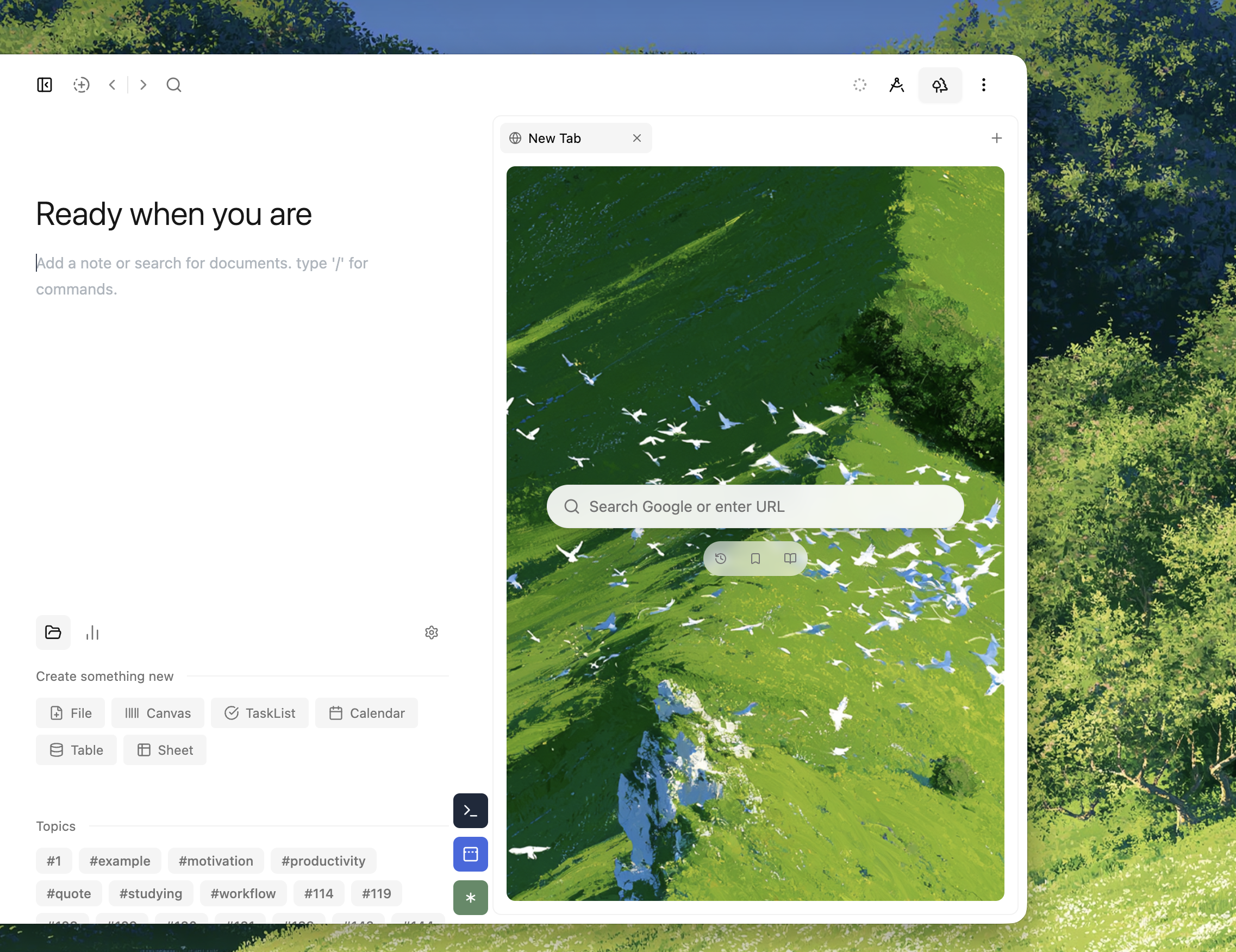
To open the browser click on the 🌲 icon. I know, I know - Why not the obvious? Why not the “🌐” icon? Well this is Hillnote and I thought a more fun metaphor for the internet would be about exploring the forests. Gathering resources and returning to your page. That and the fact that trees look a lot more fun than a globe.
The notepad with a browser!
The team did find that this form factor of having a notepad right next to the browser helped maintain focus and make it easier to work through tasks like research and brain storming.
While I’m sure there’s a lot for us to find out - Since getting back into the Pokemon TCG, the browser paired with hillnote was excellent as I crafted my 60 card decks.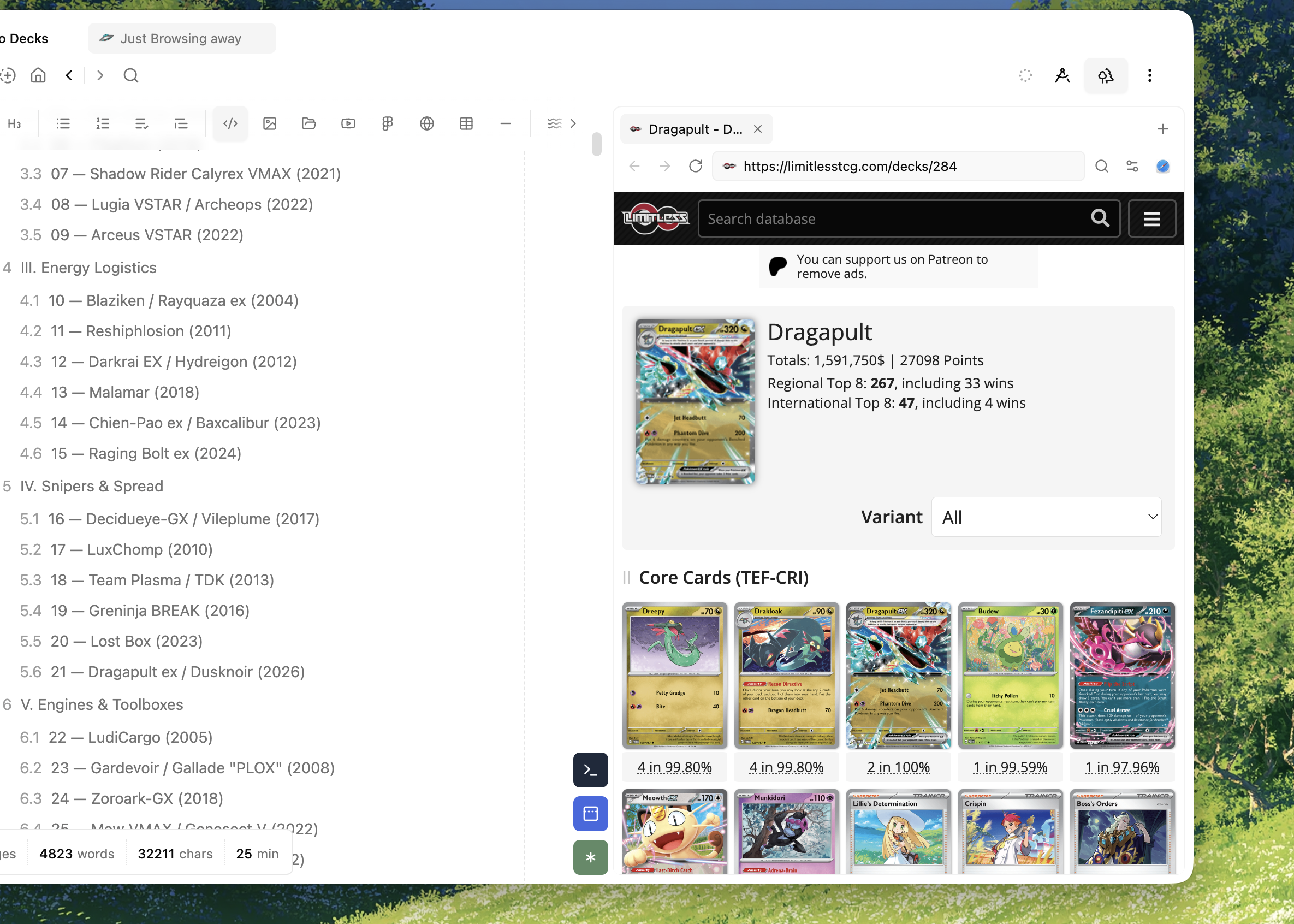
What works
The browser supports the main things you’d expect of a browser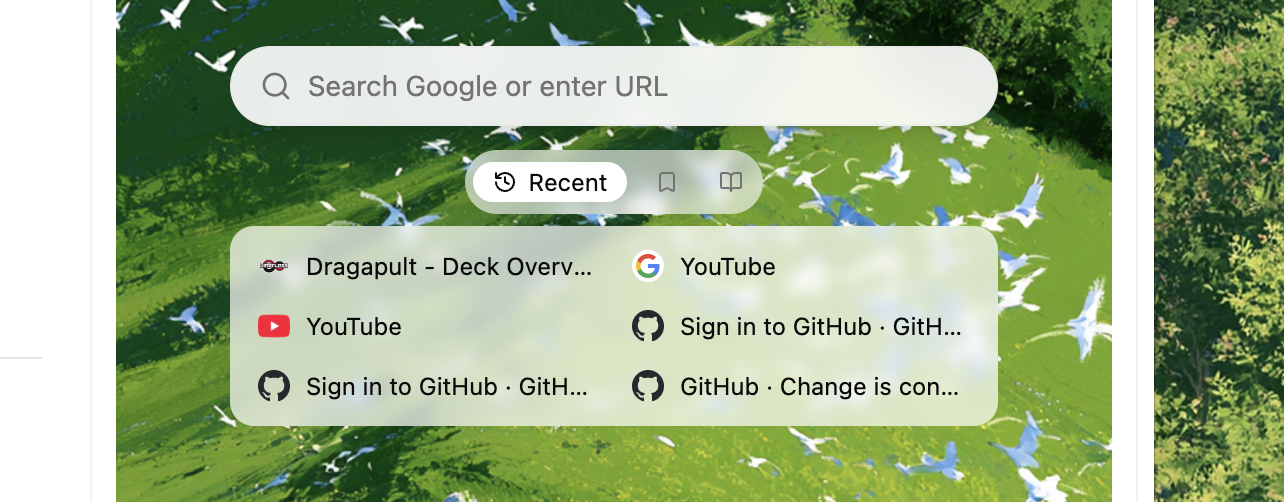
- Browsing history
- Bookmarks
- Reading lists
- Cache and local storage
- Tabs
- Search
- Basic sign-in functions with secure storage (Except a few accounts like Google)
And more!
What doesn’t
As of now google sign in does not work since this is a sandboxed browser. For security reasons google and a few other providers restrict the type of browsers that allow you to sign into your accounts.
If you have any suggestions, feature requests or feature rants - please do let us know via discord or our email ID. We read every single one! 🫰🏼
With 👾
Rajath at Hillnote.com